Prompts de IA
30 prompts de Claude para programar que los desarrolladores sí reutilizan
Transforma imágenes existentes en arte creativo fresco con IA.
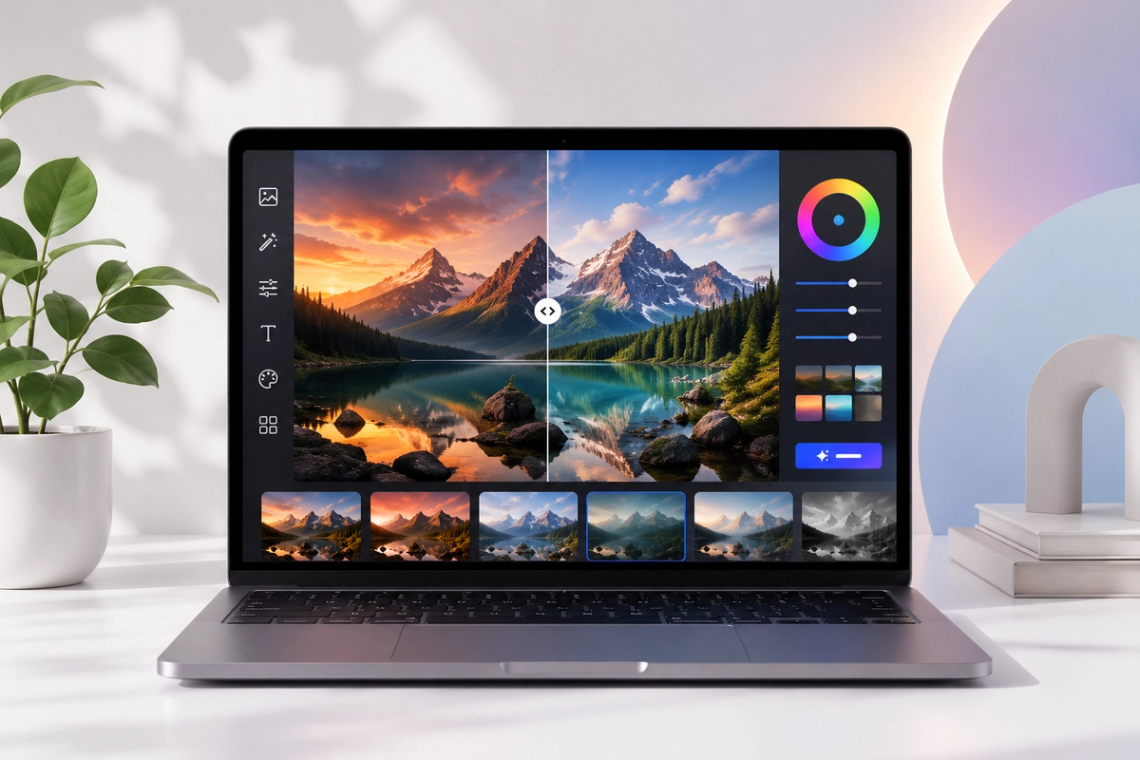
Reimagina tus fotos sin esfuerzo con nuestro potente Generador de Imágenes con IA. Sube cualquier imagen existente, proporciona un prompt de estilo y observa cómo Chat Smith transforma el material de origen en una composición artística completamente nueva mientras mantiene la estructura y esencia originales. Perfecto para rediseñar conceptos, experimentar con estilos artísticos o convertir borradores en imágenes de alta gama, nuestra herramienta abre infinitas posibilidades creativas.
Pruébalo ahora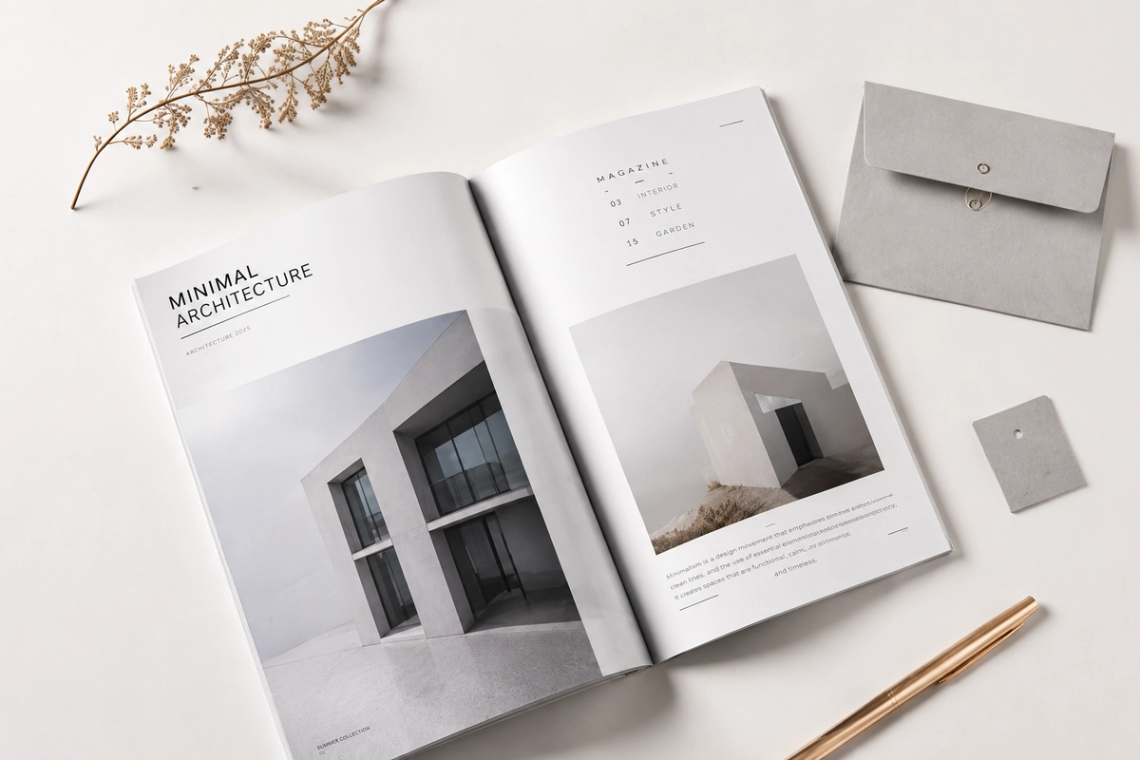
Logra resultados profesionales con tecnología de transferencia de estilo que respeta la composición original. Nuestro generador analiza cuidadosamente las formas, la profundidad y el diseño de tu imagen de origen para garantizar que la nueva versión se sienta sólida y consistente. Ya sea que estés aplicando un estilo de pintura al óleo clásica a una foto moderna o convirtiendo un boceto en una pintura digital detallada, los resultados conservan la estructura subyacente que necesitas.
Pruébalo ahora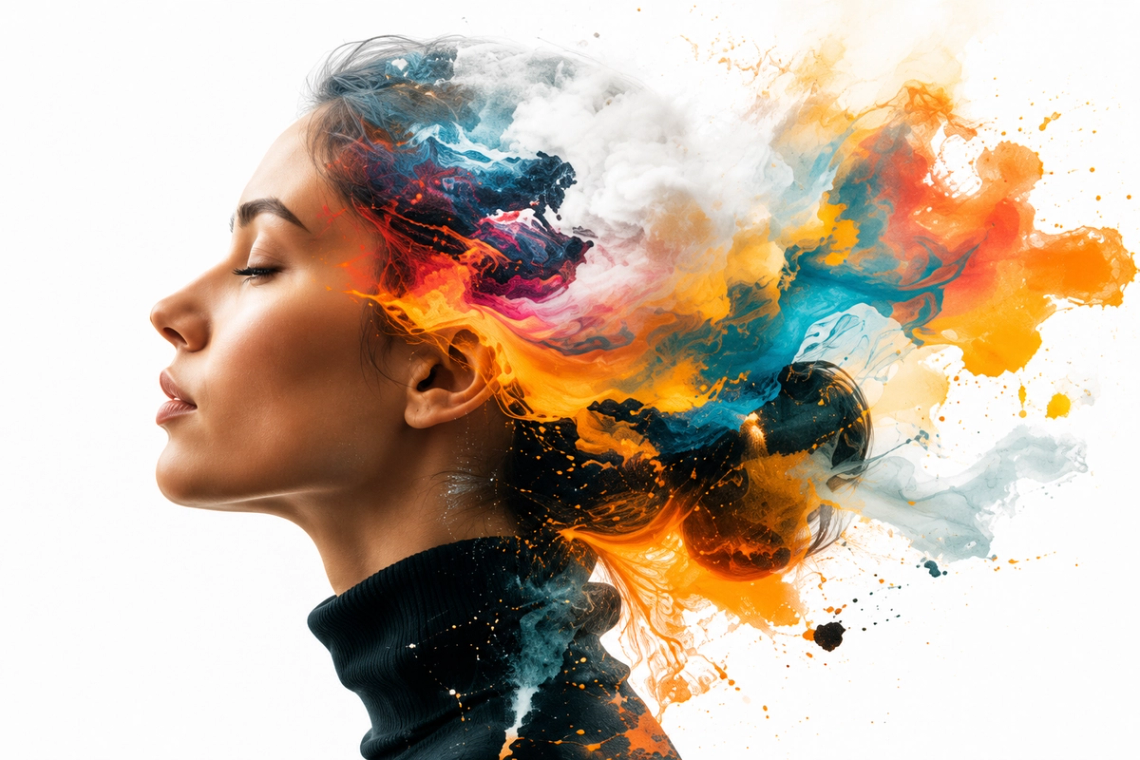
Experimenta con una gama ilimitada de transformaciones creativas. Nuestra herramienta te permite iterar a través de diversas opciones estéticas (desde renders hiperrealistas y arte conceptual hasta animaciones estilizadas y períodos de arte clásico) con facilidad. Tienes control total sobre el proceso creativo, lo que te permite refinar tu narrativa visual ajustando la intensidad del estilo y la influencia del prompt para lograr la estética exacta que imaginas.
Pruébalo ahora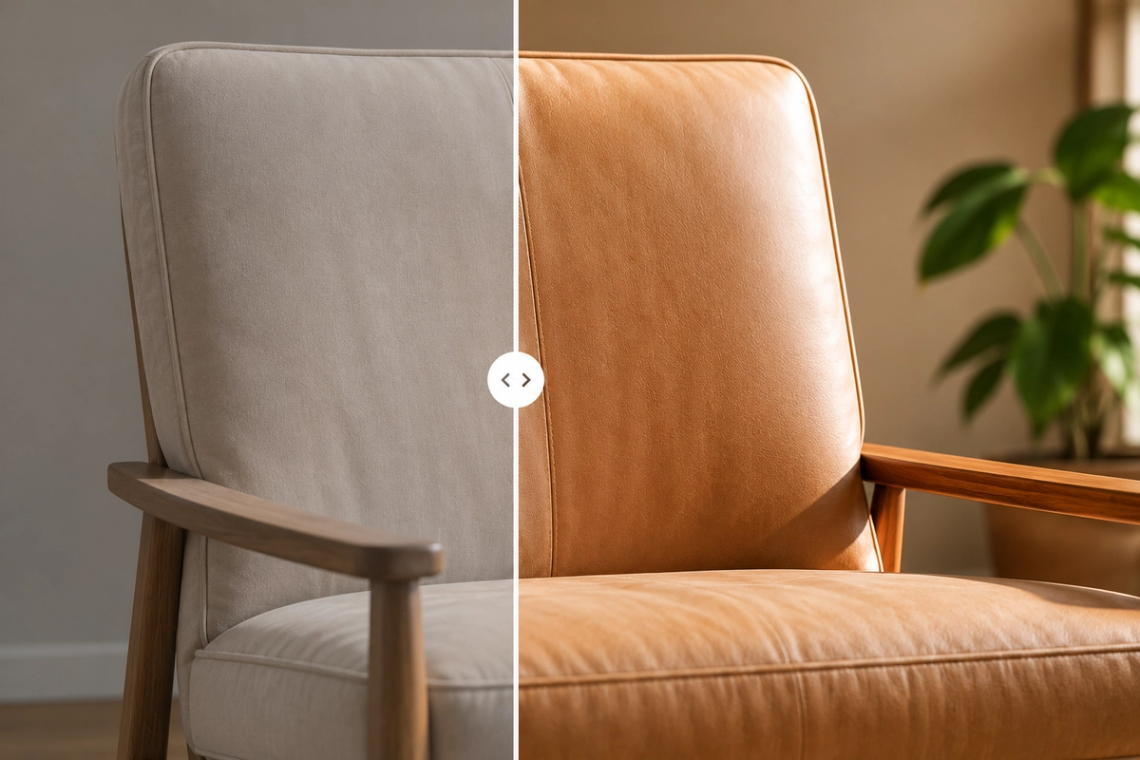
Crear la imagen perfecta a partir de imágenes fuente es simple con nuestra herramienta de refinamiento inteligente incorporada. Si no estás seguro de cómo lograr un aspecto específico, nuestro sistema enriquece automáticamente tus entradas básicas con terminología artística profesional y descriptores de iluminación. Al expandir de manera inteligente tus datos de origen, Chat Smith garantiza que la IA comprenda tus requisitos específicos, resultando en resultados más precisos y visualmente atractivos.
Pruébalo ahora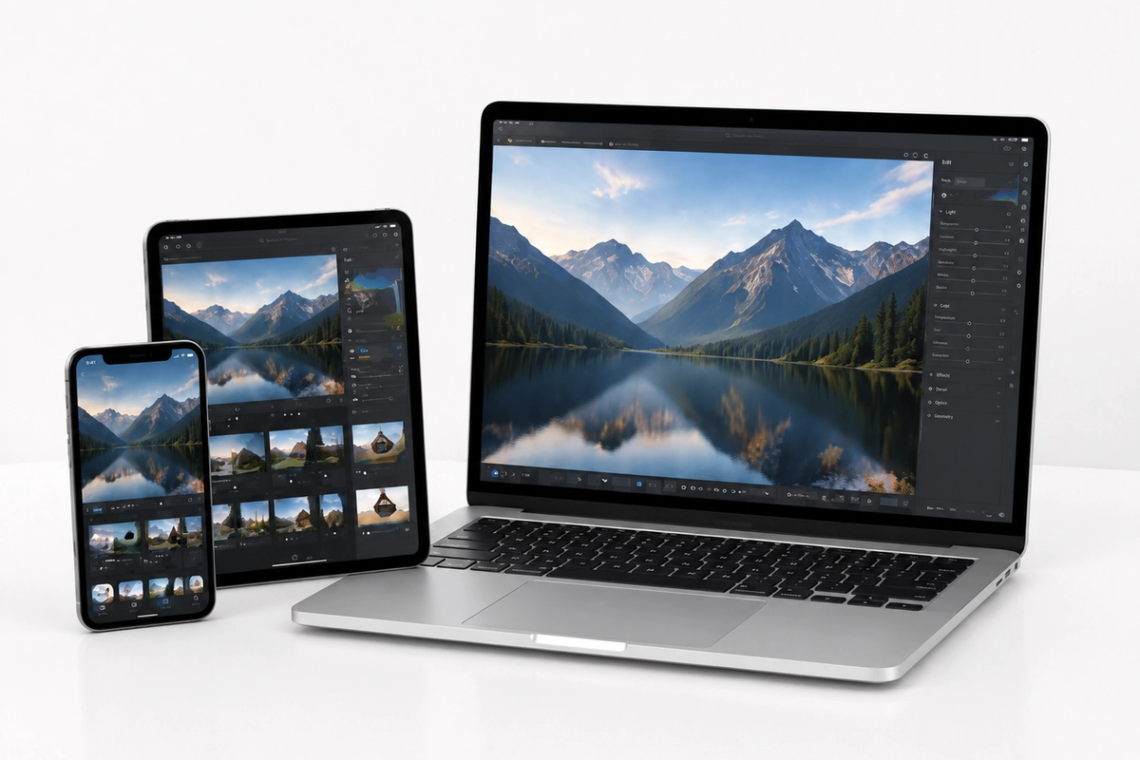
Disfruta de la libertad de refinar tu contenido visual desde cualquier lugar con nuestra aplicación multiplataforma totalmente receptiva. Ya sea que estés agregando detalles finales a una ilustración en tu escritorio o creando variaciones de estilo rápidas en tu tableta mientras viajas, Chat Smith proporciona una experiencia perfectamente sincronizada. Genera, edita y exporta tus activos visuales de alta resolución en todos tus dispositivos para un flujo de trabajo ininterrumpido.
Desde modelos de IA de vanguardia hasta flujos de trabajo de imágenes flexibles, Chat Smith te brinda un mayor control creativo.
Cambia entre los modelos de imagen de IA líderes según tus diferentes necesidades creativas.
Explora las estéticas en tendencia y los estilos visuales recién lanzados.
Sube imágenes en diferentes tamaños, formatos y orientaciones.
Genera prompts más completos automáticamente para obtener resultados de mayor calidad.
Desde prompts de texto hasta obras de arte terminadas, Chat Smith hace que sea fácil crear, editar y transformar material visual de alta calidad en solo unos pocos clics.
Introduce un prompt de texto o sube imágenes de referencia. Describe el sujeto, estilo, estado de ánimo o concepto visual que deseas crear.
Elige GPT Image 2.0 o Nano Banana Pro y deja que Chat Smith transforme tu prompt en imágenes de alta calidad generadas por IA.
Ajusta los prompts, sube referencias adicionales o crea variaciones hasta obtener la imagen perfecta lista para usar en cualquier lugar.
Accede a un catálogo de herramientas en constante evolución para escribir, crear, hacer lluvia de ideas y trabajar de forma inteligente, llevando tu productividad al siguiente nivel.
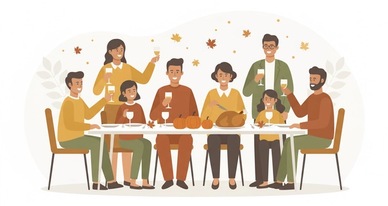

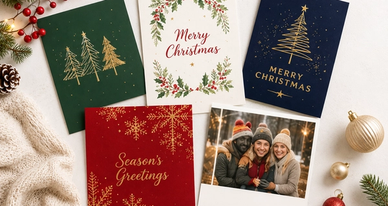
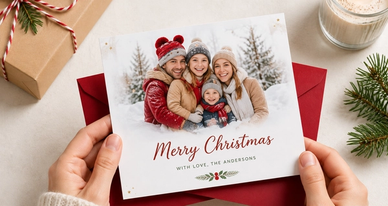
La herramienta Imagen a Imagen de Chat Smith es una función con IA que transforma una imagen existente en una nueva visual aplicando un estilo artístico, estética o transformación creativa diferente. Sube cualquier foto u obra de arte y conviértela en un nuevo estilo — pintura al óleo, anime, caricatura, boceto, arte fantástico o cualquier dirección creativa que elijas.
Sube tu imagen fuente y describe la transformación visual que quieres con texto — por ejemplo, "convertir a estilo de pintura al óleo," "hacerlo parecer una ilustración en acuarela," o "transformar en anime." La IA analiza tu imagen y genera una nueva versión que refleja el estilo solicitado preservando la composición y los elementos visuales clave originales.
Chat Smith soporta conversión de fotos a pinturas, foto a boceto, foto a anime, foto a caricatura, realista a fantasía, mejora y estilización de fotos, reemplazo de fondos, transferencia de estilo artístico, transformación de paleta de colores y cambios de mood en cualquier imagen.
Sí. Sube tu foto y especifica un estilo de pintura — óleo, acuarela, acrílico, impresionista u otro medio artístico — y Chat Smith transforma la imagen en una obra pictórica de alta calidad que captura el contenido mientras aplica la estética de pintura seleccionada.
Sí. La herramienta Imagen a Imagen de Chat Smith es muy efectiva para convertir fotos realistas en retratos estilo anime, ilustraciones de caricatura, arte de manga, personajes chibi y una amplia gama de estilizaciones. Solo describe el estilo artístico objetivo en tu prompt después de subir la imagen.
Sí. Puedes subir una ilustración, arte digital o diseño existente y pedirle a Chat Smith que lo reinterprete en un estilo visual diferente, paleta de colores o medio artístico. Útil para explorar múltiples direcciones creativas desde una sola obra base.
La herramienta está diseñada para retener la composición principal, el tema y los elementos visuales clave de la imagen fuente mientras aplica el nuevo estilo. El equilibrio entre preservación de contenido y transformación estilística puede influirse con qué tan específicamente describas el resultado deseado.
La función Imagen a Imagen de Chat Smith usa modelos avanzados incluyendo GPT Image 2.0 y Nano Banana Pro, optimizados para transformación de imágenes fiel al estilo, renderizado basado en referencia, estilización preservando contenido y traducción imagen-a-imagen de alta fidelidad.
Sí. Las funciones principales de transformación son gratuitas. Los planes premium incluyen imágenes de mayor resolución, procesamiento más rápido, presets de estilo adicionales, transformación en lote y modelos avanzados.
Sí. La herramienta es útil para flujos de trabajo profesionales incluyendo exploración de estilos, desarrollo de conceptos, prototipado de dirección artística, visualización de identidad de marca, estilización de fotos de productos y creación de arte digital.
Sube una imagen fuente clara y de alta calidad con buena iluminación y composición. Describe el estilo objetivo específicamente — incluyendo estilo artístico, medio, dirección de color, mood y elementos a enfatizar o reducir.
En la mayoría de los casos sí. Las imágenes transformadas pueden usarse para marketing, branding, productos digitales, contenido editorial, merchandise y proyectos creativos. Los derechos pueden variar según la propiedad de la imagen fuente y el modelo usado. Verifica el cumplimiento con los términos aplicables.
Todo lo que necesitas para impulsar tus proyectos está al alcance de tu mano.