
AI Prompt
45 AI Logo Prompts for Unique Brand Designs
Convert simple sketches or ideas into finished digital art.
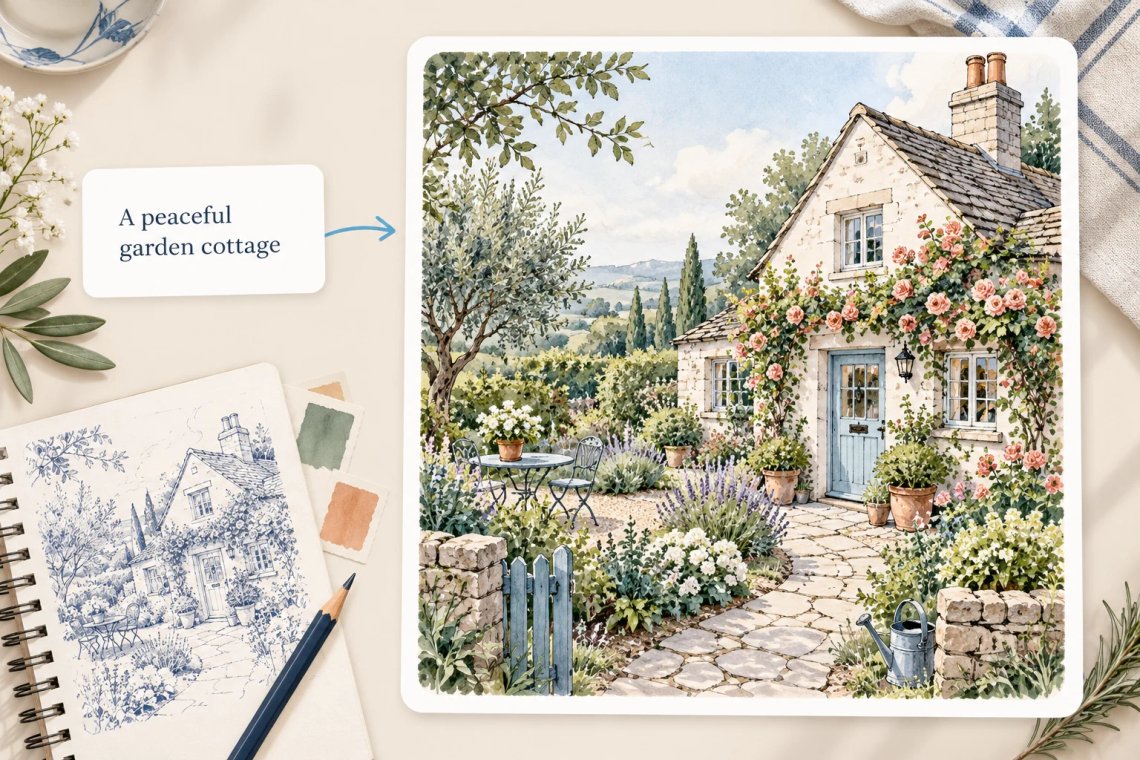
Bring your sketches and creative ideas to life with our powerful AI Drawing Generator. Whether you are a professional artist seeking inspiration, a designer sketching wireframes, or a student visualizing concepts, Chat Smith transforms your basic drawings and text descriptions into stunning, finished digital art in seconds. Bypass the tedious manual rendering process and unlock your artistic productivity by turning rough drafts into high-quality illustrations, concept art, and complex digital paintings instantly.
Try Now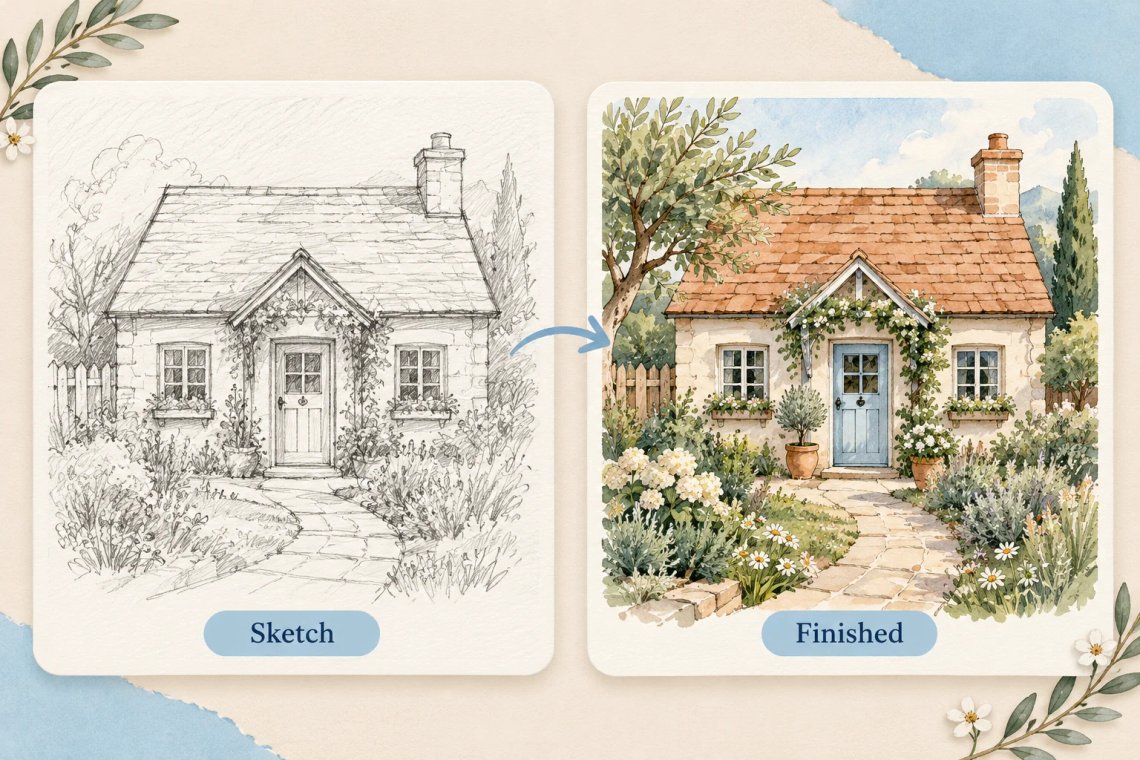
Experience the magic of turning a simple pencil sketch into a vibrant, fully rendered digital masterpiece. Our AI Drawing Generator analyzes your line work, shapes, and composition to apply color, shading, and intricate textures that align with your artistic intent. This tool is perfect for concept artists and illustrators who need to quickly iterate on their initial drafts or convert messy, hand-drawn wireframes into clean, polished visuals for professional projects and portfolios.
Try Now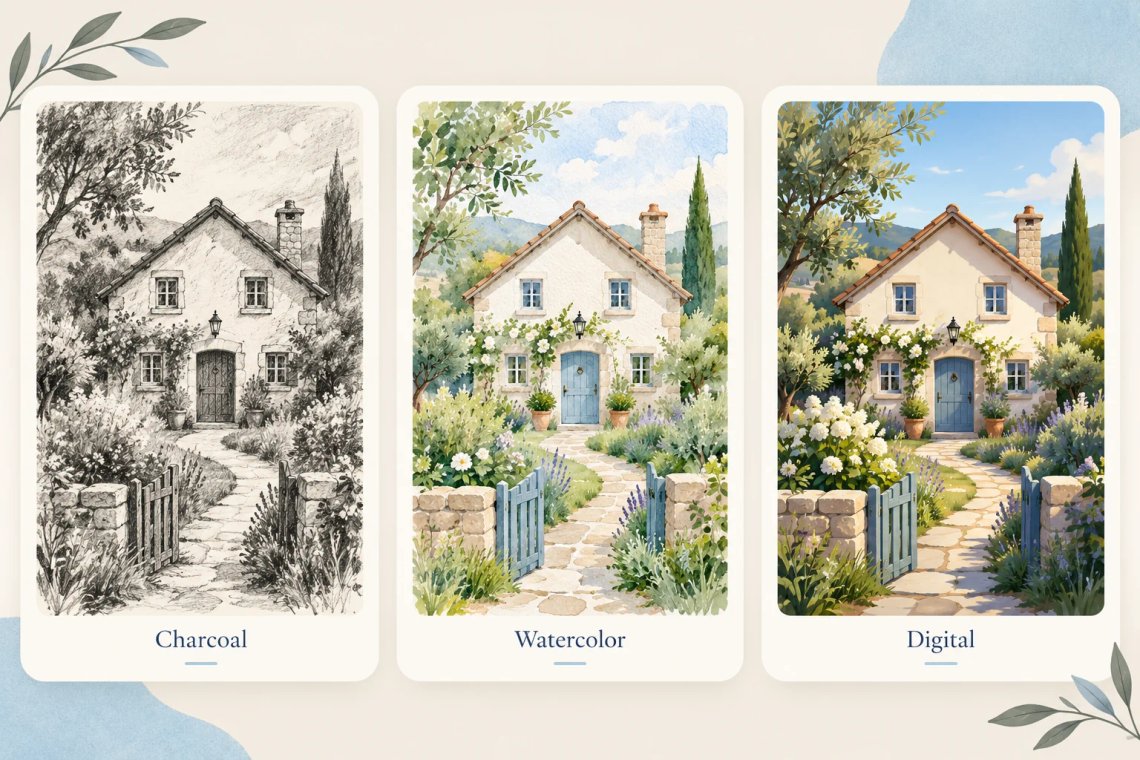
Choose from a diverse library of rendering styles to find the perfect fit for your project. Our AI Drawing Generator supports everything from classic charcoal and watercolor looks to sleek digital anime, vibrant oil paintings, and gritty dark fantasy styles. You can easily experiment with different aesthetic choices, adjusting the rendering density and style intensity to ensure every finished drawing perfectly captures the unique mood, emotion, and visual narrative you want to convey.
Try Now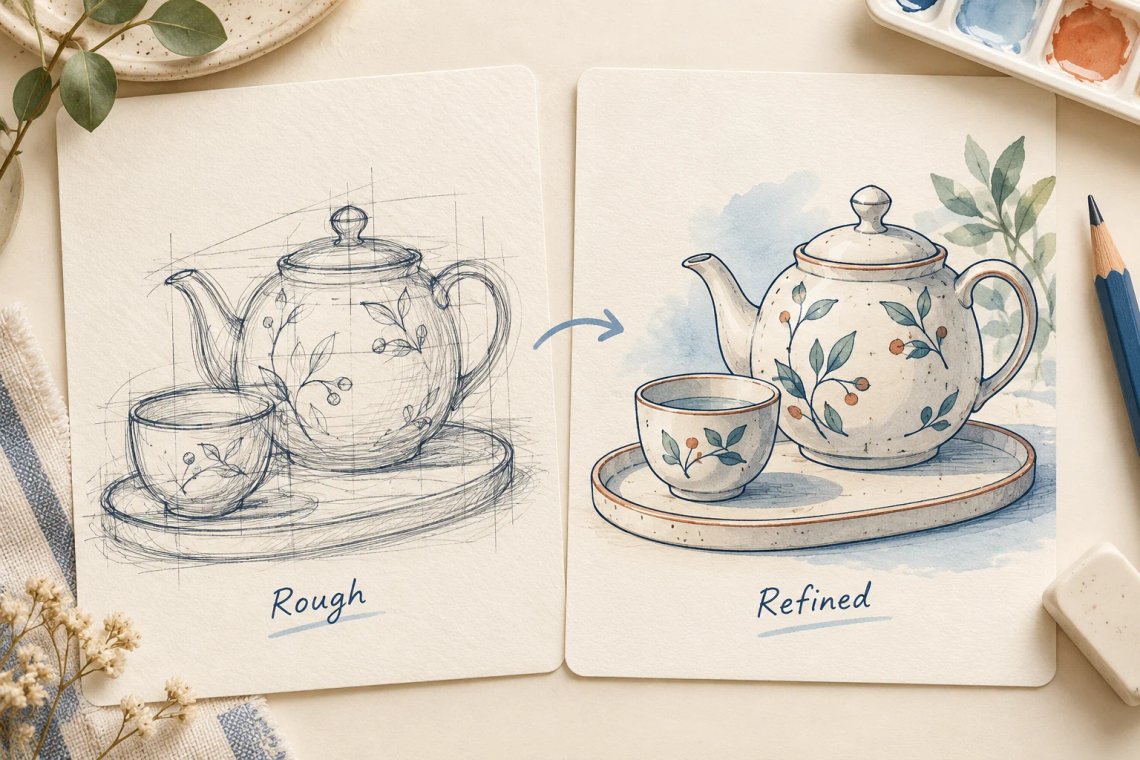
Elevate your drawing workflow with our AI-enhanced composition and line work refinement. The system not only adds color but also intelligently cleans up your hand-drawn lines, fixes perspective errors, and optimizes the overall composition for a more professional result. By automating the technical cleanup phase, our tool allows you to focus on the core creative aspects of your art, ensuring your final digital drawings are clean, balanced, and aesthetically captivating.
Try Now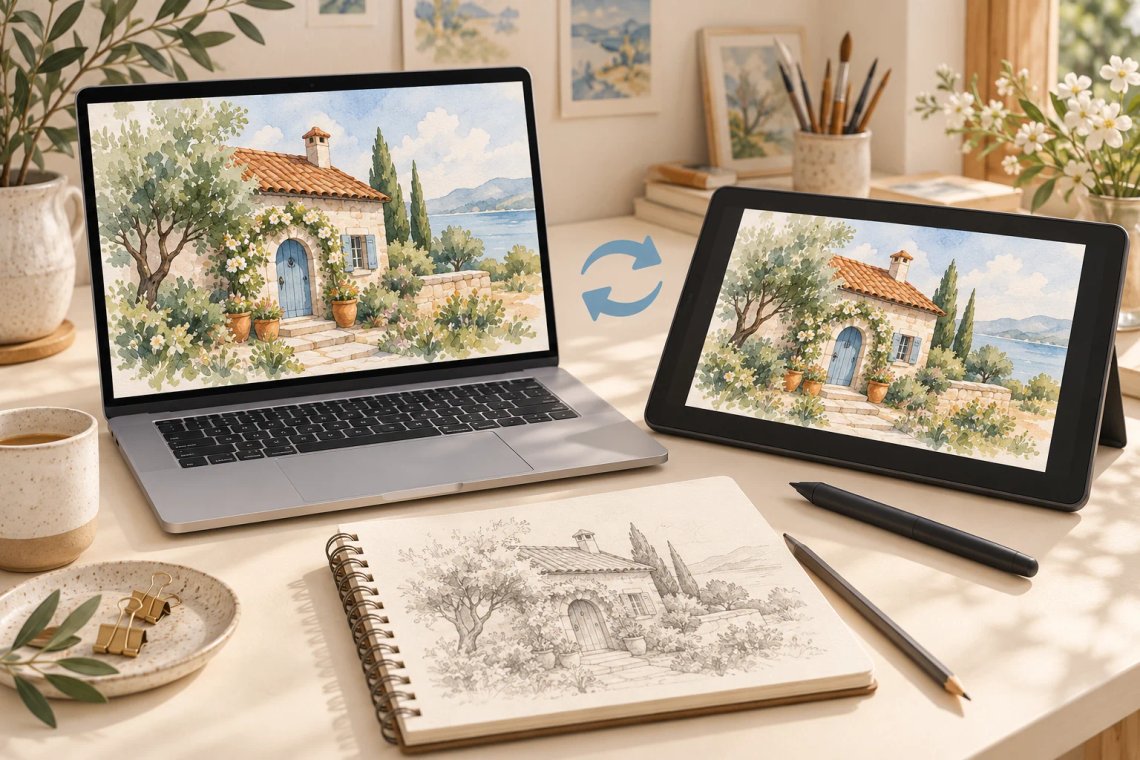
Enjoy the freedom of refining your digital drawings from anywhere with our fully responsive, cross-platform application. Whether you are adding final details to an illustration on your desktop or creating quick sketches on your tablet while traveling, Chat Smith ensures a perfectly synchronized experience. Generate, edit, and export your high-quality digital artwork across all connected devices, keeping your creative process smooth, organized, and truly uninterrupted.
From cutting-edge AI models to flexible image workflows, Chat Smith gives you more creative control.
Switch between leading AI image models for different creative needs.
Explore trending aesthetics and newly released visual styles.
Upload images in different sizes, formats, and orientations.
Generate richer prompts automatically for higher-quality results.
From text prompts to finished artwork, Chat Smith makes it easy to create, edit, and transform high-quality visuals in just a few clicks.
Enter a text prompt or upload reference images. Describe the subject, style, mood, or visual concept you want to create.
Choose GPT Image 2.0 or Nano Banana Pro and let Chat Smith transform your prompt into high-quality AI-generated images.
Adjust prompts, upload additional references, or create variations until you get the perfect image ready to use anywhere.
Access a growing collection of AI tools to write, create, brainstorm, and work more efficiently.




Chat Smith's AI Drawing Generator is an AI-powered tool that creates original drawings and sketches from text prompts or uploaded photos. Generate pencil sketches, ink drawings, charcoal art, line art, technical drawings, architectural sketches, and expressive hand-drawn style illustrations — without any drawing ability or artistic training.
Enter a text description of the drawing you want or upload a reference photo to convert it into a drawing style. The AI generates detailed drawings with authentic hand-crafted aesthetics, adjusting line weight, shading technique, and compositional style based on your prompt specifications.
Chat Smith supports a wide range of drawing styles including graphite pencil sketches, ink pen drawings, charcoal shading, cross-hatching, technical line art, architectural drafting style, gesture drawing, figure sketches, loose expressive strokes, stippling, and fine detailed illustration in both realistic and stylized forms.
Yes. Chat Smith can transform any uploaded photo into a hand-drawn style drawing. The AI preserves the key outlines, shapes, and features of the original image while applying a chosen drawing aesthetic — pencil sketch, ink outline, charcoal, or stylized line art.
Yes. Chat Smith supports technical and architectural drawing styles including floor plan sketches, building elevation concepts, product design line drawings, engineering-inspired illustrations, and blueprint-style visuals. Describe the structure, perspective, and level of detail to generate clean, purposeful technical drawings.
Chat Smith produces drawings with authentic line quality, natural shading gradients, and well-structured compositional form. The level of realism and detail scales with your prompt specificity — describing line weight, hatching style, focal point, and drawing medium helps produce more accurate and expressive results.
Chat Smith's AI Drawing Generator uses advanced generative image models optimized for hand-drawn aesthetic reproduction, line art generation, sketch-style rendering, and tonal shading across a broad range of drawing techniques and artistic styles.
Chat Smith combines drawing generation, photo-to-sketch conversion, and multi-style artistic rendering in one platform. Unlike tools that produce only one drawing aesthetic, Chat Smith lets you explore the full spectrum of drawing styles — from loose expressive sketches to tightly rendered technical illustrations.
Yes. Core drawing generation features are available for free. Premium plans unlock higher-resolution exports, additional drawing styles, batch generation, commercial usage rights, and access to advanced AI models for more detailed and authentic hand-drawn quality outputs.
Yes. Chat Smith requires no drawing skill or artistic training. The AI translates your text description or photo reference into a finished drawing automatically — handling line work, shading, and composition so you can create professional-quality sketch art without ever picking up a pencil.
Specify the drawing medium (pencil, ink, charcoal), line style (thin and precise, bold and loose), shading technique (cross-hatch, stipple, blended), level of detail, subject matter, and mood in your prompt. Uploading a reference photo alongside your prompt can significantly improve accuracy and stylistic consistency.
In most cases, yes. AI-generated drawings from Chat Smith can be used for illustrations, book covers, editorial art, product design mockups, architectural presentations, personal branding, and commercial creative projects. Usage rights may vary by AI model. Always verify compliance with applicable terms, policies, and laws before commercial use.
Everything you need to push projects forward is right at your fingertips.