AI Guide
What is ChatGPT Deep Research?
OpenAI's most capable image model before reasoning — 4x faster generation, precise editing that preserves your original, and dramatically better text rendering
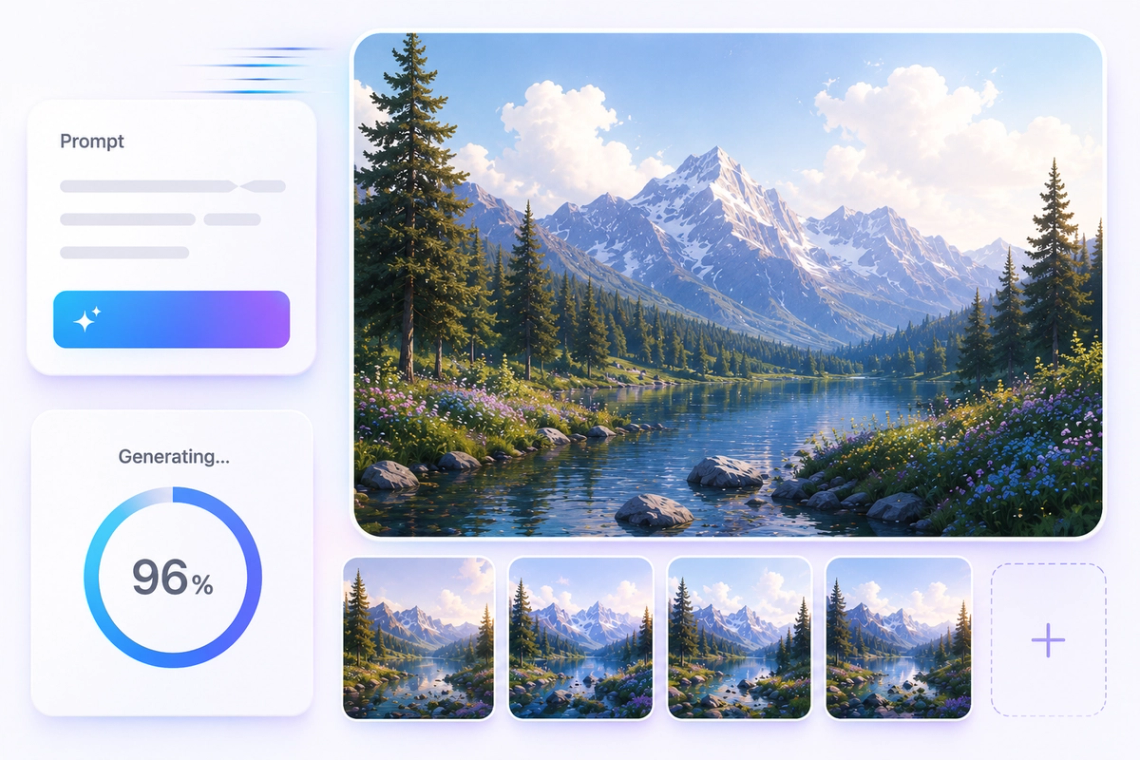
GPT Image 1.5 is OpenAI's image generation model released December 16, 2025, built natively into the GPT-5 architecture rather than as a separate diffusion system. This means the same neural network that understands your text also creates the image, resulting in better comprehension of what you actually want and more precise control over the output. It generates images up to four times faster than previous OpenAI models, claimed the number one spot on LMArena's Text-to-Image and Design Arena leaderboards immediately on release, and reduces API costs by 20% compared to its predecessor. Available in Chat Smith for creative and professional image work.
Try Now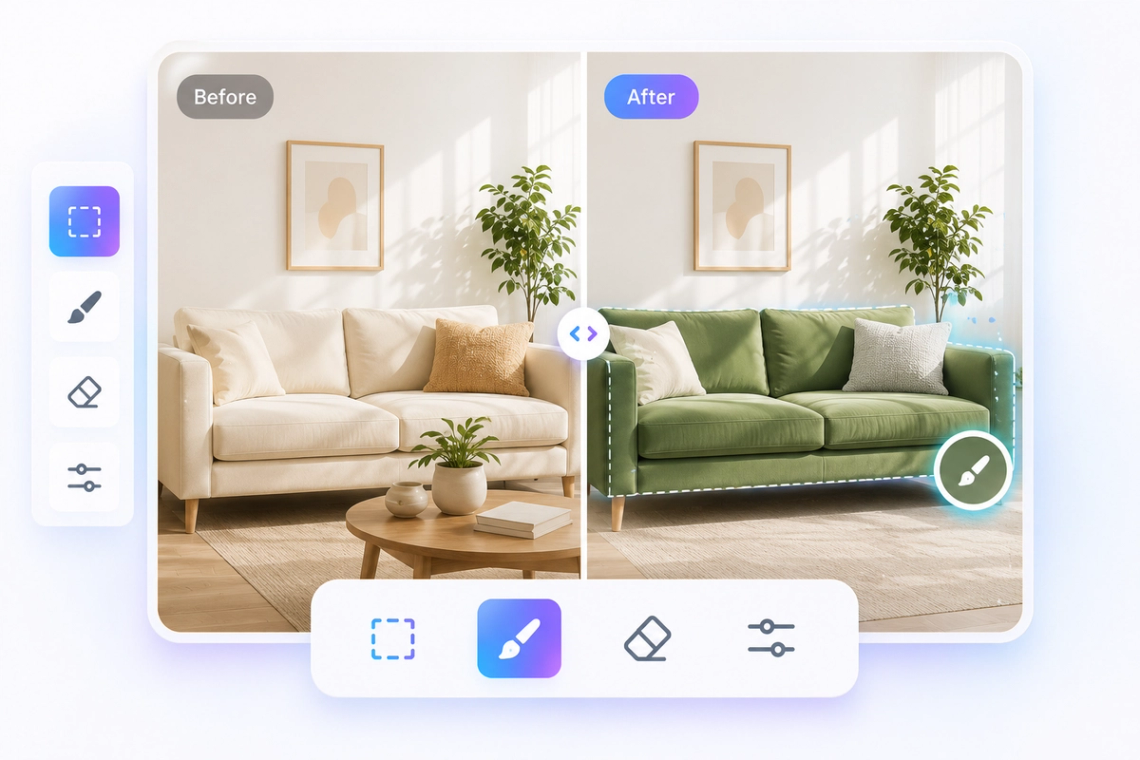
One of the most practical improvements in GPT Image 1.5 is region-aware editing — the ability to modify specific parts of an image while leaving everything else exactly as it was. When you ask to change a character's jacket color, only the jacket changes. When you adjust the lighting in the background, the subject's face stays consistent. This surgical precision solves one of the most frustrating problems with earlier AI image tools: making small adjustments that unexpectedly rippled through the whole image. With GPT Image 1.5, iterative editing finally feels like working with a cooperative tool rather than fighting one.
Try Now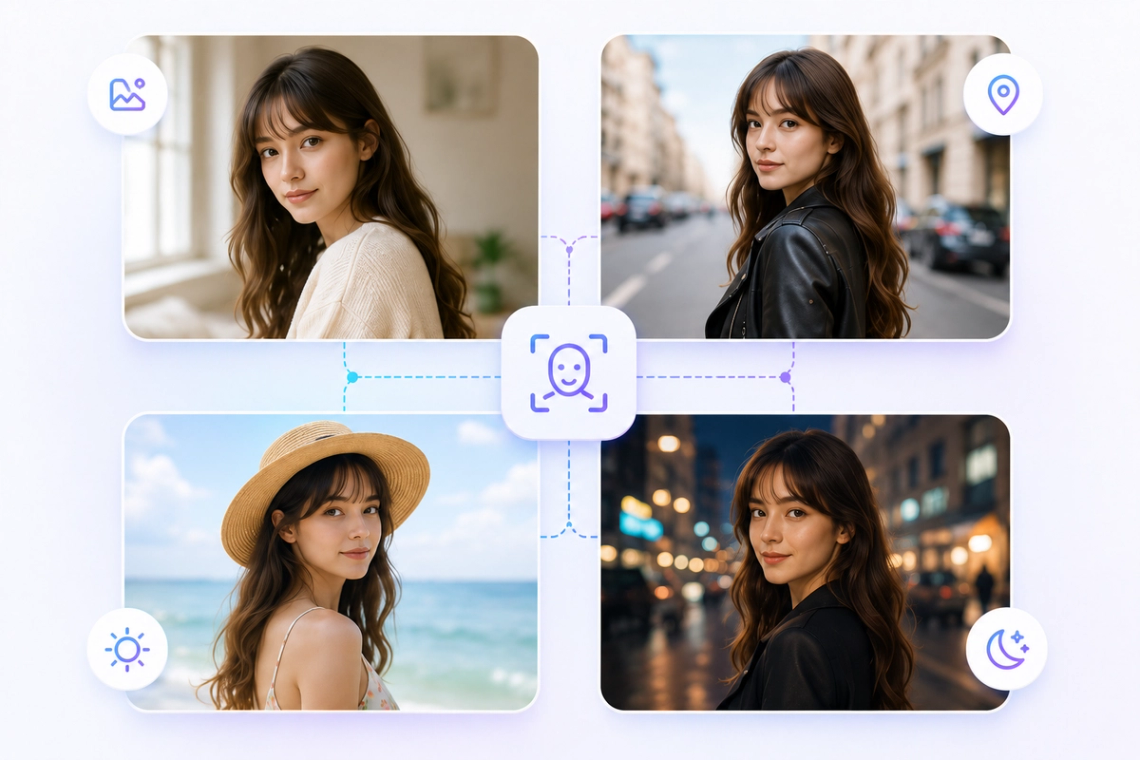
GPT Image 1.5 preserves facial likeness, expressions, and body proportions consistently across multiple rounds of editing. This is critical for any workflow where you're developing a character, refining a portrait, or producing a series of images that need to feature the same person across different scenes and settings. The model remembers the key visual attributes of your subjects and keeps them stable even as you change clothing, backgrounds, lighting, or composition — making it genuinely reliable for professional product imagery, character development, and brand visual consistency work.
Try Now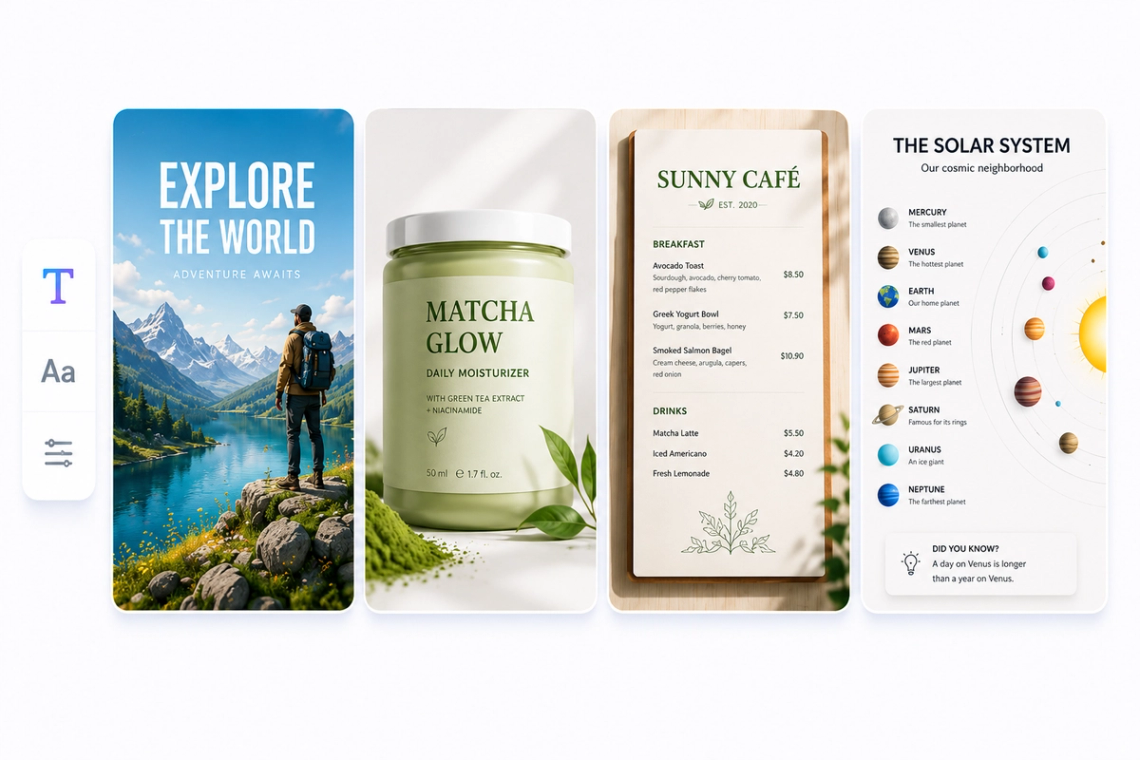
Text rendering has historically been one of the weakest areas of AI image generation — AI models would produce garbled, misspelled, or illegible text even when given clear instructions. GPT Image 1.5 makes a significant leap forward on this problem. Dense text, markdown tables, small typography, labels, and signs in images now render accurately and readably. This opens up a whole category of practical use cases that were previously unreliable: infographics, posters, advertising mockups, branded content, menus, UI screens, and any image where text needs to be both visible and correct.
Try Now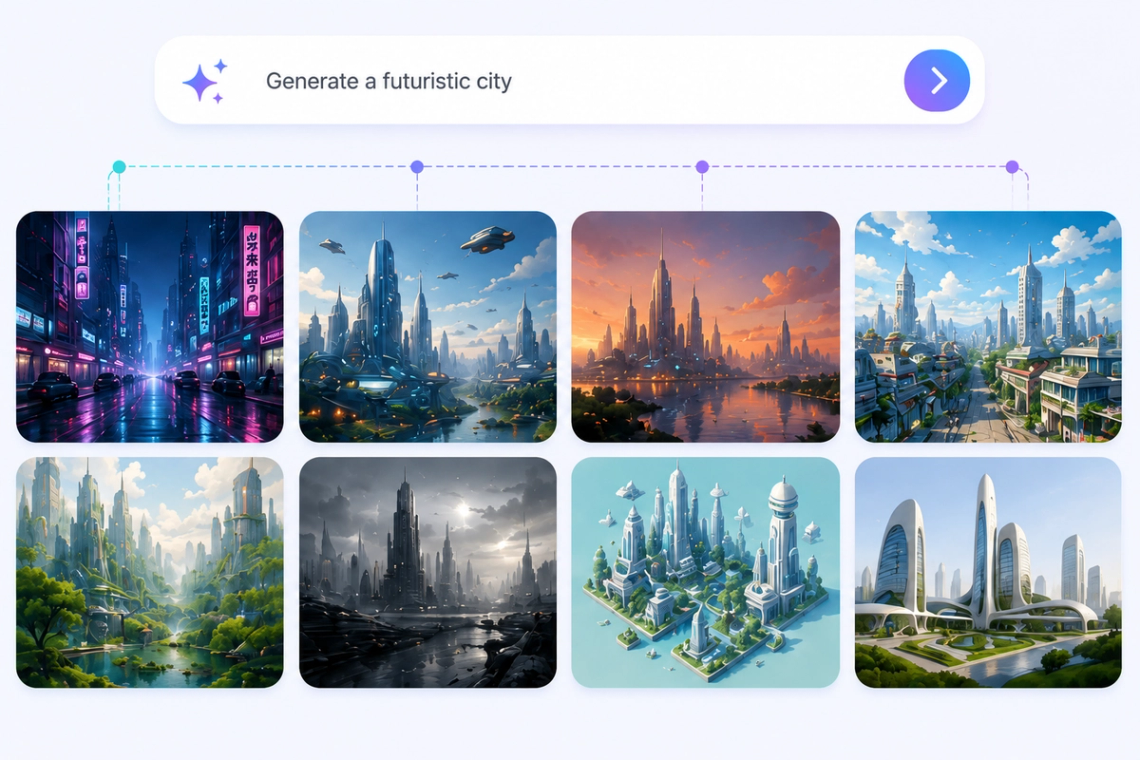
GPT Image 1.5 supports parallel image generation, allowing you to submit multiple image requests at the same time rather than waiting for each one to complete before starting the next. Combined with its 4x speed improvement and 20% API cost reduction, this makes GPT Image 1.5 far more practical for creative workflows that require volume — testing multiple variations of a design, generating image sets for a campaign, or building iterative visual content pipelines where speed and cost directly affect how much you can experiment and refine.
Access leading AI models in one place, compare responses, and choose the best answer for every task.
Access GPT, Claude, Gemini, DeepSeek, Grok, and more in one place.
Get access to premium AI models without paying for multiple subscriptions.
Compare responses across different models to find the best answer for every task.
Chat, write, research, and create with your favorite AI models in a single app.
Chat with an advanced AI assistant to get answers, solve problems, generate content, and explore ideas in seconds.
Enter a question, task, or topic you'd like help with, and provide any details or context that may be relevant.
The AI analyzes your request and generates accurate, relevant, and context-aware responses in real time.
Continue the conversation, refine your instructions, and explore new ideas through natural back-and-forth interactions.
Access a growing collection of AI tools to write, create, brainstorm, and work more efficiently.

Chat Smith's GPT Image 1.5 is an AI-powered image generation model from OpenAI that creates high-quality visuals from text descriptions. It's designed to produce detailed, realistic, and creative images across a wide range of styles including photography, illustration, concept art, and graphic design — all without any design skills required.
GPT Image 1.5 takes your text prompt and uses advanced diffusion-based AI to render a full image from scratch. The more descriptive your prompt — including details about subject, style, lighting, and mood — the more accurately the model translates your vision into a polished, ready-to-use visual output.
Yes. GPT Image 1.5 is well-suited for generating social media visuals including banners, post graphics, profile illustrations, and promotional content. You can specify the aspect ratio and style in your prompt to tailor outputs for platforms like Instagram, Facebook, LinkedIn, or X.
Absolutely. GPT Image 1.5 excels at photorealistic image generation including product mockups, lifestyle photography-style visuals, portrait-style images, and scene compositions. Describe the subject, environment, lighting, and camera angle in your prompt for the most lifelike results.
GPT Image 1.5 delivers strong visual fidelity with sharp detail, coherent compositions, and accurate color rendering. Image quality depends on prompt clarity — specific, well-structured prompts consistently produce higher-quality outputs than vague or overly brief descriptions.
Include as much relevant detail as possible: subject, style (e.g. watercolor, photorealistic), lighting, background, color palette, and mood. Reference specific art styles or visual aesthetics to guide the output. Iterating on your prompt with small refinements is the fastest way to dial in the exact look you want.
GPT Image 1.5 is available to Chat Smith users on both free and paid plans, with image generation limits varying by subscription tier. Free users can generate a set number of images per day, while premium subscribers enjoy higher quotas and priority processing speeds.
GPT Image 1.5 supports a broad range of visual styles including photorealism, oil painting, watercolor, anime, flat design, 3D render, sketch, cinematic, and more. Simply describe the style you want in your text prompt and the model will adapt accordingly — no pre-set style menu needed.
Images generated through Chat Smith using GPT Image 1.5 may be used for commercial purposes in accordance with Chat Smith's terms of service. Always review the generated images before use and ensure they comply with applicable laws, third-party rights, and your organization's content guidelines.
GPT Image 1.5 is a capable image generation model ideal for most everyday creative and commercial tasks. GPT Image 2.0 offers enhanced visual fidelity, more precise prompt adherence, and improved handling of complex multi-element scenes. Choose 1.5 for fast everyday image generation and 2.0 when maximum quality is the priority.
Everything you need to push projects forward is right at your fingertips.