GPT Image 2.5 Flare is OpenAI's fastest image model, announced on September 8, 2026 as the API half of the ChatGPT Images 2.5 release. It is the default tier of the new image line: higher quality than GPT Image 2.0 at up to 50% lower latency, with a sibling called Sunburst that trades speed for precision on premium work.

This review covers what actually changed in this generation, how Flare differs from Sunburst, what it costs, and where it is the wrong choice. It is also already integrated into Chat Smith, so Chat Smith Pro users can generate and edit with it without an OpenAI account.

chat smith pro

What Is GPT Image 2.5 Flare?

GPT Image 2.5 is OpenAI's current image generation and editing model, and it ships in two API variants. Flare is the everyday tier, described by OpenAI as the default choice for most applications. Sunburst is the precision tier, built for work that benefits from tighter control across edits and accepts longer generation times in exchange.

Flare takes text and image input and returns images. It supports six quality levels — low, medium, high, xhigh, max, and auto — and can be called through the Image API directly or as the image generation tool inside the Responses API. The model ID is gpt-image-2.5-flare, with a dated snapshot at gpt-image-2.5-flare-2026-09-08.

For scale, OpenAI says more than three billion images a week are now created across ChatGPT Images and the GPT Image models in the API. This release is aimed squarely at that volume: same token rates as the previous generation, noticeably faster, with the practical gains concentrated in editing rather than in raw first-shot quality.

GPT Image 2.5 Flare Key Features

Four changes matter most in daily use.

Speed without a quality trade

OpenAI measures Images 2.5 at up to 50% lower generation latency than Images 2.0, and Flare is the tier that leans hardest into that. The team at Manus, an early customer, reported Flare producing high-quality images at two to four times the speed of GPT Image 2 in their own evaluations. Since the token rates are unchanged from the previous generation, this is a straight upgrade rather than a trade.

Precision editing that leaves the rest alone

The headline improvement is restraint. When you ask Flare to change a single element — a product, a background, a line of copy — it holds the subject, composition, and surrounding treatment steady instead of quietly regenerating the whole frame. Anyone who has spent an afternoon editing an existing image only to watch a face drift between versions will recognise why this matters more than a fractional bump in fidelity.

Multi-turn consistency

Across a long editing conversation, earlier changes are more likely to survive. Each new instruction builds on the work already done rather than degrading the image turn by turn, which is what made previous-generation editing chains unusable past a handful of rounds. For production workflows, it means you can make a targeted change late in the process without rebuilding the asset.

Reference photos, layouts, and transparent backgrounds

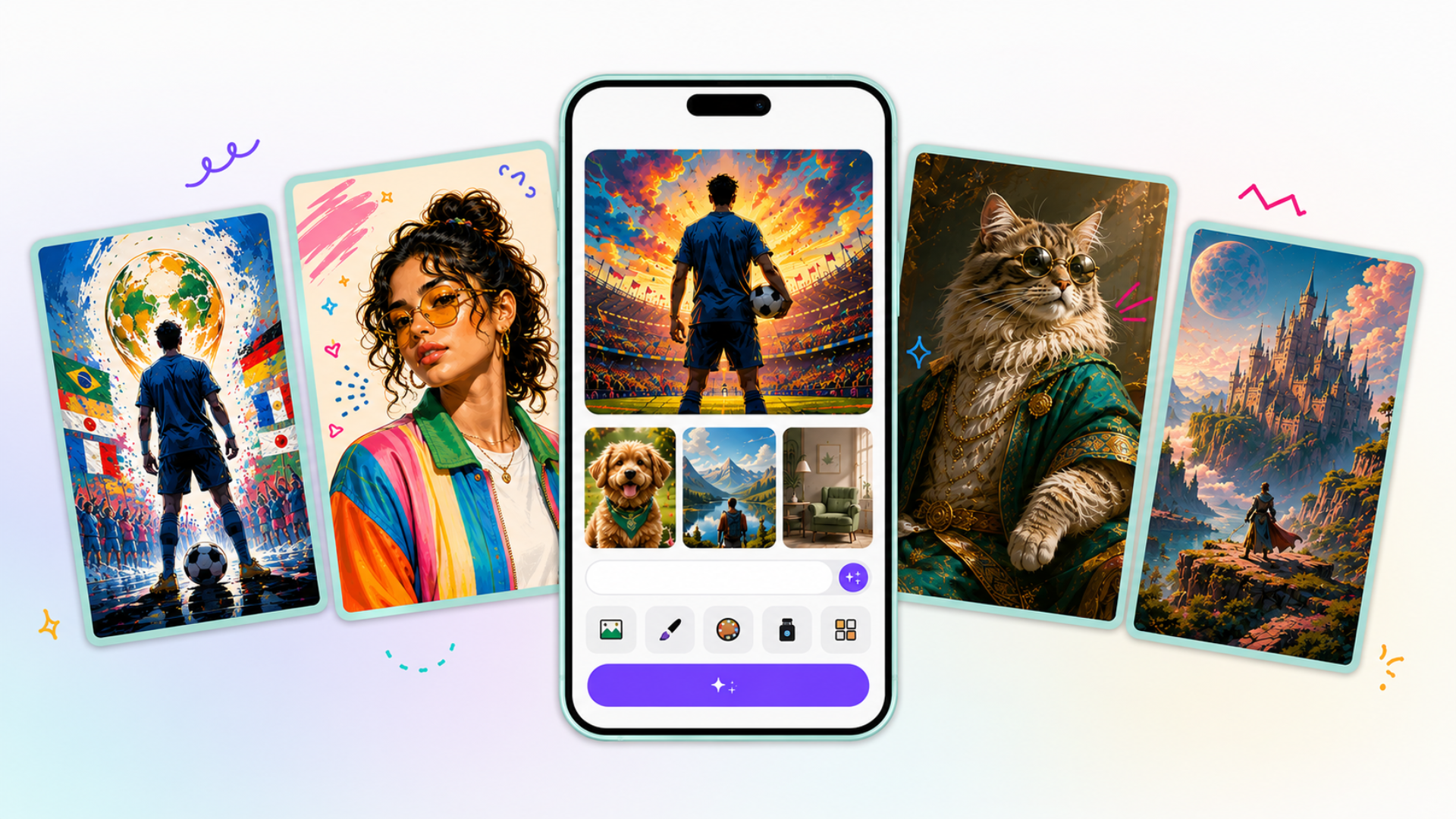
Flare is better at carrying a real subject from a reference photo into a new setting or style, with distinctive features, lighting, and texture holding up. It handles complex layouts including transparent backgrounds, and images containing real-world information come out more accurate. That combination is what makes it usable for posters and marketing visuals rather than just illustration, and reference images passed into a request are processed at high fidelity automatically.

GPT Image 2.5 Flare vs Sunburst

The two variants share an API surface and the same token rates. The difference is how long each spends on a request.

GPT Image 2.5 FlareGPT Image 2.5 Sunburst
PositioningDefault choice for most applicationsPrecision tier for premium visual work
SpeedFastest; up to 50% lower latency than GPT Image 2.0Longer generation times per request
Best forCreator and social content, product experiences, visual search, prototyping, high-volume generationCampaign creative, polished product imagery, tightly controlled edit chains
Input and outputText and image in, image outText and image in, image out
Quality settingslow, medium, high, xhigh, max, autolow, medium, high, xhigh, max, auto
Model IDgpt-image-2.5-flaregpt-image-2.5-sunburst

In practice, start on Flare. Move a specific job to Sunburst only when you can see detail loss that the higher quality settings on Flare do not fix.

GPT Image 2.5 Flare Pricing and Availability

Image models are billed by token rather than per image, and Flare's rates are identical to GPT Image 2.

  • Text input: $5.00 per million tokens, or $1.25 cached.
  • Image input: $8.00 per million tokens, or $2.00 cached.
  • Image output: $30.00 per million tokens. Text output is not billed, since the model returns images.
  • ChatGPT: Images 2.5 is live across all ChatGPT, ChatGPT Work, and Codex tiers on desktop, mobile, and web.
  • Chat Smith: GPT Image 2.5 Flare is included with Chat Smith Pro at $9.99 per month or $39.99 per year.

What to Watch Out For with GPT Image 2.5 Flare

Flare is an image endpoint, not a chat model. Streaming, function calling, and structured outputs are all unsupported, so it slots into a pipeline as a generation step rather than as something you converse with directly.

Budgeting takes measurement. OpenAI notes that the GPT Image 2 token calculator does not estimate GPT Image 2.5 consumption, so the only reliable way to forecast cost is to run a representative batch and read the real numbers. Rate limits are also capped in images per minute — five per minute at the entry usage tier — which matters if you were planning genuinely high-volume work.

Outputs carry C2PA metadata and invisible watermarking, and prompts and images pass through safety checks. That is worth knowing if provenance signals affect where your images end up, not a reason to avoid the model.

And this generation is an editing and speed release more than a leap in raw output quality. If your complaint about the last model was the look of a first-shot image rather than what happened on edit three, Flare will feel more like a refinement than a new tool.

How to Use GPT Image 2.5 Flare with Chat Smith

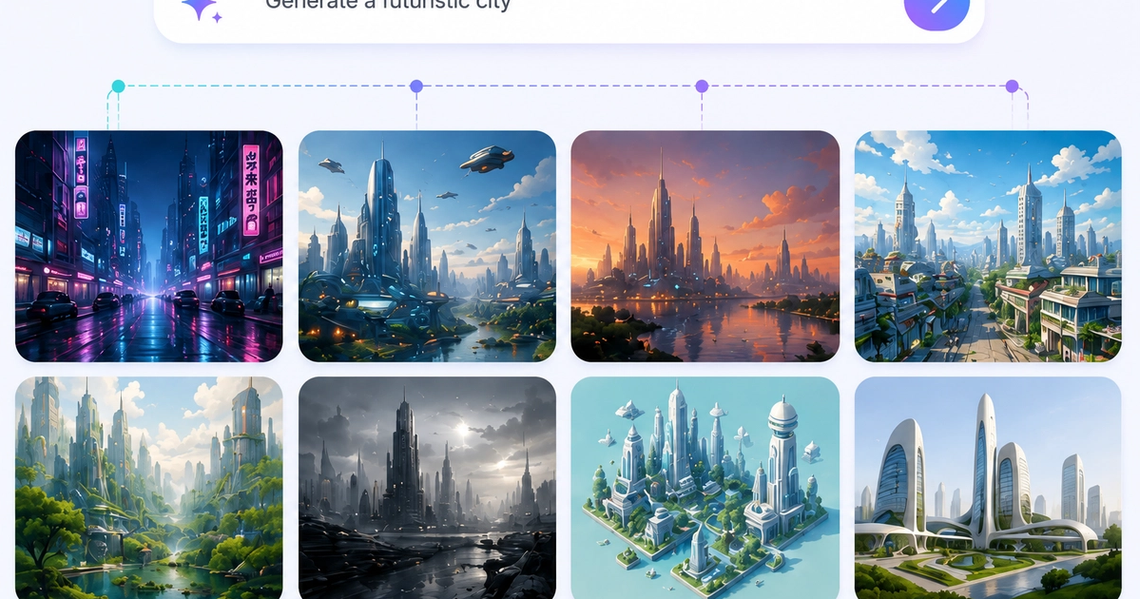
GPT Image 2.5 Flare is already integrated into Chat Smith, and Chat Smith Pro users can select it and start generating images from text straight away — no OpenAI account, no API key, no per-token billing to track.

The useful part is having the alternatives in the same place. Flare sits next to Nano Banana Pro and Nano Banana, so you can run the same brief through several image models and keep the version that works. Different models still have different strengths on faces, text rendering, and illustration styles, and one prompt tested three ways tells you more than any comparison table.

A workflow that gets good results: ask a text model like GPT-6 Astra to turn a rough idea into a detailed image prompt, generate with Flare, then refine with short, specific edit instructions — one change at a time, which is exactly what this model is built to handle.

Conclusion

GPT Image 2.5 Flare is a practical upgrade rather than a spectacular one. Generation is roughly twice as fast, edits change what you asked for and leave the rest intact, and long editing chains no longer fall apart — all at the same token rates as the previous generation. For anyone who iterates on images rather than generating and walking away, the editing behaviour alone justifies the switch.

If you want to see how it handles your own briefs against other image models, GPT Image 2.5 Flare is live in Chat Smith Pro now.

Frequently Asked Questions

GPT Image 2.5 Flare is OpenAI's faster, lighter image generation model, built to turn text prompts and reference images into new images or edits within seconds. It's one of two variants in the GPT Image 2.5 family, and apps like Chat Smith that bundle multiple AI models often give everyday users a simpler way to try similar image generation.

logo chat smith

Editorial Team

Managing Editor

The Chat Smith Editorial Team is a group of AI enthusiasts, researchers, and content creators passionate about making artificial intelligence more accessible and practical. Through the Chat Smith blog, we share the latest AI trends, tool reviews, industry insights, and actionable guides to help individuals and businesses get more value from AI. Our mission is simple: deliver clear, reliable, and easy-to-understand content that helps readers stay informed, productive, and ahead in the fast-moving world of AI.

Share this article

Related Articles