AI Prompt
45 AI Logo Prompts for Unique Brand Designs
Turn everyday photos into professional AI headshots and business portraits with powerful AI generation tools.
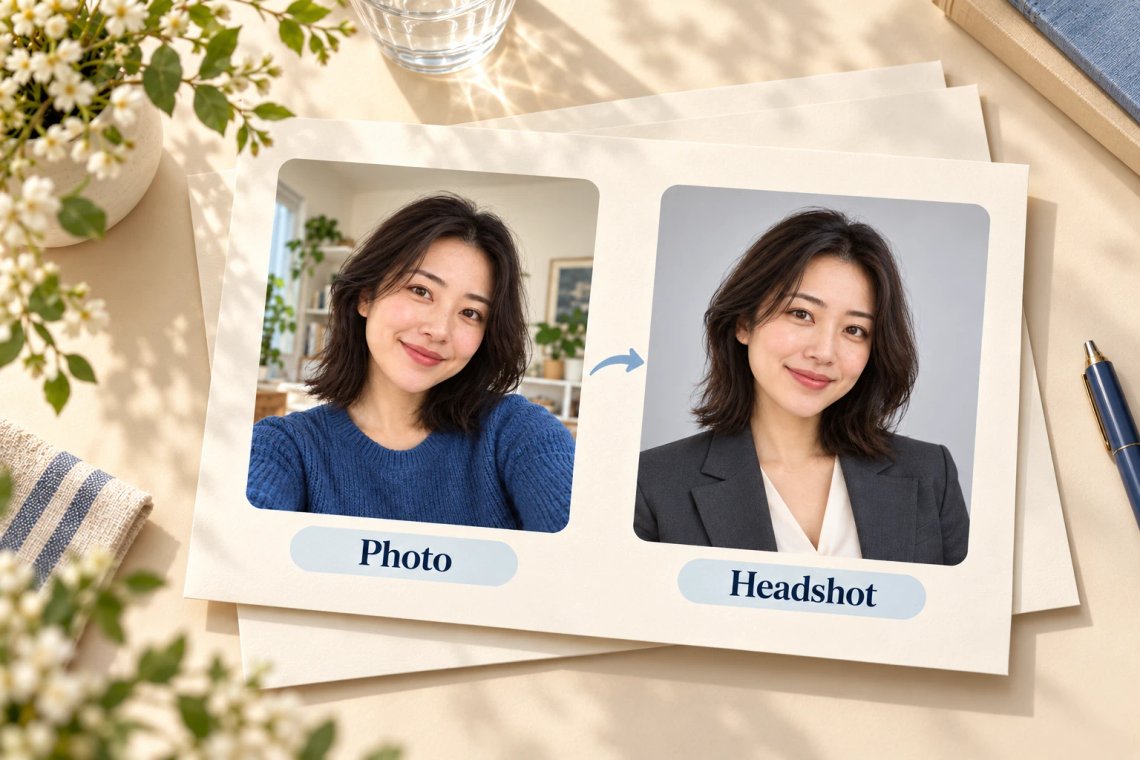
Create high-quality, professional AI headshots and business portraits in seconds with Chat Smith. Transform casual selfies or standard photos into polished corporate avatars, LinkedIn profile pictures, and professional branding assets using advanced AI technology. Perfect for job seekers, entrepreneurs, executives, and remote teams looking to upgrade their professional image effortlessly.
Try Now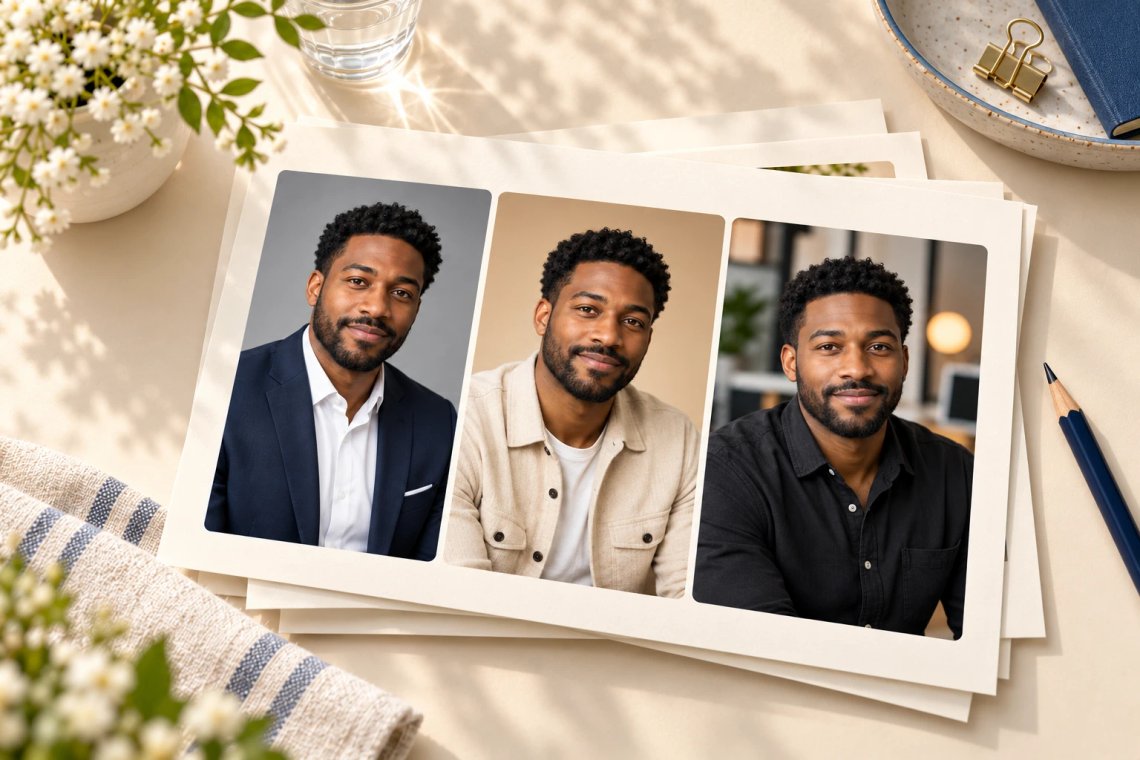
Easily customize your AI headshots with a wide range of professional styles. Choose from various business attire options, studio lighting setups, background colors, and office environments to match your personal brand or company guidelines. Chat Smith gives you full control to create the ideal professional look without the need for expensive photoshoots.
Try Now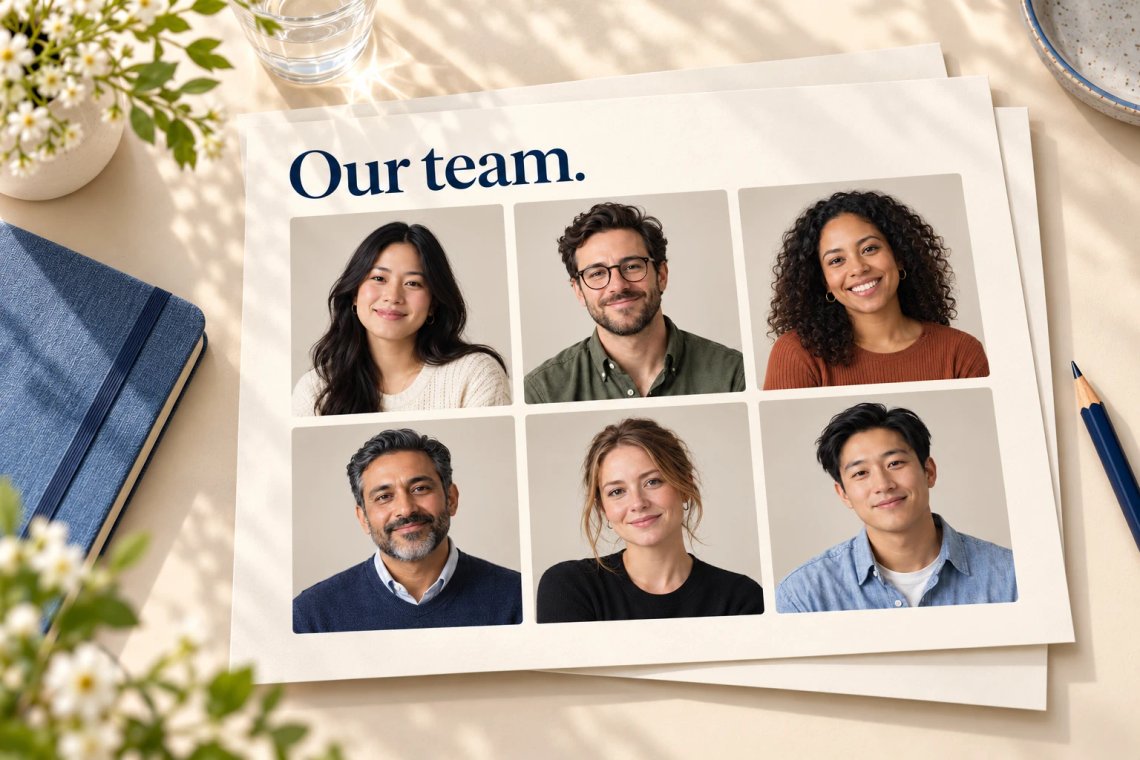
Unify your company's visual identity by generating consistent AI headshots for your entire team. Chat Smith allows you to maintain the same style, background, and lighting across multiple employee portraits, ensuring a cohesive and professional look for your 'About Us' page, company directories, and corporate presentations.
Try Now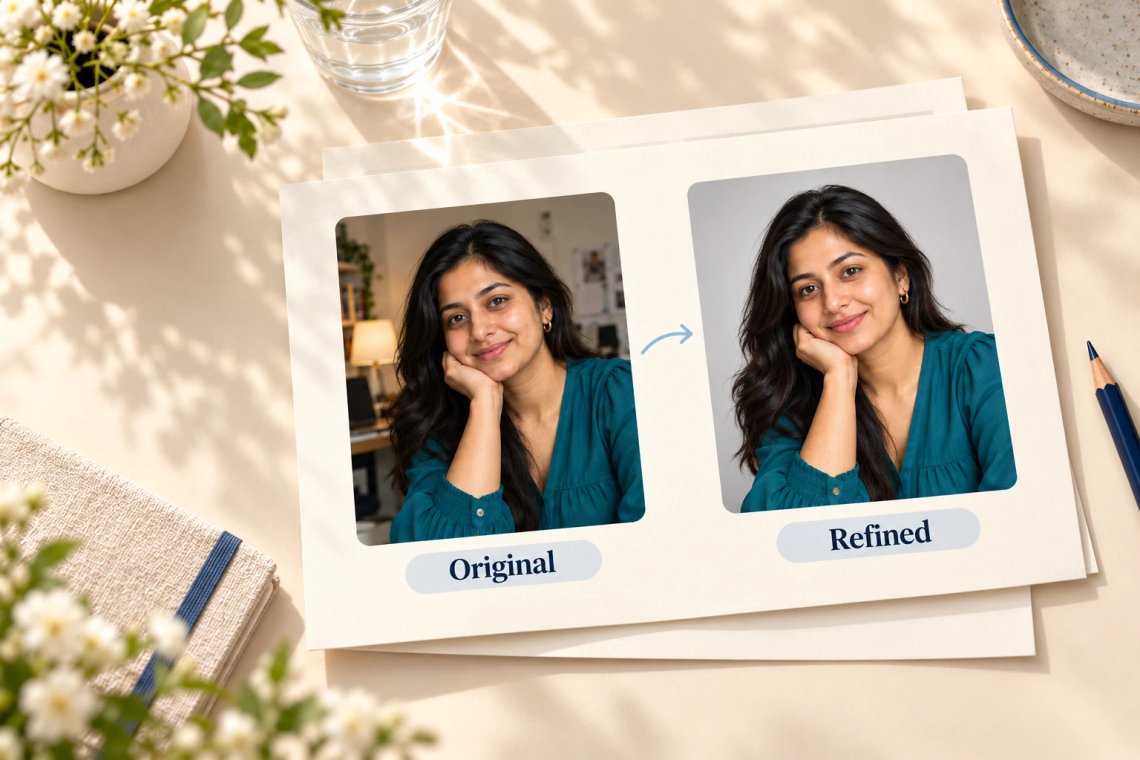
Upload existing headshots and instantly improve them using AI-powered retouching tools. Smooth out imperfections, adjust lighting, sharpen details, or completely replace distracting backgrounds with clean, professional alternatives. Elevate your current profile pictures to studio-quality standards with just a few clicks.
Try Now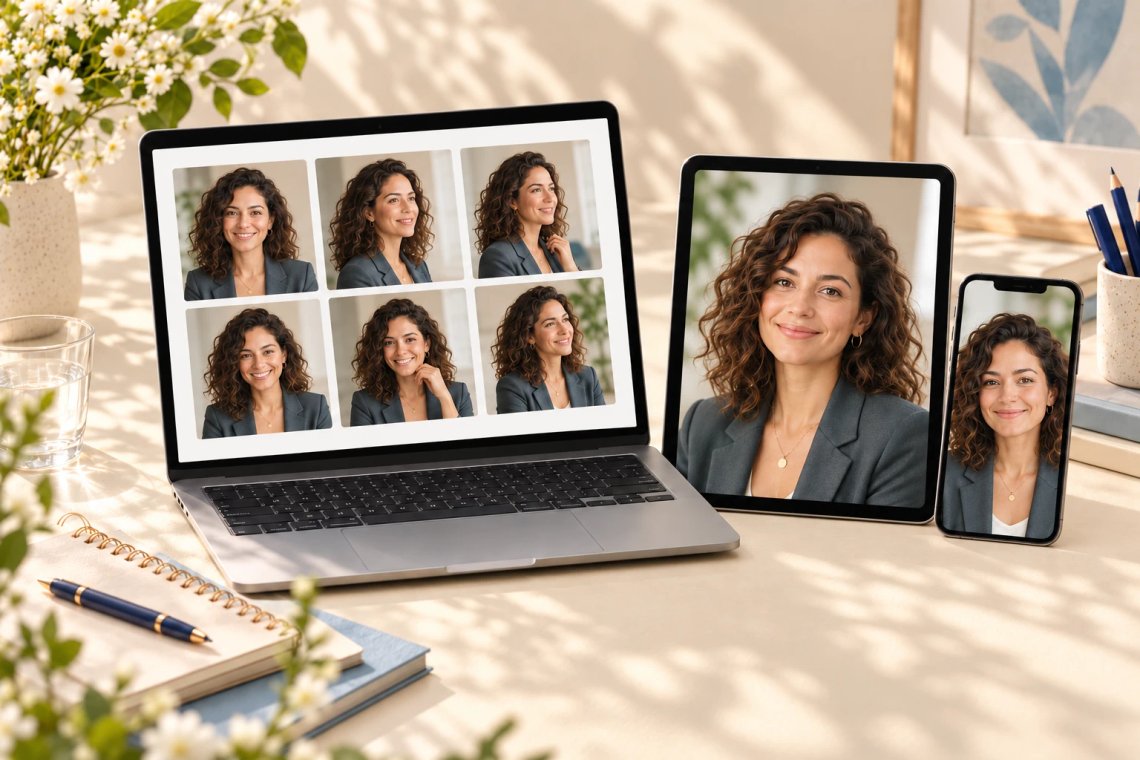
Generate and manage your AI headshots seamlessly across mobile and desktop devices. Whether you are updating your resume on the go or building a corporate portfolio from your office, Chat Smith provides a fast, intuitive, and cross-platform experience for all your professional portrait needs.
From cutting-edge AI models to flexible image workflows, Chat Smith gives you more creative control.
Switch between leading AI image models for different creative needs.
Explore trending aesthetics and newly released visual styles.
Upload images in different sizes, formats, and orientations.
Generate richer prompts automatically for higher-quality results.
From text prompts to finished artwork, Chat Smith makes it easy to create, edit, and transform high-quality visuals in just a few clicks.
Enter a text prompt or upload reference images. Describe the subject, style, mood, or visual concept you want to create.
Choose GPT Image 2.0 or Nano Banana Pro and let Chat Smith transform your prompt into high-quality AI-generated images.
Adjust prompts, upload additional references, or create variations until you get the perfect image ready to use anywhere.
Access a growing collection of AI tools to write, create, brainstorm, and work more efficiently.




Chat Smith's AI Headshot Generator is an AI-powered tool that creates professional headshots from text prompts or uploaded photos. Generate realistic business portraits, LinkedIn profile pictures, and personal branding photos without hiring a photographer or booking a studio session.
Upload a selfie or describe your appearance using a text prompt. The AI processes your input using advanced image models — including GPT Image 2.0 and Nano Banana Pro — to generate professional headshot variations. Customize clothing, background, lighting, and style to match your goals.
Yes. Chat Smith is built to generate polished, business-ready LinkedIn headshots. Create executive portraits, consultant profiles, or recruiting photos optimized for professional platforms — no photographer or studio required.
Yes. Upload one or more reference photos to create personalized AI headshots that preserve your facial features and appearance. This improves consistency, identity accuracy, and realism across all generated portrait variations.
Chat Smith supports corporate portraits, executive headshots, startup founder photos, creative professional portraits, studio-style images, casual business photos, and personal branding visuals. Customize clothing, expressions, backgrounds, and lighting to match your industry.
Yes. Powered by GPT Image 2.0 and Nano Banana Pro, Chat Smith generates headshots with natural facial details, skin textures, and photographic composition. Results improve significantly with detailed prompts and high-quality reference photos.
Chat Smith's AI Headshot Generator is powered by GPT Image 2.0 and Nano Banana Pro — advanced image models designed for realistic portrait generation, facial enhancement, and reference-based workflows that produce high-quality profile images.
Chat Smith combines multiple AI image models, AI prompt optimization, and reference-based workflows in one platform. Instead of relying on a single model, you can experiment with different approaches to match your personal branding or business requirements.
Yes. Core AI headshot generation features are available for free. Premium plans unlock higher usage limits, faster processing, advanced editing tools, and access to additional AI models for higher-quality professional portrait workflows.
Absolutely. Chat Smith is designed for all experience levels. Built-in AI prompt optimization automatically improves headshot quality, so you can create professional-looking profile photos without any photography, design, or image editing expertise.
Upload clear reference photos with good lighting and write detailed prompts that describe clothing, hairstyle, facial expression, camera angle, background, and mood. Using multiple reference images improves facial consistency. Chat Smith's prompt optimization tools also help refine results automatically.
In most cases, yes. AI headshots from Chat Smith can be used for professional profiles, websites, marketing materials, and business branding. Usage rights may vary by AI model. Always ensure your use complies with applicable terms, policies, and laws.
Everything you need to push projects forward is right at your fingertips.