
AI Prompt
45 AI Logo Prompts for Unique Brand Designs
From a simple prompt to a polished logo in just a few steps.
Describe your brand and choose a direction, then let Chat Smith generate logo ideas in seconds. Start with a short prompt, explore multiple variations, and refine your favorite by adjusting colors, fonts, and layout until it fits your brand. When ready, download and use it across all your channels.
Create Your LogoDesign custom, professional logos effortlessly.
Create a professional logo for your business, startup, or personal brand with the AI Logo Generator in Chat Smith, an all-in-one AI app for creative and everyday tasks. Skip expensive design agencies and long rounds of revisions. Just enter your brand name and a short description of your industry and style, and the AI turns it into logo concepts in moments. Generate a few versions, compare them, and pick your favorite, whether you want a clean minimalist mark, a bold modern emblem, or a classic typography-based design. Still choosing what to call your brand? The AI business name generator helps you find a name first.
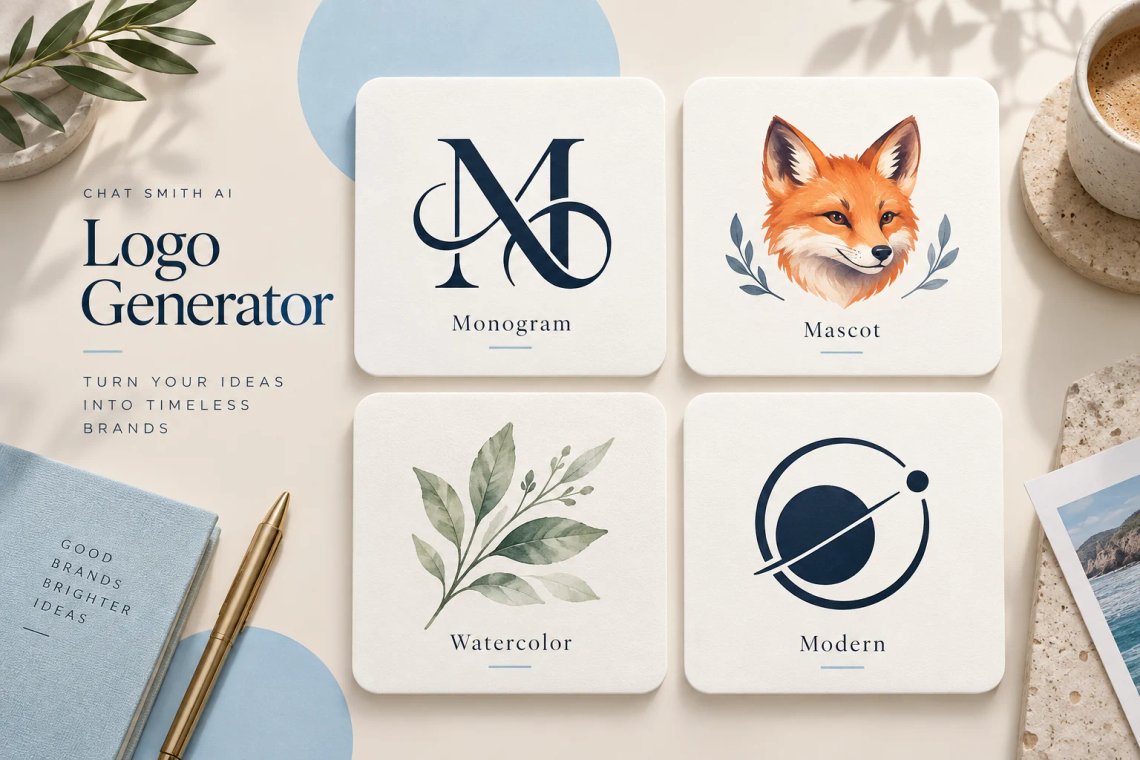
Explore a wide range of artistic styles to match your brand identity. The AI Logo Generator can create everything from sleek corporate monograms and playful mascot logos to elegant watercolor marks and futuristic tech icons. You stay in control of the creative direction, so you can quickly try different color palettes, typography pairings, and layouts until one feels right. If your brand needs a larger illustration or mascot artwork to go with the logo, the AI art generator brings it to life in the same style.
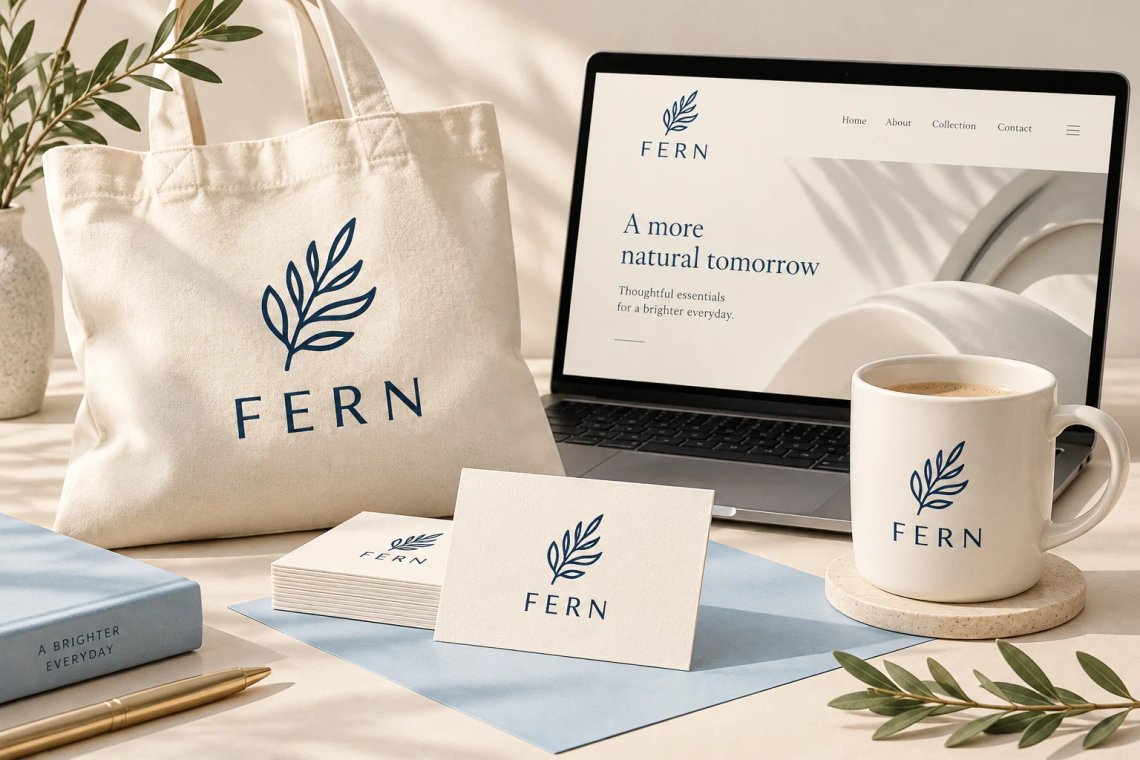
Make sure your brand looks sharp wherever it appears. Use your new logo on website headers, social media profile pictures, business cards, presentation decks, and marketing materials. Need a clean cutout to place on any background? The AI background remover separates your logo from its backdrop in a click. If a design looks soft at larger sizes, the AI image enhancer helps sharpen the details before you print or upload it.
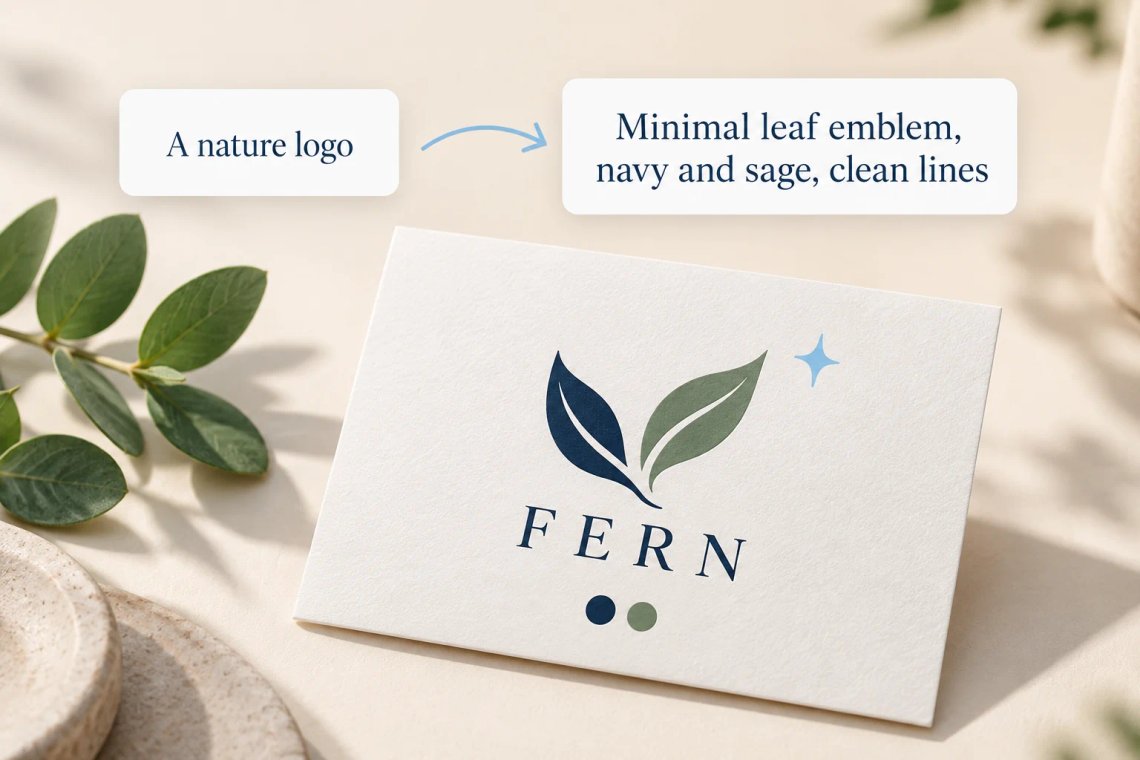
Not sure how to describe your dream logo? Chat Smith can refine a simple idea into detailed design instructions. Share a few keywords about your brand's personality, and the prompt is expanded with clearer details about style, colors, and composition. This helps the AI understand your vision and produce logo designs that fit your business goals. Once your logo is set, the AI slogan generator helps you write a short, memorable line to pair with it.
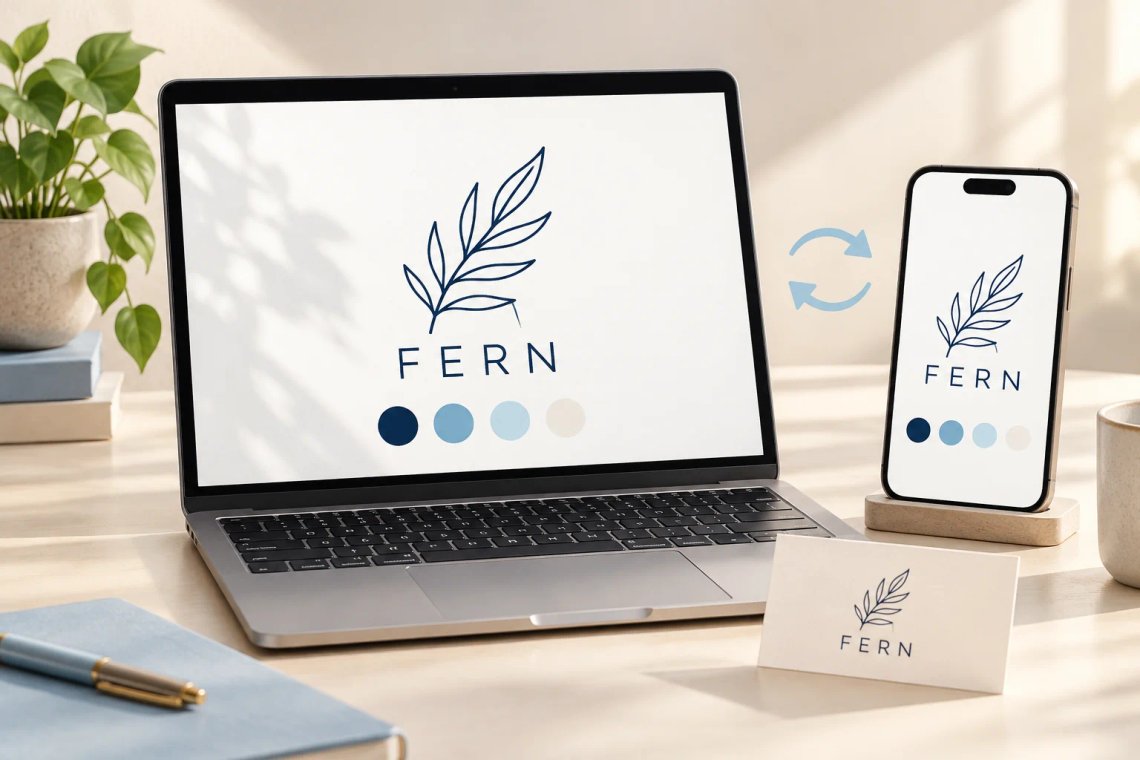
Work on your brand wherever inspiration strikes. Chat Smith runs on Android, iOS, and the web, so you can brainstorm logo concepts on your phone during your commute and finish choosing a design on your desktop later. Generate, compare, and save your favorite logo variations without breaking your creative flow. When it's time to show off your new look, the Instagram caption generator helps you write the launch post.
From a brand name to a finished mark, Chat Smith helps you design logos that look professional without hiring a designer.
Create minimalist, mascot, emblem, monogram, or typography-based logos for any brand.
Turn a few keywords about your brand into detailed design instructions for better results.
Try new colors, fonts, and layouts in seconds until a design feels right.
Use your logo across websites, social profiles, business cards, and marketing materials.
Describe your brand, pick a style, and refine the details. Chat Smith turns your idea into a polished logo in just a few clicks.
Enter your brand name, industry, and a few words about the personality you want your logo to convey.
Pick a direction such as minimalist, mascot, or emblem, and add any colors or fonts you have in mind.
Let the AI create logo concepts, then compare them to find the one that best fits your brand.
Ask for tweaks to colors, layout, or icons until it feels right, then save your logo to use anywhere.
Access a growing collection of AI tools to write, create, brainstorm, and work more efficiently.




Chat Smith's AI Logo Generator is an AI-powered tool that creates professional logos from text prompts. Generate brand logos, business icons, startup symbols, and custom identity marks without any graphic design experience or expensive design software.
Describe your brand name, industry, preferred style, and color preferences in a text prompt. The AI generates logo concepts featuring your brand identity, visual style, and color palette. You can iterate quickly across multiple design directions to find the logo that best represents your brand.
Yes. Chat Smith is built for business owners, entrepreneurs, and startups who need professional brand logos fast. Generate logos for restaurants, tech companies, retail brands, service businesses, personal brands, and creative agencies without hiring a designer or waiting days for revisions.
Chat Smith supports a wide range of logo styles including minimalist wordmarks, lettermarks, icon-based logos, badge logos, emblem logos, abstract marks, vintage logos, geometric logos, and modern flat design logos. Specify your industry and visual direction to get styles that match your brand personality.
Yes. You can specify brand colors, color palettes, typography preferences, and overall aesthetic in your prompt. Describe warm tones, corporate blues, bold serif fonts, or playful rounded type — the AI incorporates your style preferences into each logo concept it generates.
Chat Smith produces clean, scalable logo concepts with strong visual composition and professional typographic pairing. The quality improves with detailed prompts that describe your brand values, target audience, industry context, and preferred visual references or inspiration sources.
Chat Smith's AI Logo Generator uses advanced generative image models optimized for icon design, typographic layout, brand identity composition, and clean vector-style visual output. The platform continuously updates its model stack to deliver higher-quality logo generation results.
Chat Smith combines fast logo generation, style customization, and multi-concept iteration in one platform. Unlike traditional design tools that require manual skill, Chat Smith lets you explore dozens of logo concepts in minutes and refine them based on brand feedback.
Yes. Core logo generation features are available for free. Premium plans unlock higher-resolution exports, additional style variations, advanced color customization, commercial usage rights, and access to models optimized for more refined brand identity and icon design workflows.
Absolutely. Chat Smith is designed for users with no design background. The AI handles visual composition, typographic pairing, and brand aesthetics automatically so you can generate polished, professional-looking logos just by describing your brand in plain language.
Write detailed prompts that include your company name, industry, brand personality (modern, playful, trustworthy), color preferences, and target audience. Mentioning logo styles you admire or competitors to differentiate from also helps the AI generate more relevant and on-brand logo concepts.
In most cases, yes. AI-generated logos from Chat Smith can be used for business branding, websites, packaging, marketing materials, and commercial applications. Usage rights may vary by AI model. Always verify that your use complies with applicable terms, policies, and laws before deploying commercially.
Everything you need to push projects forward is right at your fingertips.