
AI Prompt
45 AI Logo Prompts for Unique Brand Designs
Transform existing images into fresh, creative art with AI.
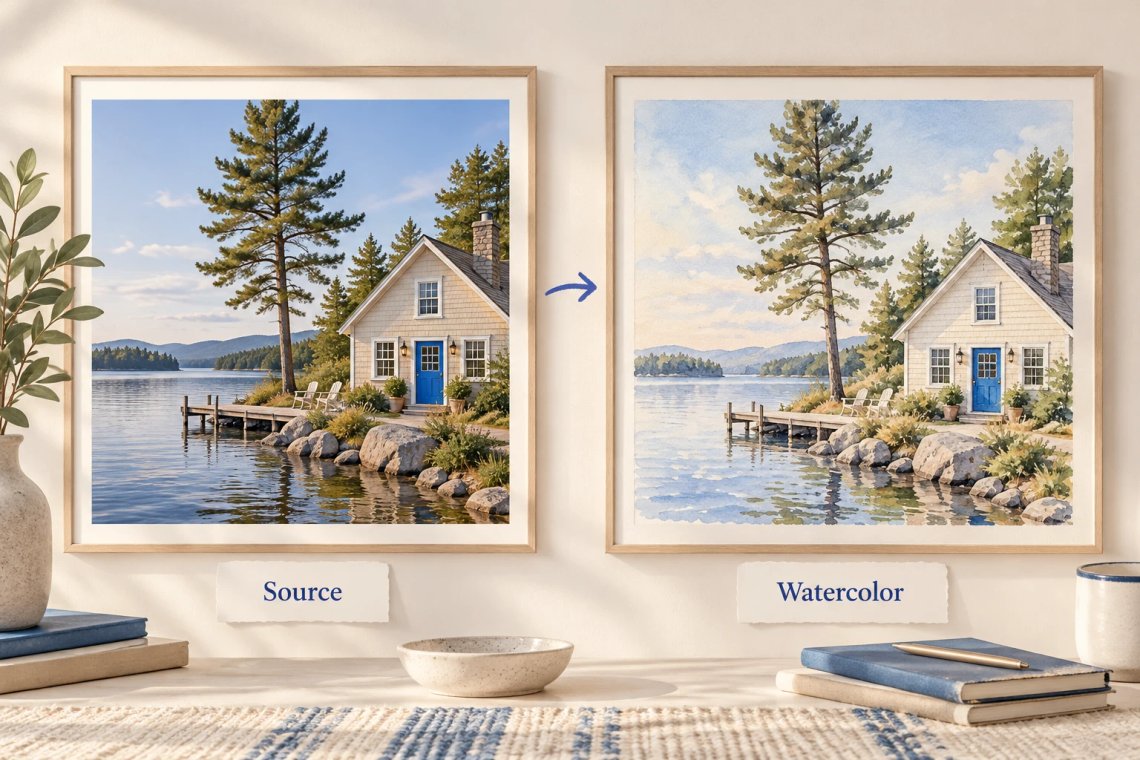
Effortlessly reimagine your photos with our powerful Image-to-Image AI Generator. Upload any existing image, provide a style prompt, and watch as Chat Smith transforms the source material into a completely new, artistic composition while maintaining the original structure and essence. Perfect for redesigning concepts, experimenting with artistic styles, or turning rough drafts into high-end visuals, our tool opens up endless creative possibilities for your projects.
Try Now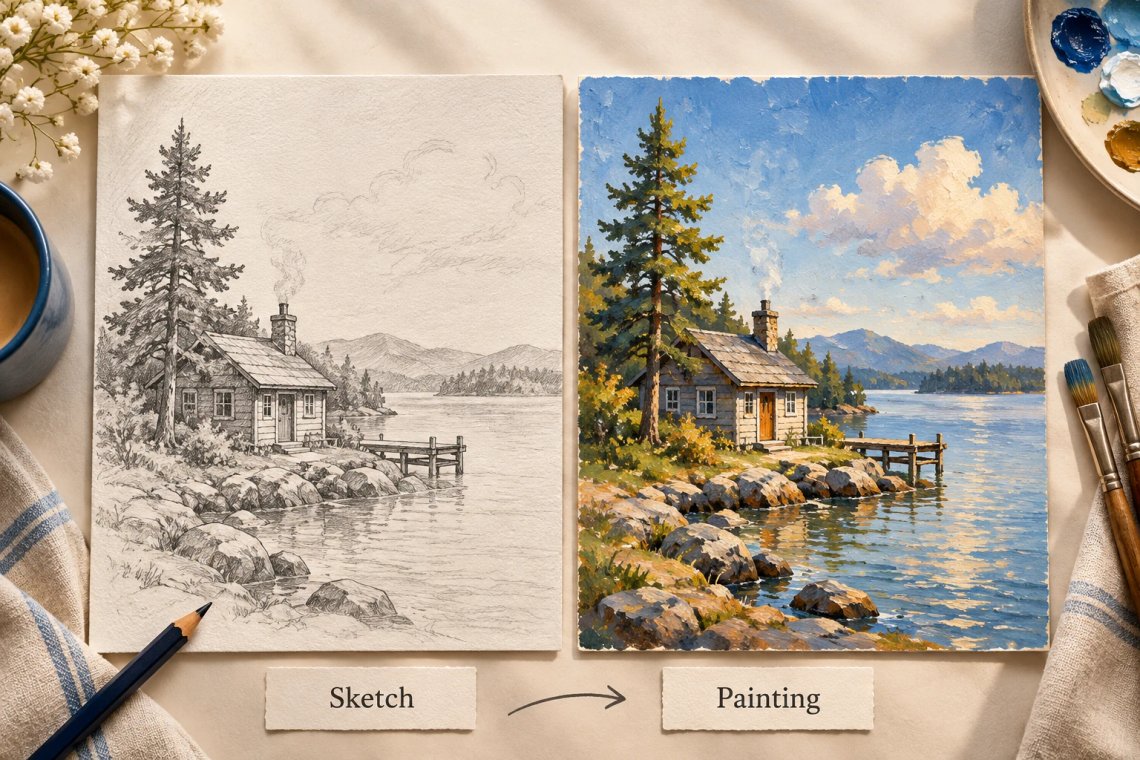
Achieve professional results with style transfer technology that respects the original composition. Our Image-to-Image generator carefully analyzes the shapes, depth, and layout of your source image to ensure the new version feels grounded and consistent. Whether you are applying a classic oil painting style to a modern photo or turning a sketch into a detailed digital painting, the results retain the underlying structure you need.
Try Now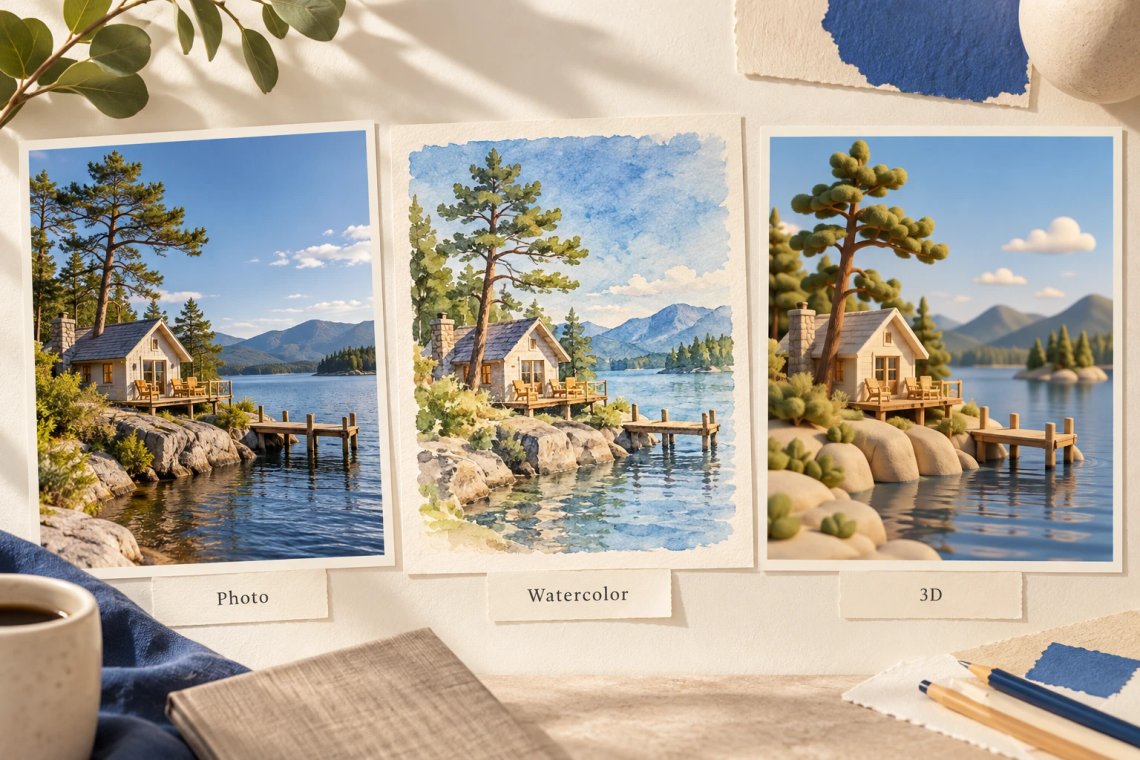
Experiment with a limitless array of creative transformations. Our tool allows you to iterate through diverse aesthetic options—from hyper-realistic renders and conceptual art to stylized animations and classic art periods—with ease. You have full control over the creative process, enabling you to refine your visual narrative by adjusting style intensity and prompt influence to achieve the exact aesthetic you envision for your brand.
Try Now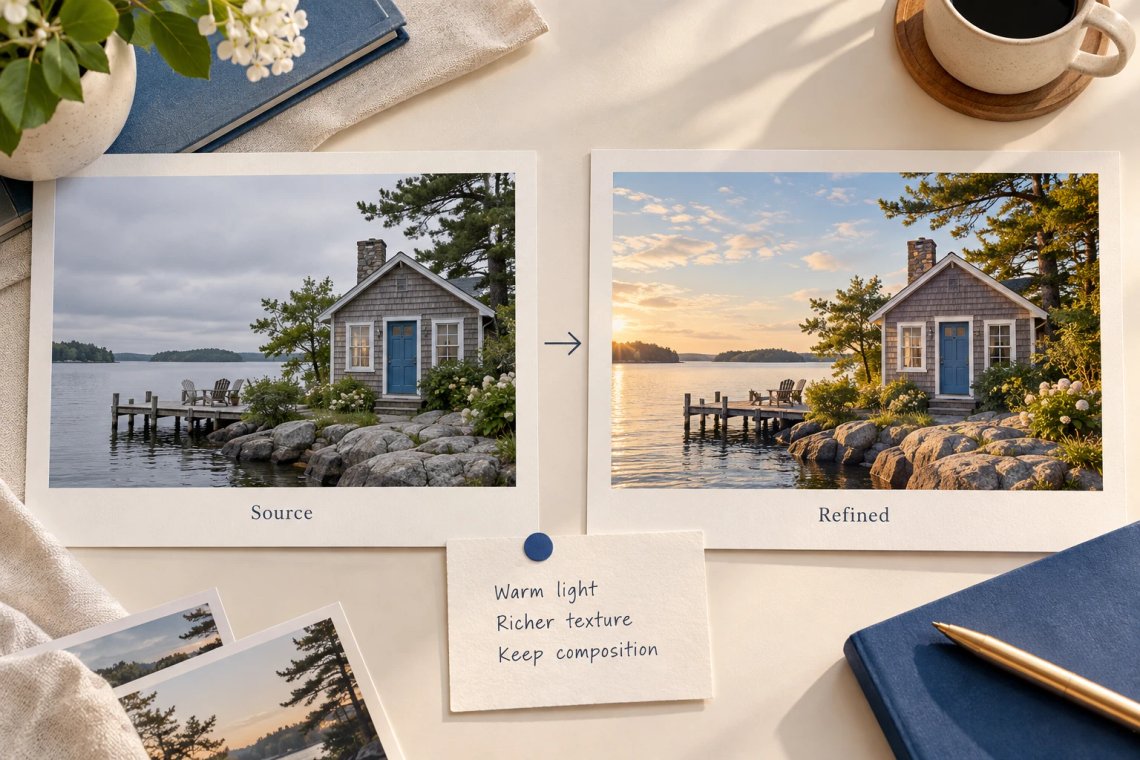
Creating the perfect visual from source images is simple with our built-in intelligent refinement tool. If you're unsure how to achieve a specific look, our system automatically enriches your basic inputs with professional artistic terminology and lighting descriptors. By intelligently expanding your source data, Chat Smith ensures that the AI understands your specific requirements, resulting in more accurate and visually appealing outputs with significantly fewer attempts.
Try Now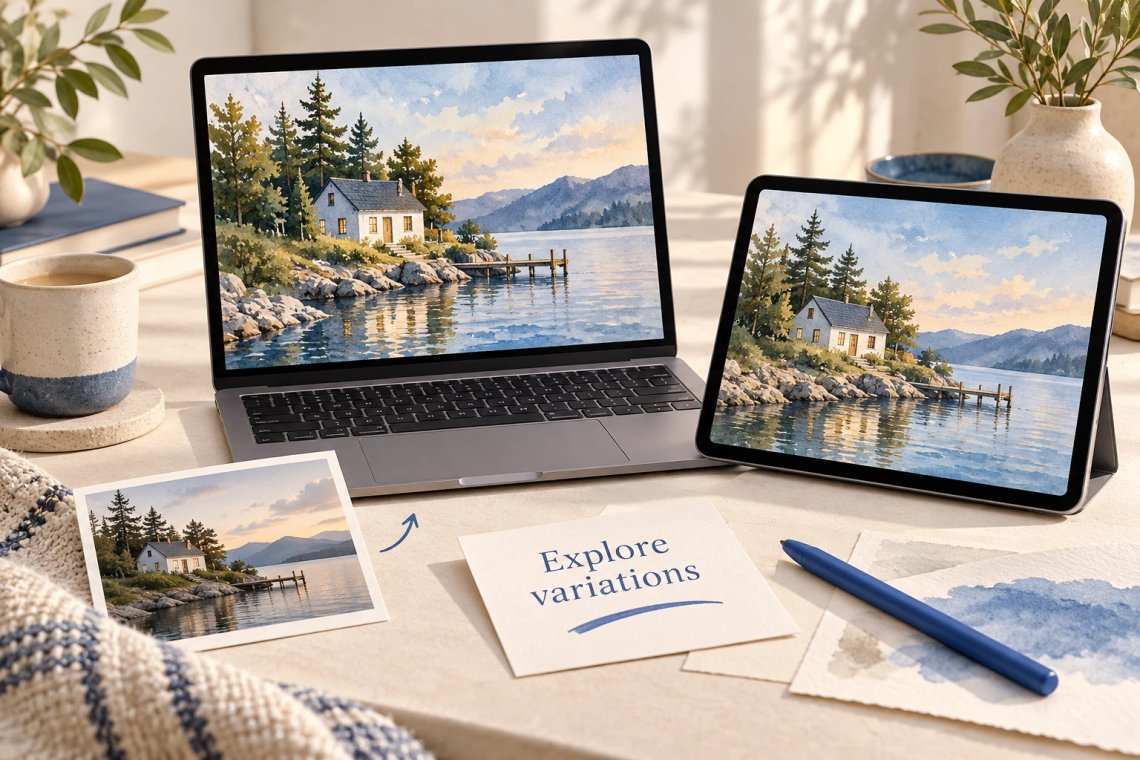
Enjoy the freedom of refining your visual content from anywhere with our fully responsive, cross-platform application. Whether you are adding final details to an illustration on your desktop or creating quick style variations on your tablet while traveling, Chat Smith ensures a perfectly synchronized experience. Generate, edit, and export your high-resolution visual assets across all devices for an uninterrupted workflow.
From cutting-edge AI models to flexible image workflows, Chat Smith gives you more creative control.
Switch between leading AI image models for different creative needs.
Explore trending aesthetics and newly released visual styles.
Upload images in different sizes, formats, and orientations.
Generate richer prompts automatically for higher-quality results.
From text prompts to finished artwork, Chat Smith makes it easy to create, edit, and transform high-quality visuals in just a few clicks.
Enter a text prompt or upload reference images. Describe the subject, style, mood, or visual concept you want to create.
Choose GPT Image 2.0 or Nano Banana Pro and let Chat Smith transform your prompt into high-quality AI-generated images.
Adjust prompts, upload additional references, or create variations until you get the perfect image ready to use anywhere.
Access a growing collection of AI tools to write, create, brainstorm, and work more efficiently.




Chat Smith's Image to Image tool is an AI-powered feature that transforms an existing image into a new visual by applying a different art style, aesthetic, or creative transformation. Upload any photo or artwork and convert it into a new visual style — oil painting, anime, cartoon, sketch, fantasy art, or any creative direction you choose.
Upload your source image and describe the visual transformation you want using a text prompt — for example, "convert to oil painting style," "make it look like a watercolor illustration," or "transform into anime." The AI analyzes your input image and generates a new version that reflects the requested style while preserving the original composition, subject, and key visual elements.
Chat Smith's Image to Image tool supports a wide range of transformations including photo-to-painting conversion, photo-to-sketch, photo-to-anime, photo-to-cartoon, realistic-to-fantasy, photo enhancement and stylization, background replacement, artistic style transfer, color palette transformation, and mood or tone changes across any uploaded image.
Yes. Upload your photo and specify a painting style — oil, watercolor, acrylic, impressionist, or any other artistic medium — and Chat Smith transforms the image into a high-quality painted artwork that captures the scene's content while applying the selected painting aesthetic.
Yes. Chat Smith's Image to Image tool is highly effective at converting realistic photos into anime-style portraits, cartoon illustrations, manga-style artwork, chibi characters, and a wide range of stylized character and scene renditions. Simply describe the target art style in your text prompt after uploading the source image.
Yes. You can upload an existing illustration, digital artwork, or design and ask Chat Smith to reinterpret it in a different visual style, color palette, or artistic medium. This is useful for exploring multiple creative directions from a single base artwork without having to start over.
Chat Smith's Image to Image tool is designed to retain the core composition, subject matter, and key visual elements of the source image while applying the new style. The strength of content preservation versus stylistic transformation can be influenced by how specifically you describe the desired output in your text prompt.
Chat Smith's Image to Image feature uses advanced generative image models including GPT Image 2.0 and Nano Banana Pro, optimized for style-faithful image transformation, reference-based rendering, content-preserving stylization, and high-fidelity image-to-image translation across diverse visual styles.
Yes. Core Image to Image transformation features are available for free. Premium plans unlock higher-resolution output images, faster transformation processing, access to additional style presets, batch transformation capability, and advanced AI models for more precise and detailed image-to-image stylization results.
Yes. Chat Smith's Image to Image tool is useful for professional design workflows including style exploration, concept development, art direction prototyping, brand identity visualization, product photo stylization, and digital art creation. It allows designers and creatives to rapidly iterate across visual directions from a single source image.
Upload a clear, high-quality source image with good lighting and composition. Describe the target style specifically in your text prompt — include art style, medium, color direction, mood, and any elements you want to emphasize or de-emphasize. The more precisely you describe the desired transformation, the more accurately the AI will apply the target style.
In most cases, yes. Transformed images from Chat Smith's Image to Image feature can be used for commercial purposes including marketing, branding, digital products, editorial content, merchandise, and creative projects. Usage rights may vary depending on both the source image ownership and the AI model used. Always ensure compliance with applicable terms, policies, and laws.
Everything you need to push projects forward is right at your fingertips.