
Productivity
70 Wedding Card Messages for Every Couple
Create stunning visuals from text in seconds with AI.
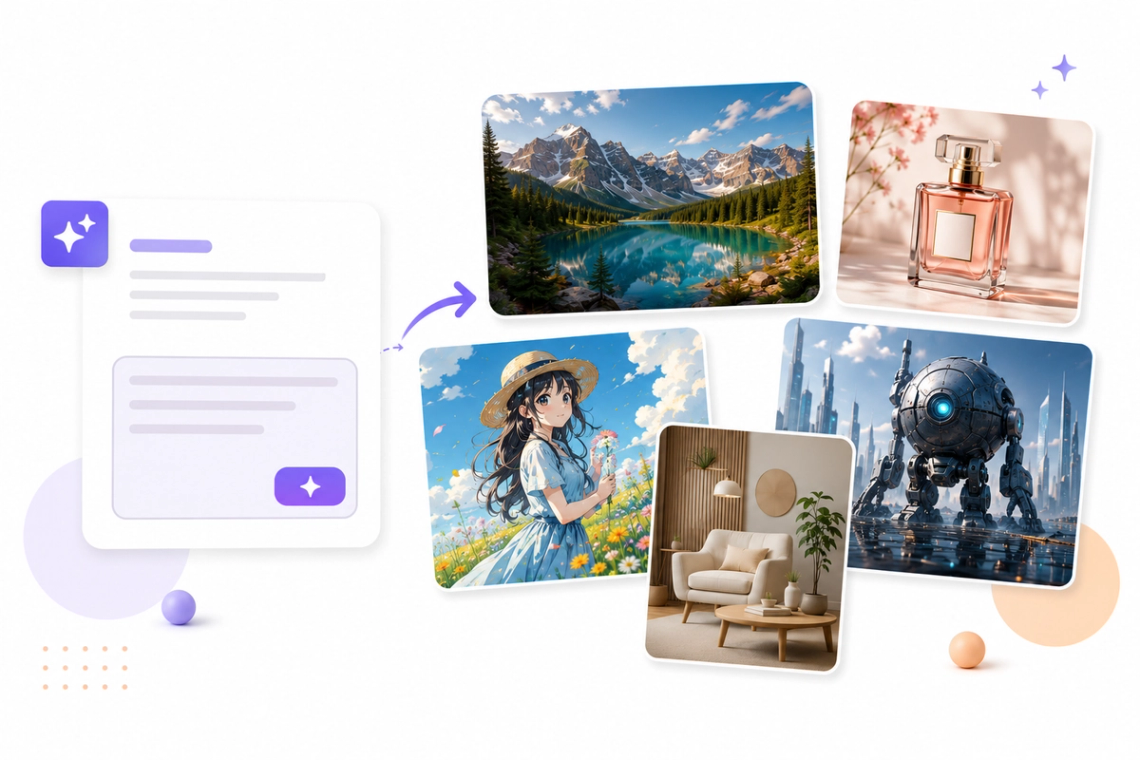
Instantly turn your creative concepts into professional-grade digital visuals with our cutting-edge Text-to-Image AI Generator. Whether you are creating marketing assets, artistic illustrations, or unique social media content, Chat Smith interprets your detailed text descriptions and produces high-resolution images that perfectly capture your intent. Say goodbye to the need for complex design software and unlock your creative potential by generating realistic, abstract, or stylized visuals exactly when you need them.
Try Now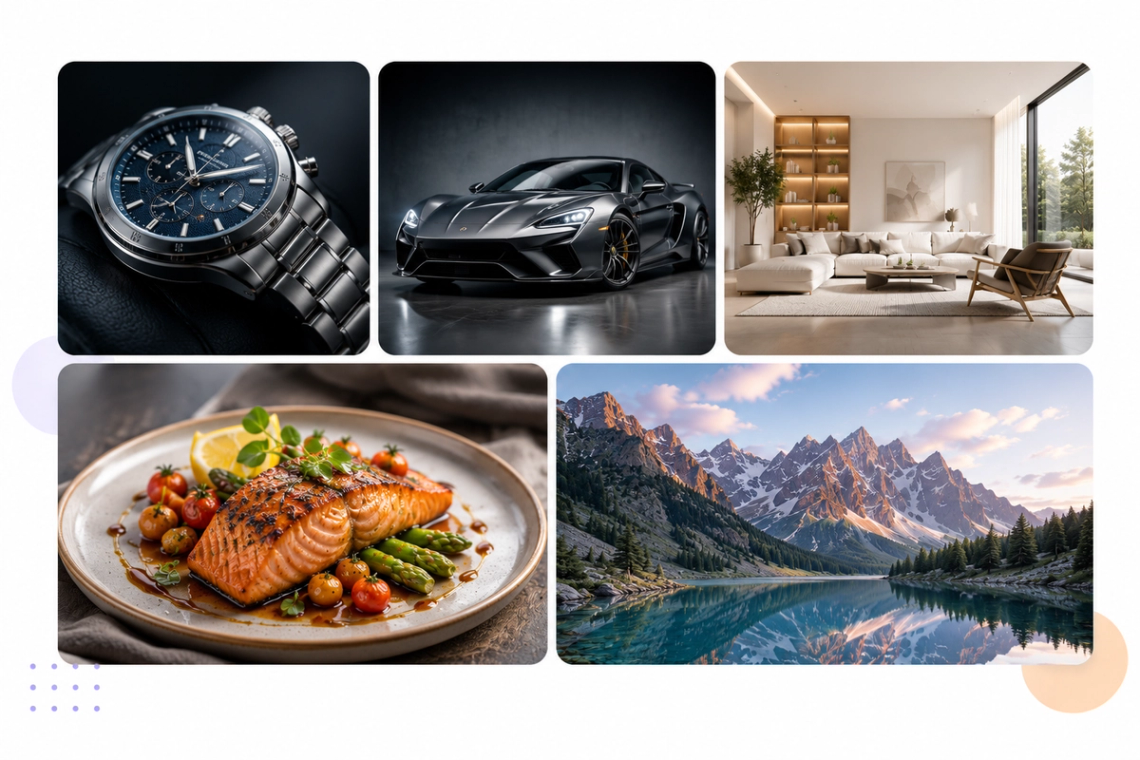
Experience the pinnacle of visual accuracy with our AI’s ability to synthesize photorealistic images that are virtually indistinguishable from professional photography. Our generator meticulously processes texture, lighting, camera angles, and depth of field based on your prompts to deliver images with incredible depth and realism. This tool is perfect for designers and businesses needing high-quality imagery for web content, advertising campaigns, and professional presentations without the high cost of photoshoots.
Try Now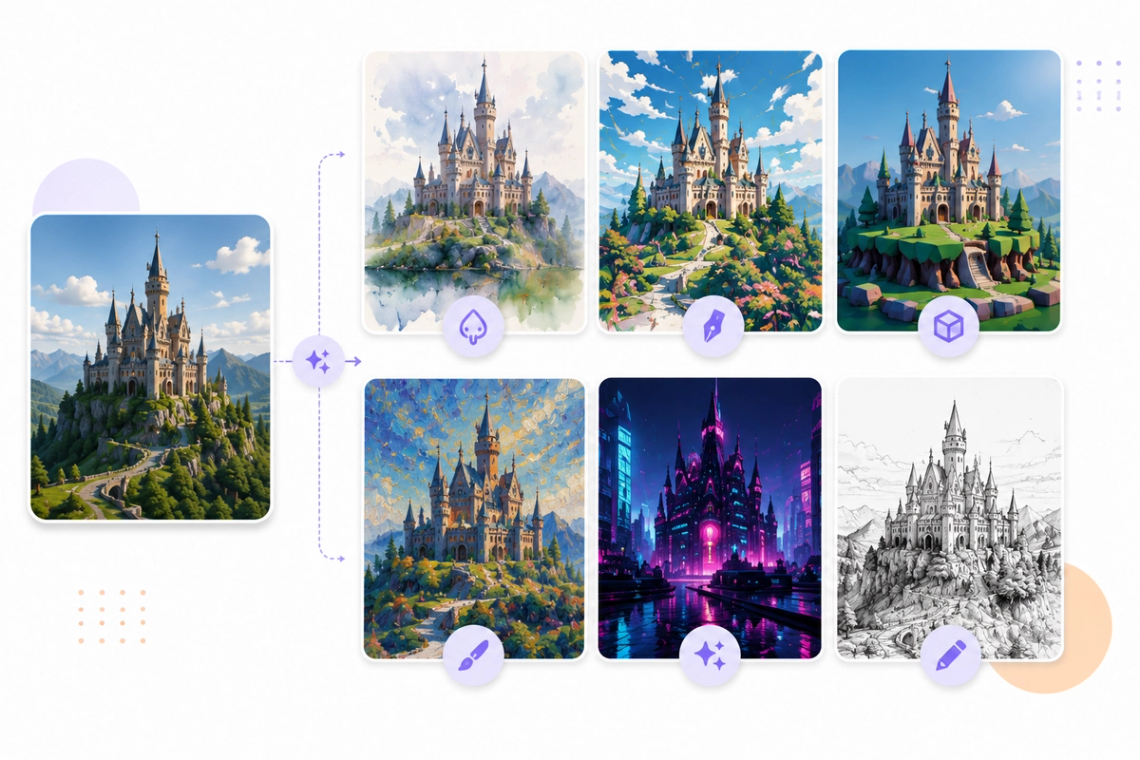
Express your unique vision through an endless array of artistic styles. Our Text-to-Image Generator doesn't just stick to realism; it excels in generating everything from whimsical oil paintings and vintage comic book styles to modern 3D renders, cyberpunk aesthetics, and conceptual art. You have full creative control to experiment with different moods and artistic expressions, ensuring you always have the right visuals to complement your storytelling or brand identity.
Try Now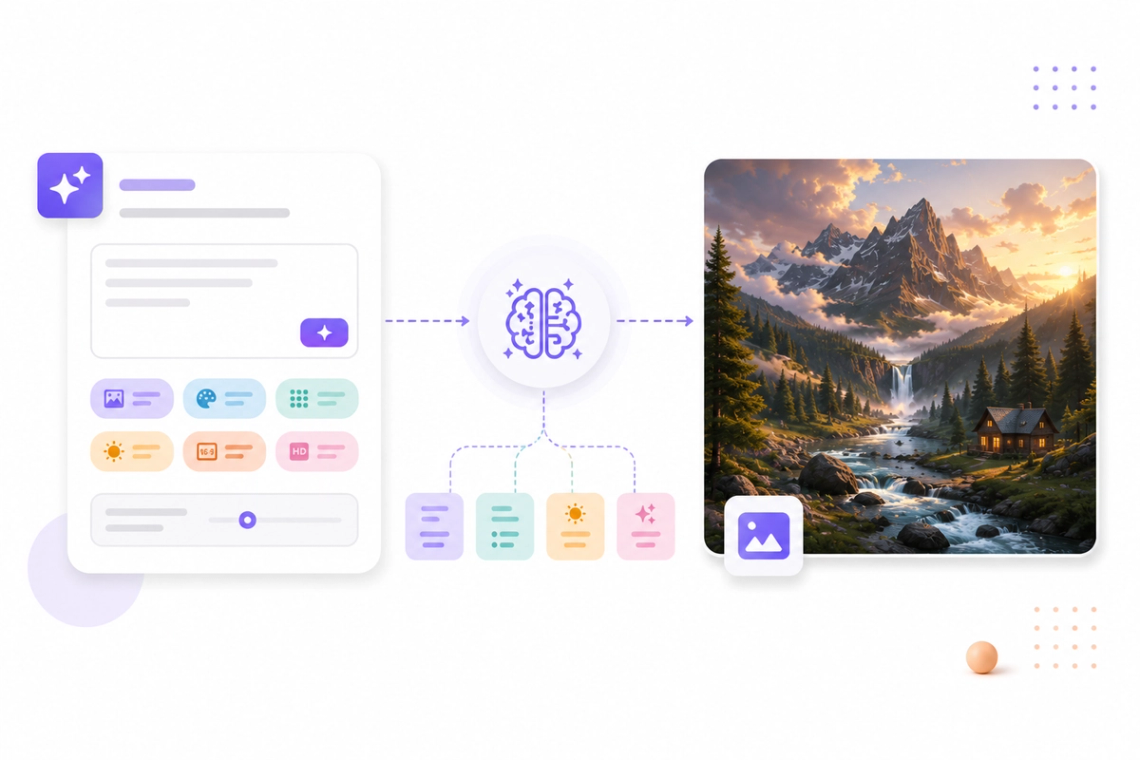
Creating the perfect visual from text is easy with our built-in intelligent prompt optimization. If you're unsure how to describe your idea, our system automatically enriches your basic prompts with professional design language, lighting descriptors, and style keywords. By intelligently expanding your initial concept, Chat Smith ensures that the AI understands your specific artistic requirements, resulting in more accurate, visually appealing images with significantly fewer attempts.
Try Now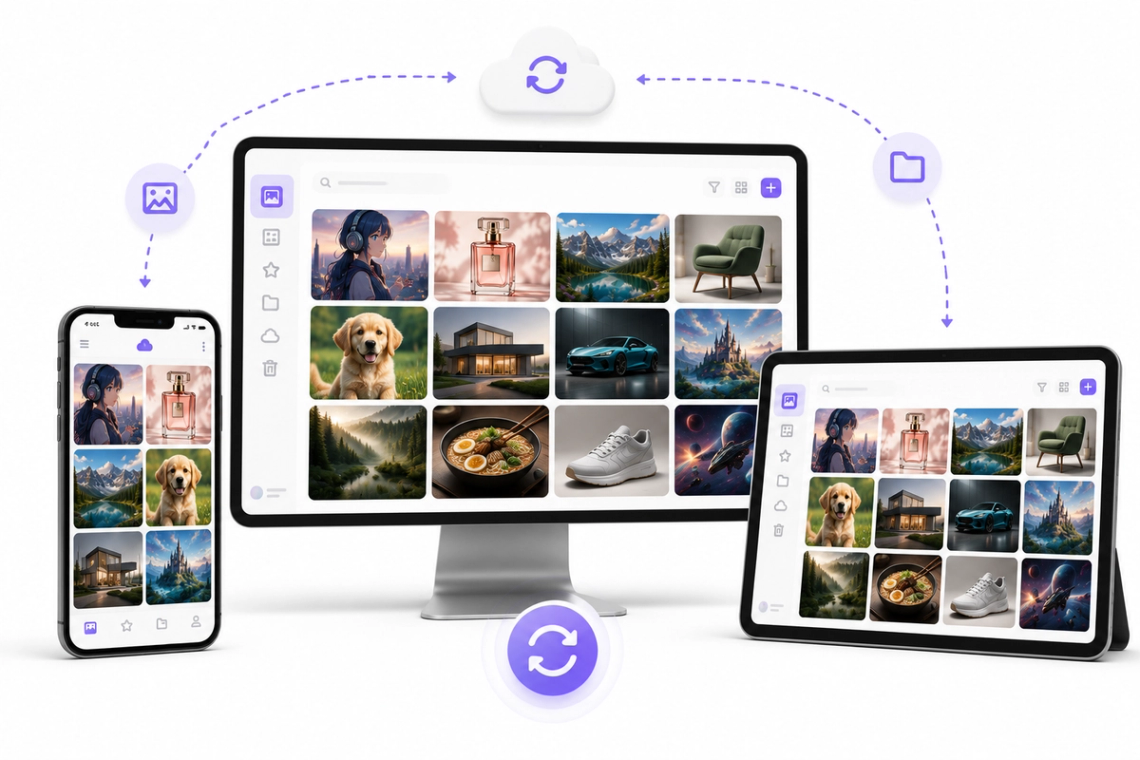
Enjoy the freedom of generating professional visuals from anywhere with our fully responsive, cross-platform application. Whether you are drafting a quick graphic on your smartphone while traveling or meticulously designing a complex marketing campaign on your desktop, Chat Smith provides a perfectly synchronized experience. Generate, edit, and export your visual assets across all connected devices to keep your creative workflow smooth and uninterrupted, no matter where inspiration strikes you.
From cutting-edge AI models to flexible image workflows, Chat Smith gives you more creative control.
Switch between leading AI image models for different creative needs.
Explore trending aesthetics and newly released visual styles.
Upload images in different sizes, formats, and orientations.
Generate richer prompts automatically for higher-quality results.
From text prompts to finished artwork, Chat Smith makes it easy to create, edit, and transform high-quality visuals in just a few clicks.
Enter a text prompt or upload reference images. Describe the subject, style, mood, or visual concept you want to create.
Choose GPT Image 2.0 or Nano Banana Pro and let Chat Smith transform your prompt into high-quality AI-generated images.
Adjust prompts, upload additional references, or create variations until you get the perfect image ready to use anywhere.
Access a growing collection of AI tools to write, create, brainstorm, and work more efficiently.

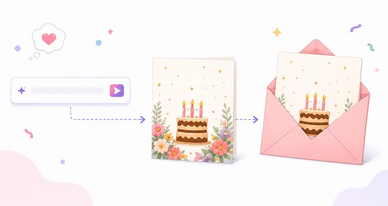

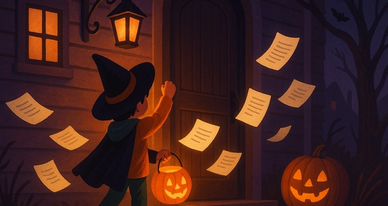
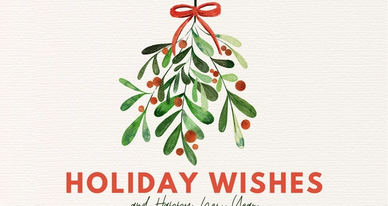

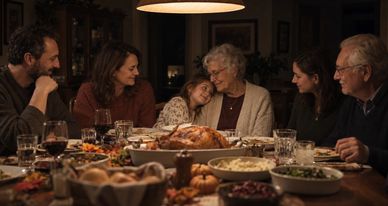
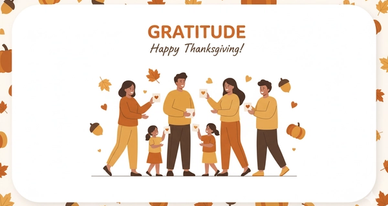
Chat Smith's Text to Image tool is an AI-powered feature that converts written text descriptions into high-quality visual images. Simply describe what you want to see — a scene, object, character, artwork, or concept — and the AI generates a corresponding image in seconds. No design skills or software are required.
Type a descriptive prompt that details the subject, style, color, mood, lighting, and any other visual elements you want in the image. The AI processes your text and generates one or more images that match your description. You can refine the output by editing the prompt and regenerating until the result matches your vision.
Chat Smith's Text to Image tool can generate virtually any type of image — photorealistic scenes, digital artwork, fantasy illustrations, character portraits, product mockups, abstract visuals, architectural concepts, nature photography, anime-style art, icon designs, and more. The range of output is limited only by what you can describe.
More detailed prompts generally produce better results. Include the subject, setting, visual style, color palette, lighting, mood, and any specific elements you want included or excluded. For example, describing "a cozy café interior at night, warm lighting, vintage décor, soft bokeh, photorealistic" produces much more precise results than simply "a café."
You can specify any art style in your prompt — photorealistic, oil painting, watercolor, pencil sketch, digital art, anime, flat design, vector art, pop art, pixel art, impressionist, surrealist, cinematic, and many more. Mixing style descriptors (e.g., "anime style with cinematic lighting") allows for highly customized visual outputs.
Chat Smith produces images with strong visual fidelity, clear subject rendering, accurate color reproduction, and coherent scene composition. Image quality and prompt accuracy improve with detailed, specific descriptions. Premium plans provide access to higher-resolution outputs and more advanced AI models for finer results.
Chat Smith's Text to Image feature is powered by advanced generative image models including GPT Image 2.0 and Nano Banana Pro, optimized for diverse prompt interpretation, high-fidelity visual rendering, and multi-style image generation across photorealistic, artistic, and illustrative output categories.
Chat Smith integrates Text to Image alongside chat, AI prompt optimization, multi-model access, and image editing in one unified platform. You can refine prompts through conversation, switch between models, and iterate on results without leaving the interface — making the creative process faster and more flexible than standalone image tools.
Yes. Core Text to Image generation is available for free. Premium plans unlock higher-resolution outputs, faster generation, more image variations per prompt, access to additional AI image models, and batch generation capabilities for more demanding creative workflows.
Absolutely. Chat Smith's AI-assisted prompt optimization helps improve image quality automatically, even for users unfamiliar with prompt engineering. Start with a simple description of what you want to see, and the AI will guide the interpretation — making powerful image generation accessible to everyone regardless of technical background.
Be specific about what you want. Describe the subject clearly, then add style keywords (e.g., "photorealistic," "oil painting"), lighting details ("golden hour," "studio lighting"), mood descriptors ("moody," "serene"), and composition hints ("close-up portrait," "wide landscape shot"). Including what you do NOT want (negative prompts) can also help exclude unwanted elements.
In most cases, yes. Images generated through Chat Smith's Text to Image feature can be used for commercial purposes including marketing, branding, social media, presentations, digital products, and creative projects. Usage rights may vary depending on the AI model used. Always ensure your use complies with applicable terms, policies, and laws.
Everything you need to push projects forward is right at your fingertips.