
01
Your details, a finished card
Add your name, title and contact info and get a complete card design.
Image Tools
Add your name, title and contact details, pick your industry and style, and get a business card that fits your brand.

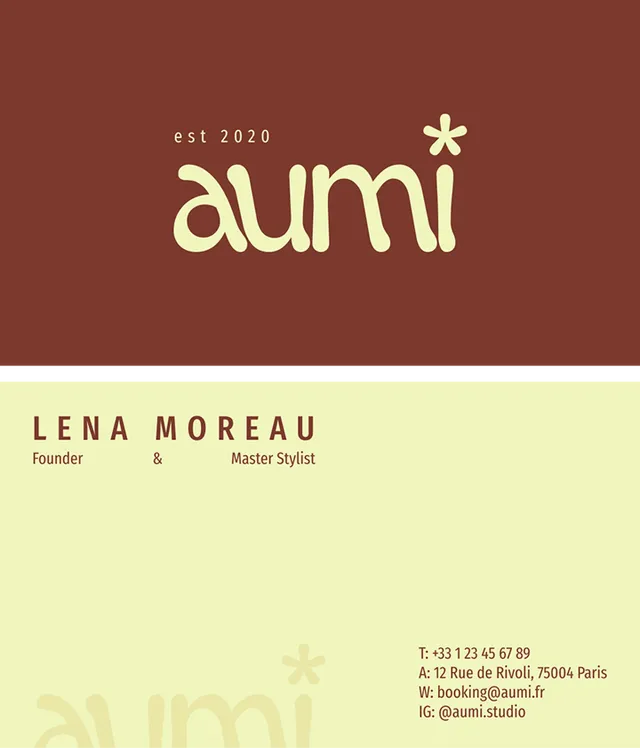
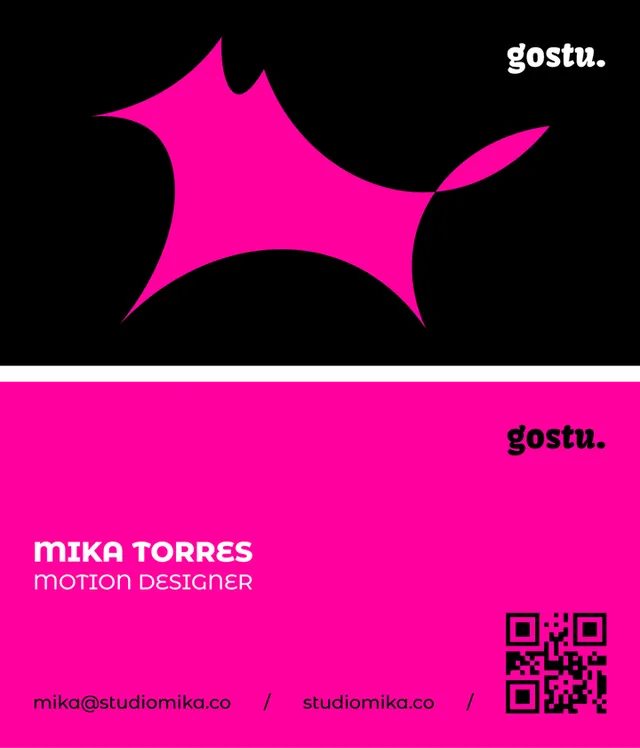
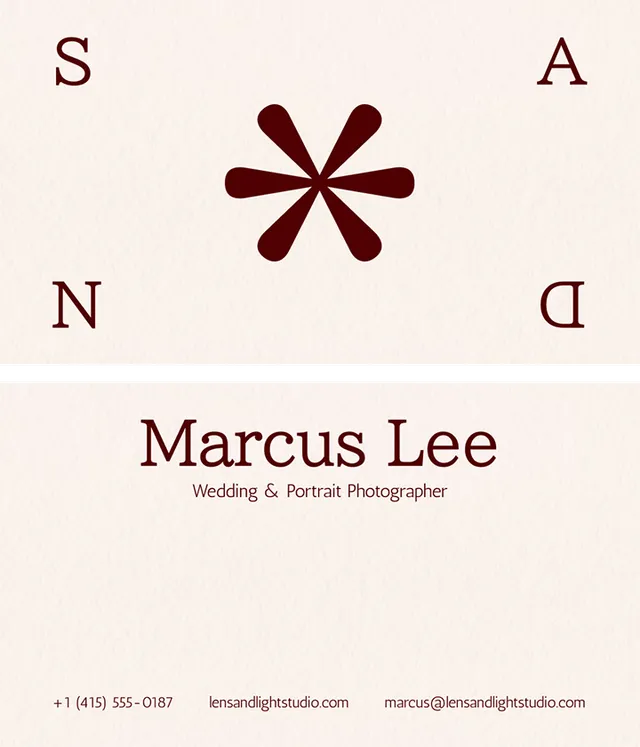
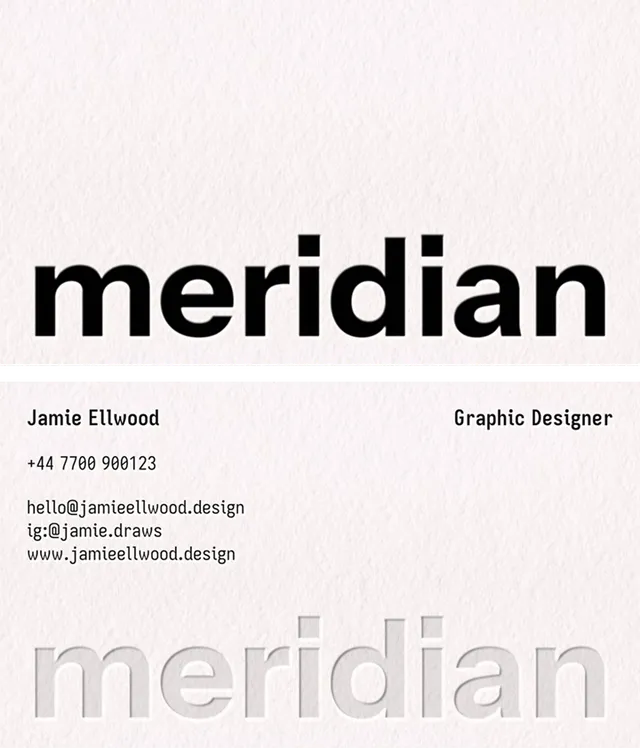
Reference image · optional
Use PNG or JPG images up to 20 MB.
Industry
Style
Color theme
Why Chat Smith
01
Add your name, title and contact info and get a complete card design.
02
Pick your field, from tech and fashion to restaurants and travel.
03
Modern, minimalist, bold, luxury, playful, vintage or corporate, in your colors.
04
Add your logo or up to 3 images to guide the style or layout.
How it works
Type your name, title and contact details, or start from a ready-made template.
Pick your industry, a style like Minimalist or Luxury, and a color theme.
Press Generate, then ask to change the fonts, colors, logo or layout.
Save your card to print or share online.
Instant cardsPopular
Add your name, title and contact details and get a card with clean typography and balanced spacing. Need a professional photo to go with it? Get a headshot from a selfie.
Industries
Pick your industry and a style — minimalist for a studio, luxury for a boutique, playful for a café. Still need a tagline? Write a short slogan.
Brand
Add your logo as a reference image and name your brand colors in the color theme. No logo yet? Create one in minutes.
Remix
Start from a ready-made card, press Remix and swap in your name, details and colors with the chatbot AI online. Promoting your business too? Make a flyer.
Use cases
Cards for photographers, designers, writers and other creatives.
Example prompt
“A business card for Marcus Lee, Wedding & Portrait Photographer, +1 (415) 555-0187, lensandlightstudio.com, minimalist serif style, cream and deep burgundy”
Clean cards for founders, developers and product teams.
Example prompt
“A business card for Ava Chen, Co-founder at Nexa Labs, [email protected], with our N logo, modern style, black and electric blue”
Cards for cafés, boutiques, florists and local shops.
Example prompt
“A business card for Bloom Café with our address, opening hours and Instagram handle, playful style, warm brown and cream”
Cards for salons, nail bars, personal trainers and studios.
Example prompt
“A business card for Glow Nail Bar with booking number and Instagram, luxury style, soft pink and gold”
Cards for conferences, trade shows, meetups and networking events.
Example prompt
“A business card for Linh Tran, Event Planner, phone, email and website, corporate style, navy and white with a QR code area”
Prompt Library
Looking for more ideas? Borrow a prompt.
Hand-picked business card prompts for freelancers, shops, studios and startups in the Chat Smith Prompt Library. Use one as it is, or tweak a few words to make it yours.
Keep exploring
Pricing
Pick a plan that works for you.
$0
Free includes a limited number of generations. Upgrade to PRO for full access.
Start for freeFAQ
It creates business cards from your details. Add your name, title and contact info, pick an industry, style and color theme — or remix a template — then press Generate and ask for changes.
Your full name, job title, company name and the contact details you want to share, like phone, email and website.
Yes. Upload your logo as a reference image and mention it in your description so the design is built around it.
Yes. Ask in chat to change the colors, fonts, layout or text until it looks right.
Yes. In many cases, AI-generated images created with Chat Smith can be used for marketing, branding, content creation, social media, presentations, merchandise, and other commercial projects, depending on the usage rights of the selected AI model. You are responsible for ensuring your use complies with applicable terms, policies, and laws, and does not infringe on third-party rights such as copyrights, trademarks, brand logos, public figures, or protected characters. For high-visibility commercial use, we recommend reviewing the output carefully or seeking legal advice if needed.



