
01
List it, get a menu
Type your dishes and prices and get them laid out in clear sections.
Image Tools
List your dishes and prices, pick a size and style, and get a clean, appetizing menu for your café, restaurant, bar or bakery.

Reference image · optional
Use PNG or JPG images up to 20 MB.
Ratio
Style
Industry
Why Chat Smith
01
Type your dishes and prices and get them laid out in clear sections.
02
Tall, wide, square, classic 2:3 or landscape — for tables, walls or screens.
03
Modern, minimalist, bold, luxury, playful, vintage or corporate.
04
Add up to 3 images to guide the style, layout or dishes shown.
How it works
Type your dishes, prices and sections, or start from a ready-made template.
Pick the size, a style and your type of place, like Cafe or Bar & Pub.
Press Generate, then ask to change items, prices, photos or colors.
Save your menu to print, post or show on a screen.
Instant menusPopular
List what you sell and get a menu with clear sections, names and prices that are easy to scan. Need a matching sign for the window? Make a poster.
Descriptions
Add your own descriptions or ask the AI chatbot for short, tasty lines based on ingredients and flavors. Promoting a new dish? Spread the word with a flyer.
Styles
From cozy café to fine dining, pick a style and use your food photos as references. No logo yet? Create one in minutes.
Remix
Start from a ready-made menu, press Remix and swap in your dishes, prices and colors. Need a clean product shot first? Remove the background.
Use cases
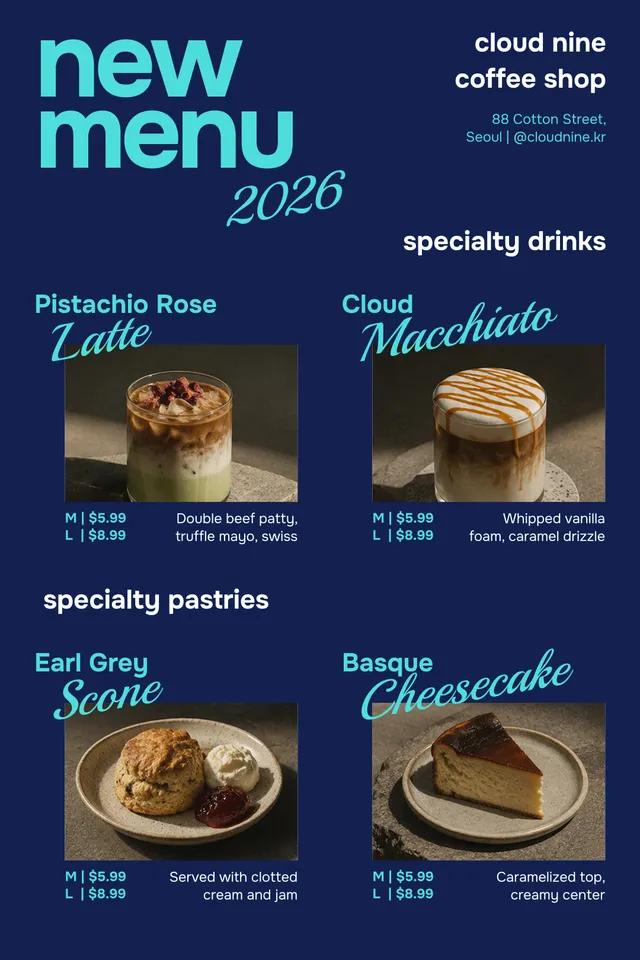
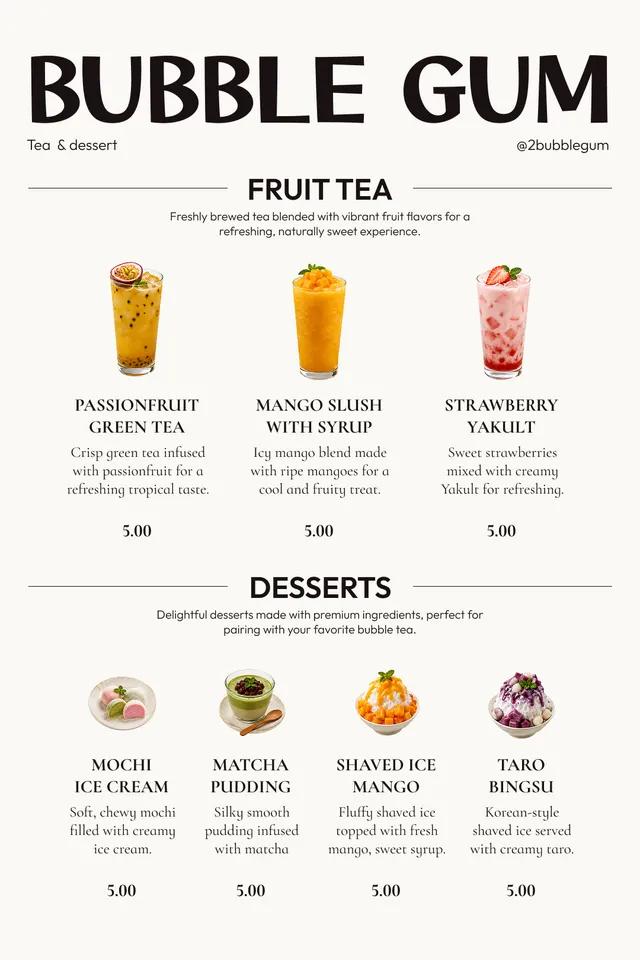
Drink boards and counter menus for cafés, tea shops and juice bars.
Example prompt
“A menu for Cloud Nine Coffee Shop with 4 specialty drinks and 4 pastries, each with M and L prices, modern style, navy and aqua”
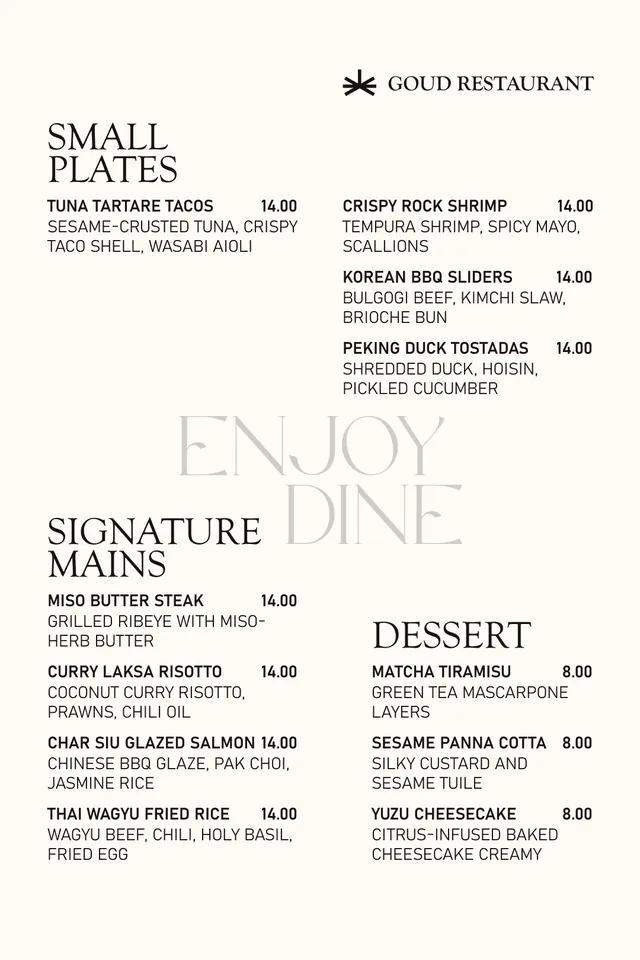
Lunch, dinner and set menus for casual and fine dining.
Example prompt
“A dinner menu for Trattoria Luca with starters, pasta, mains and desserts, short descriptions and prices, luxury style, cream and dark green”
Cocktail, wine and beer menus for bars, pubs and lounges.
Example prompt
“A cocktail menu for The Tasting Room with 8 signature cocktails, short flavor notes and prices, vintage style, black and gold”
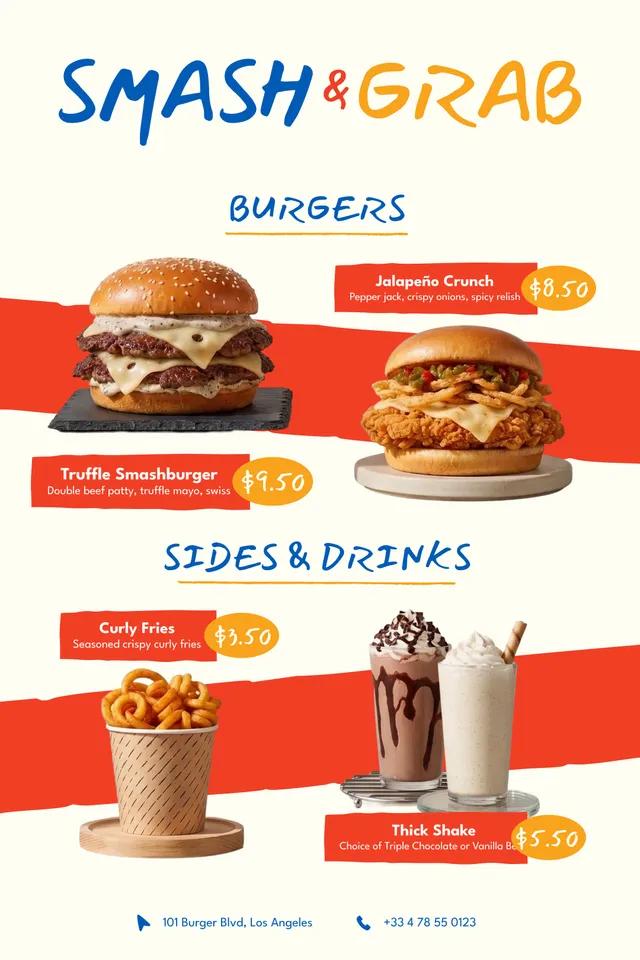
Boards for food trucks, pop-ups, kiosks and takeaway counters.
Example prompt
“A menu board for Taco Loco food truck with 6 tacos, 3 sides and drinks with prices, bold playful style, yellow and red”
Price lists for salons, nail bars, barbers and spas.
Example prompt
“A service price list for Glow Nail & Spa with manicures, pedicures and add-ons, minimalist style, soft pink and white”
Prompt Library
Looking for more ideas? Borrow a prompt.
Hand-picked menu prompts for cafés, restaurants, bars, bakeries and more in the Chat Smith Prompt Library. Use one as it is, or tweak a few words to make it yours.
Keep exploring
Pricing
Pick a plan that works for you.
$0
Free includes a limited number of generations. Upgrade to PRO for full access.
Start for freeFAQ
It creates menus from your list of items. Type your dishes and prices, pick a ratio, style and industry — or remix a template — then press Generate and ask for changes.
Menus for cafés, restaurants, bars, food trucks and bakeries, plus service price lists for spas and salons.
Yes. Add your own descriptions, or ask for short lines based on the ingredients and flavors you list.
Group items by section, include exact prices, add a few ingredient notes and your colors, and upload food photos or your logo as references.
Yes. In many cases, AI-generated images created with Chat Smith can be used for marketing, branding, content creation, social media, presentations, merchandise, and other commercial projects, depending on the usage rights of the selected AI model. You are responsible for ensuring your use complies with applicable terms, policies, and laws, and does not infringe on third-party rights such as copyrights, trademarks, brand logos, public figures, or protected characters. For high-visibility commercial use, we recommend reviewing the output carefully or seeking legal advice if needed.



