
01
Describe it, get a flyer
Say what the flyer is about and get a headline, details and layout in one design.
Image Tools
Say what your flyer is about, pick a size and style, and get a clear, eye-catching flyer for openings, events, offers and more.

Reference image · optional
Use PNG or JPG images up to 20 MB.
Ratio
Style
Type
Color theme
Why Chat Smith
01
Say what the flyer is about and get a headline, details and layout in one design.
02
Story, widescreen, square, classic 2:3 or landscape — pick the ratio you need.
03
Modern, minimalist, bold, luxury, playful, vintage or corporate, in your colors.
04
Add up to 3 images to guide the style or layout.
How it works
Describe the event, offer or announcement with the key details, or start from a template.
Pick the size, a style like Modern or Vintage, the flyer type and a color theme.
Press Generate, then ask to change the text, photos, colors or layout.
Save your flyer to print, post or send.
Instant flyersPopular
Add the what, when and where, and get a flyer with a headline, the key details and a call to action laid out clearly. Want a big wall version too? Make a poster.
Styles
Choose modern, minimalist, bold, luxury, playful, vintage or corporate, or let Auto decide, then set a color theme. Running a café or restaurant? Design your menu to match.
Brand
Add product shots, venue photos or your logo as reference images and the layout builds around them. No logo yet? Create one in minutes.
Remix
Start from a ready-made flyer, press Remix and change the text, photos and colors in the chat AI online. Need a folded handout instead? Make a leaflet.
Use cases
Promote parties, tastings, concerts, classes and community events.
Example prompt
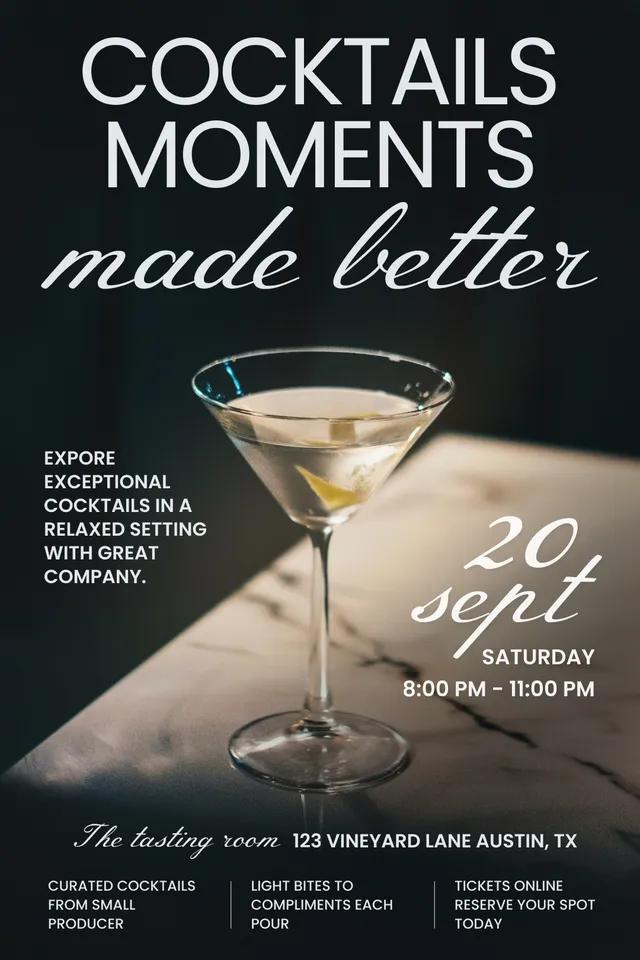
“A flyer for a cocktail tasting night on Saturday, Sept 20, 8–11 PM at The Tasting Room, 123 Vineyard Lane, elegant luxury style, dark navy and cream”
Announce sales, discounts, coupons and limited-time deals.
Example prompt
“A flyer for our summer clearance sale, up to 50% off, this weekend only at Luna Boutique, bold style, red and white”
Share openings, new locations and product launches with your neighborhood.
Example prompt
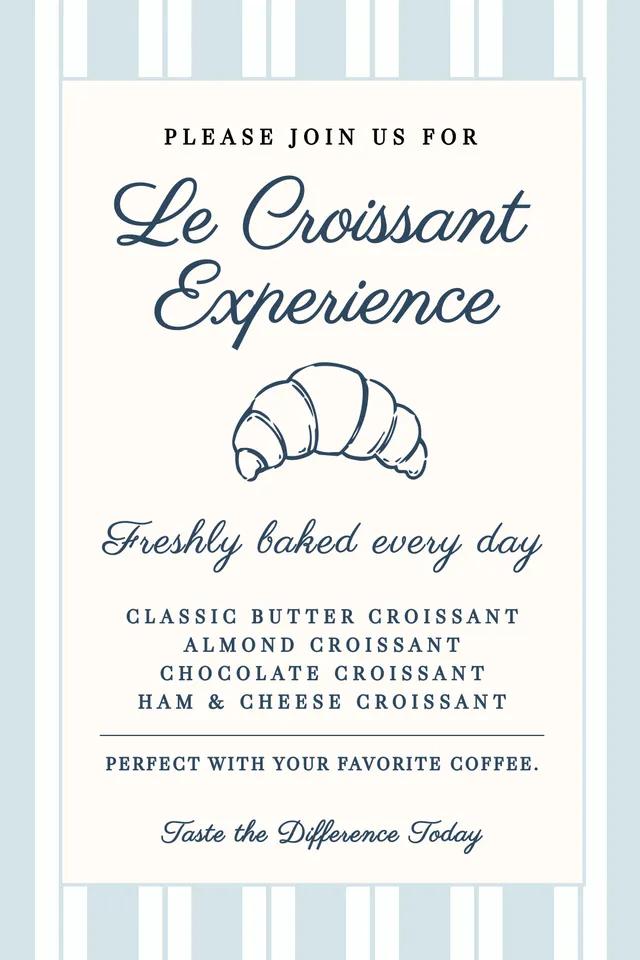
“A grand opening flyer for Sunny Side Café on Oct 20, free pastry with every coffee, playful style, warm yellow and orange”
Flyers for cleaning, tutoring, pet care, lawn care and other local services.
Example prompt
“A flyer for Green Leaf Lawn Care, mowing and garden cleanup, call to book a free quote, clean corporate style, green and white”
Make flyers for school events, clubs, workshops and community notices.
Example prompt
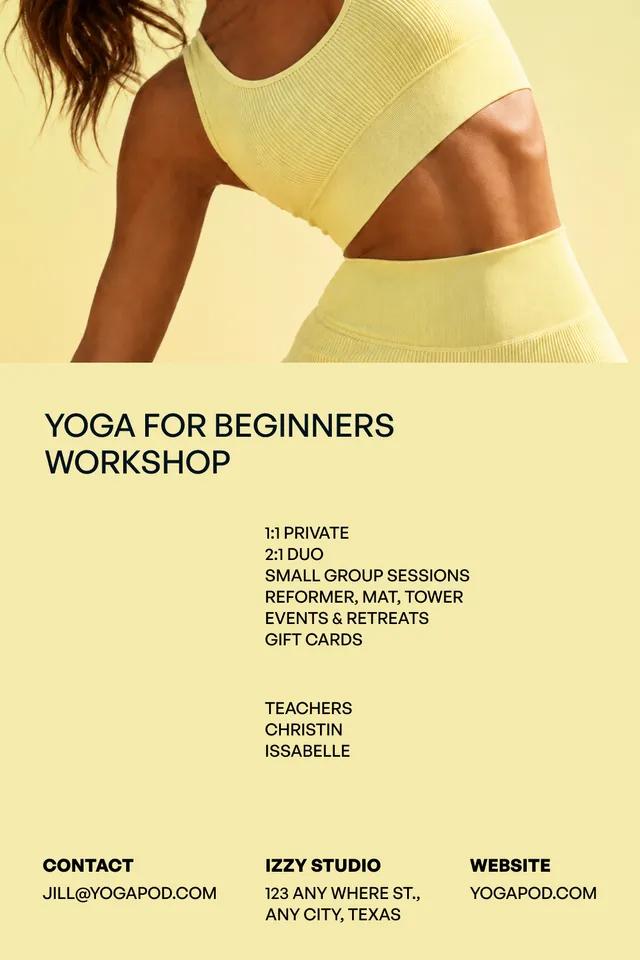
“A flyer for a community book fair at Maple Library, Saturday 10 AM–4 PM, family friendly, playful style with pastel colors”
Prompt Library
Looking for more ideas? Borrow a prompt.
Hand-picked flyer prompts for openings, sales, classes, parties and more in the Chat Smith Prompt Library. Use one as it is, or tweak a few words to make it yours.
Keep exploring
Pricing
Pick a plan that works for you.
$0
Free includes a limited number of generations. Upgrade to PRO for full access.
Start for freeFAQ
It creates flyers from a short description. Say what the flyer is about, pick a ratio, style and type — or remix a template — then press Generate and ask for changes.
Events, parties, grand openings, sales, product launches, classes, local services, job openings, school and community notices, and more.
Yes. It can write the headline, short details and a call to action from what you describe. Add exact dates, prices and addresses so they show correctly.
Include the purpose, key details, audience, mood and colors, and add your logo or photos as reference images.
Yes. In many cases, AI-generated images created with Chat Smith can be used for marketing, branding, content creation, social media, presentations, merchandise, and other commercial projects, depending on the usage rights of the selected AI model. You are responsible for ensuring your use complies with applicable terms, policies, and laws, and does not infringe on third-party rights such as copyrights, trademarks, brand logos, public figures, or protected characters. For high-visibility commercial use, we recommend reviewing the output carefully or seeking legal advice if needed.



