
AI Prompt
50 Halloween Card Ideas with AI Prompts to Design Your Own
Describe who it's for and the style you want, and get a complete Halloween card in seconds.
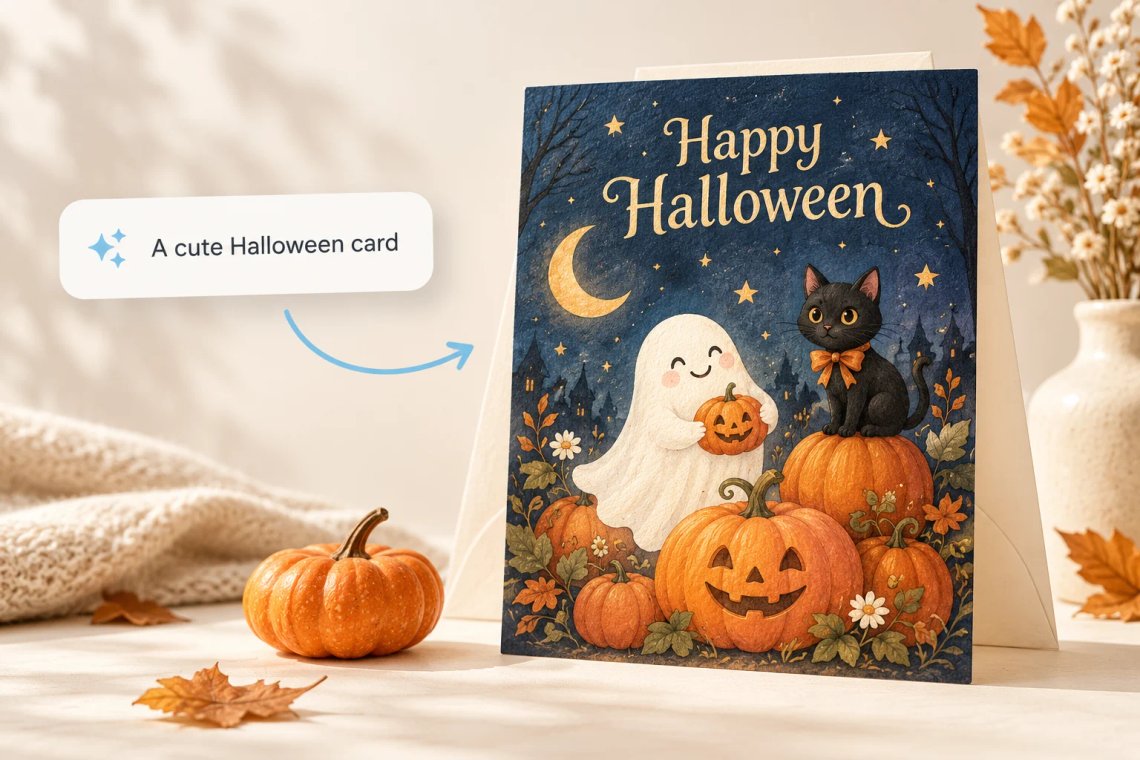
The Halloween Greeting Card Maker turns a short prompt into a ready to send card in seconds. Just describe who the card is for, such as a close friend, a coworker, or your kids, and mention the style you want, spooky, funny, cute, or elegant. The AI composes artwork, colors, and your message into one finished design, polished and ready to download, send, or print right away, with the full layout, colors, and wording already put together and ready to use right away.
Try Now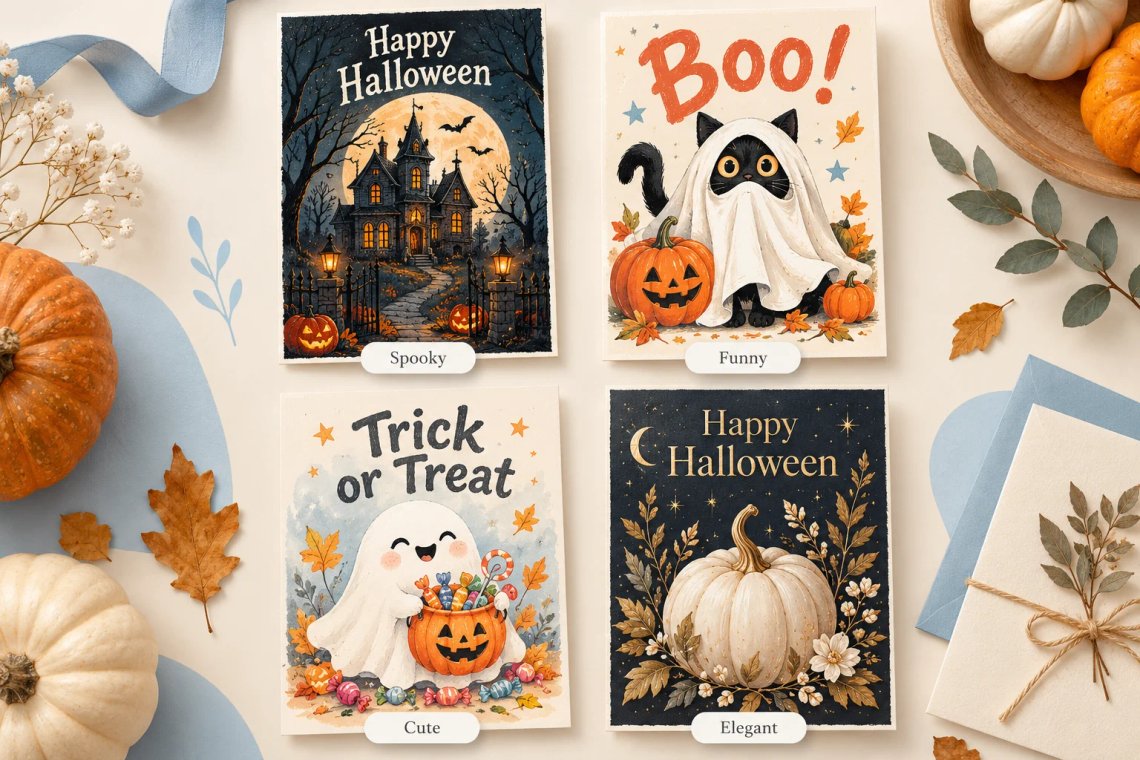
Every Halloween card does not need the same look. Choose a spooky style full of ghosts and graveyards, a funny style with playful jokes and puns, a cute style warm enough for kids and classroom cards, or an elegant style for adult gatherings and parties. Switching styles takes only seconds, so comparing a few before settling on the right one is easy and fun, and you can always come back later and try a completely different look for the very same recipient and occasion.
Try Now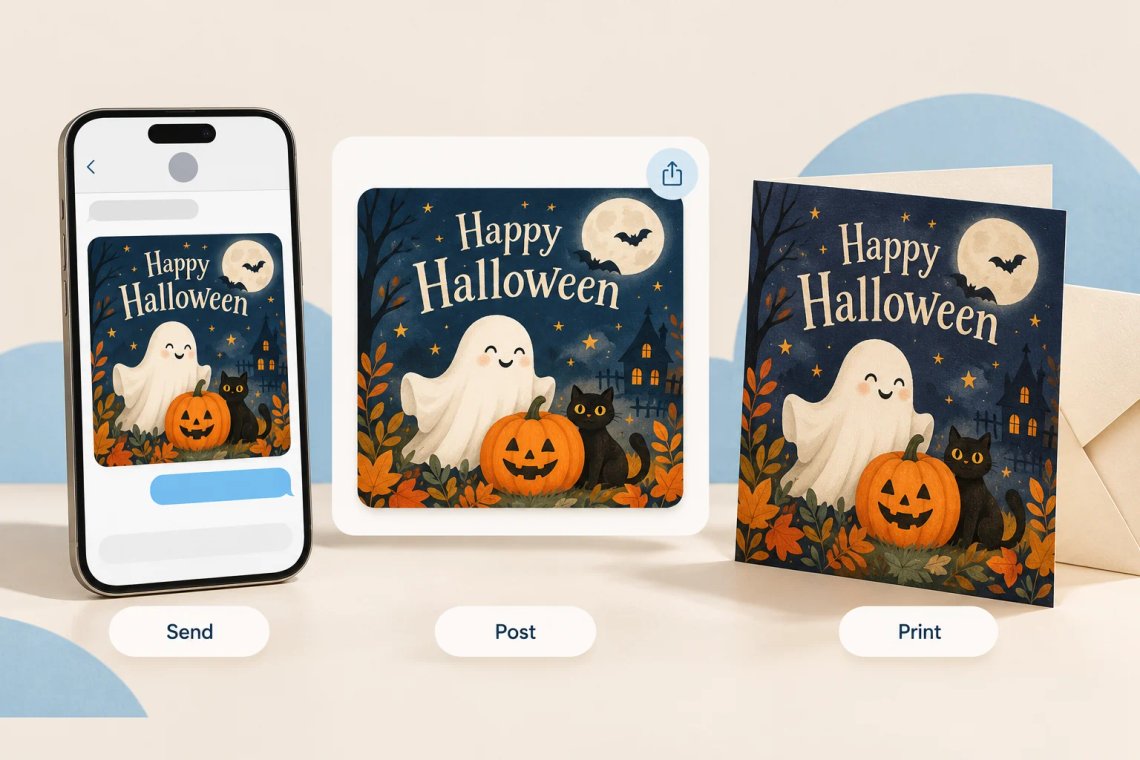
Once your Halloween card is finished, use it anywhere you like. A simple design works well as a text message attachment, a richer layout suits a printed card or digital invitation, and a bold design makes a strong Instagram caption or story image. Whatever the occasion, the card is sized and ready the moment it is generated, with no extra formatting or resizing required before you share it across any of your favorite platforms or print it at home.
Try Now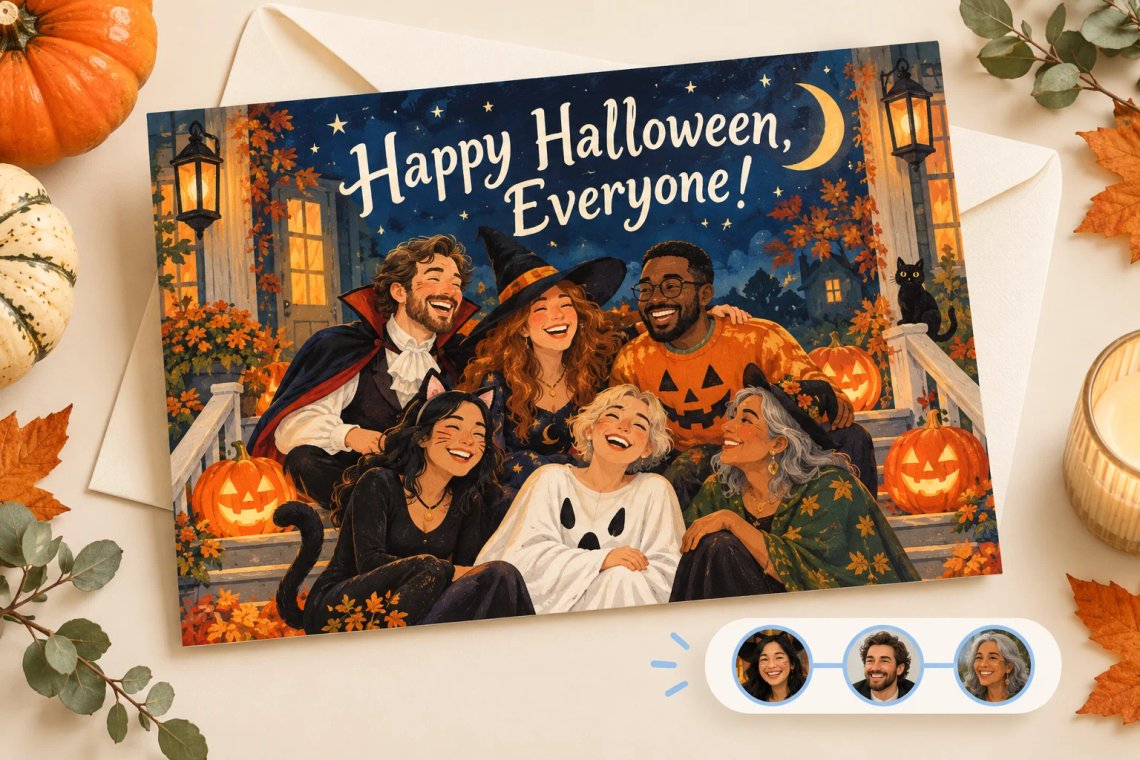
Planning a card for a whole class, office, or family gathering? Describe that the card is for a group and the generator designs artwork and a message suited to multiple recipients, so everyone feels included. One generated card can cover a classroom, a team, or an entire extended family chat with ease, saving you from having to write and design a separate card for every single person involved in the celebration.
Try Now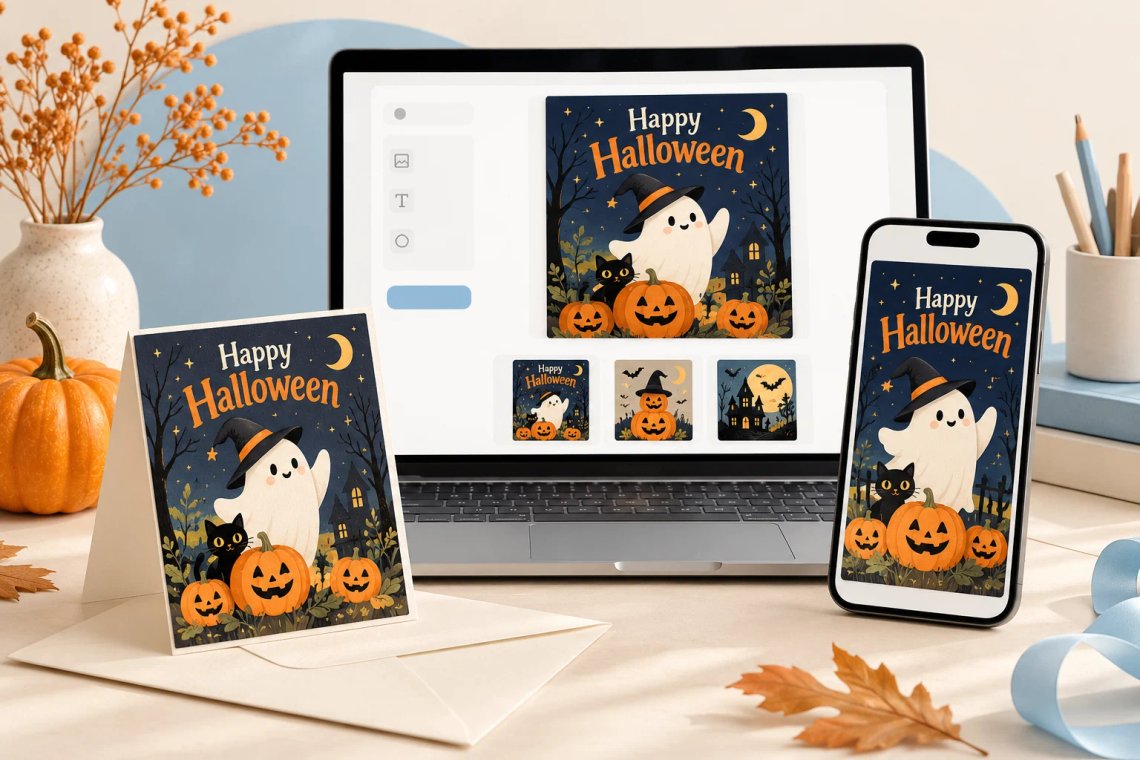
You can try the Halloween Greeting Card Maker inside Chat Smith for free, with a limited number of uses included and no separate account or extra app required. Open Chat Smith on the web or mobile, pick the tool, describe who the card is for and the style you want, and get your first finished Halloween card right away, with the option to keep designing more cards for everyone on your list whenever the mood strikes you.
From cutting-edge AI models to flexible image workflows, Chat Smith gives you more creative control.
Switch between leading AI image models for different creative needs.
Explore trending aesthetics and newly released visual styles.
Upload images in different sizes, formats, and orientations.
Generate richer prompts automatically for higher-quality results.
From text prompts to finished artwork, Chat Smith makes it easy to create, edit, and transform high-quality visuals in just a few clicks.
Enter a text prompt or upload reference images. Describe the subject, style, mood, or visual concept you want to create.
Choose GPT Image 2.0 or Nano Banana Pro and let Chat Smith transform your prompt into high-quality AI-generated images.
Adjust prompts, upload additional references, or create variations until you get the perfect image ready to use anywhere.
Access a growing collection of AI tools to write, create, brainstorm, and work more efficiently.
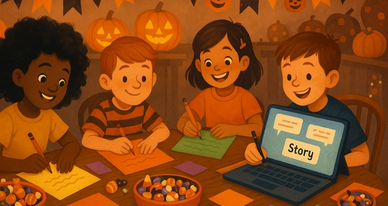
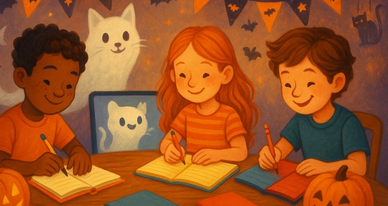
Chat Smith's Halloween Greeting Card Maker is an AI tool that turns a short prompt describing who the card is for and the style you want into a complete Halloween card, with decorative artwork, a matching color palette, and your personalized message all arranged together, ready to send, share, or print within seconds.
Yes, you can choose from a spooky style with ghosts and graveyards, a funny style with playful jokes, a cute style suited to kids and classmates, or an elegant style for adult gatherings. The AI arranges artwork, borders, and colors to match whichever style you pick, and you can regenerate the card as many times as you like.
Not currently. This particular tool composes decorative illustrated artwork together with your written message into one finished card design, rather than editing or inserting a personal photo into the layout. If you would rather turn an actual photo into a Halloween scene, try Chat Smith's AI Halloween Photo Generator instead.
Your finished Halloween card is delivered as a downloadable image file that you can save straight to your device, send through a text message, an email, or any social media platform, or print at home on cardstock to keep as a physical keepsake, all without needing any extra photo editing software beyond Chat Smith itself.
You can try the Halloween Greeting Card Maker inside Chat Smith with a free trial that includes a limited number of generations, with no separate account signup and no extra app download required at all, so you can start designing personalized Halloween cards on the web or on mobile right away today.
Yes, you can generate a brand new card for every single recipient simply by describing who it is for and the tone you want each time you use it. Every card gets its own unique artwork, color palette, and message, so a card made for a close friend can look nothing like one made for a coworker or a classmate.
Yes, the AI automatically adjusts the message length and its placement to fit the card layout properly, whether you want just a short line for a quick greeting or a longer paragraph meant for a printed keepsake, so the finished card consistently looks balanced, readable, and genuinely well composed.
If the very first version is not quite right, simply describe what you would like changed, such as a different color palette, a spookier style of illustration, or a shorter and punchier message, and generate a brand new version right away. You can keep repeating this process as many times as needed.
Yes, just describe that the card is intended for a group, such as a classroom, an office, or an extended family gathering, and the generator will create an inclusive design and message suited to multiple recipients, so that everyone involved feels genuinely included in one card.
Yes, the Halloween Greeting Card Maker runs smoothly on both the web version and the mobile version inside Chat Smith, so you can design, preview, and download your finished Halloween card from a phone, a tablet, or a desktop computer with exactly the same full set of style options every time.
Everything you need to push projects forward is right at your fingertips.