

AI Guide
Claude Sonnet 5.5 Review: Features, Benchmarks & Pricing
Claude Sonnet 5.5, Anthropic's fastest Sonnet model yet, brings clear writing, careful answers, and quick help with longer tasks to Chat Smith.

Claude Sonnet 5.5 is the second model in Anthropic's Claude 5.5 family and a clear upgrade over Claude Sonnet 5, and you can now use it in Chat Smith, an all-in-one AI chatbot that brings top models together in one place. It balances speed and depth, so it's just as comfortable polishing a short message as it is working through a longer project. No separate Anthropic account is needed, just open Chat Smith, select Claude Sonnet 5.5 from the model list, and start chatting right away.
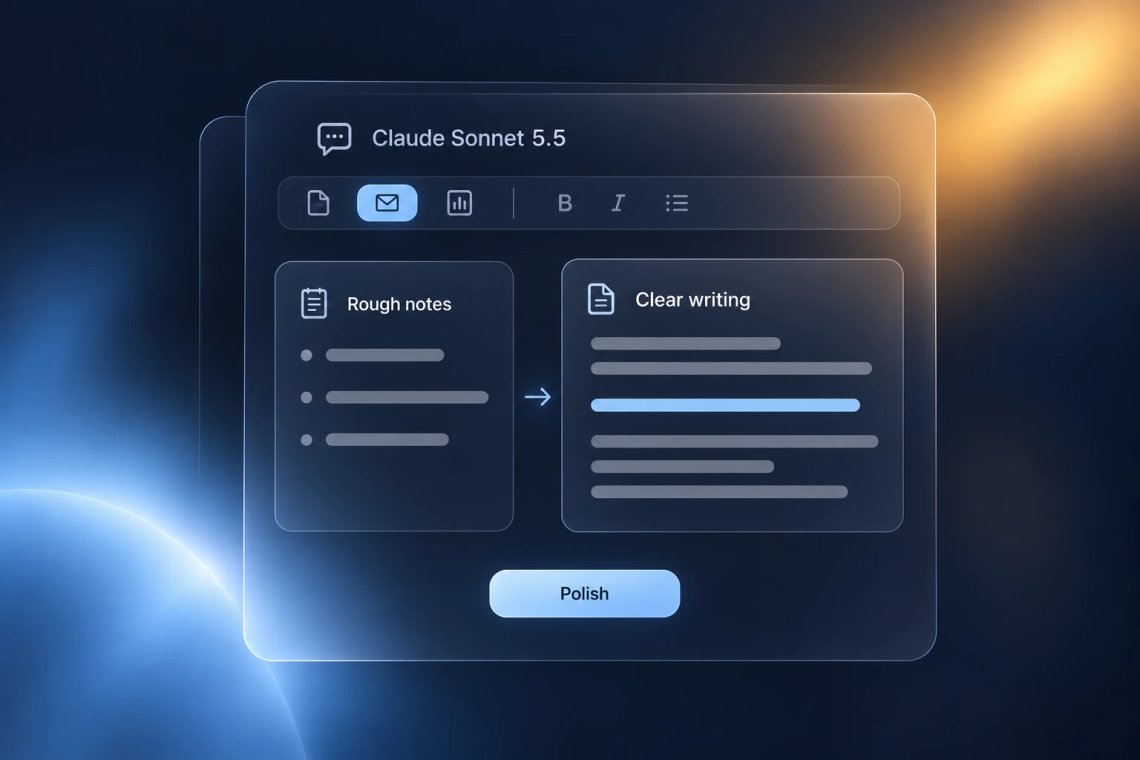
Anthropic built Claude Sonnet 5.5 to write more clearly than its previous generation of models, so drafts come out readable and to the point instead of padded or stiff. Ask it to turn rough notes into a report, rewrite an awkward paragraph, or adjust the tone of a message for a client, and it keeps your meaning while making every sentence easier to follow. For inbox-ready drafts, the AI email writer gives you a quick starting point. Applying for a new role? Pair Sonnet's feedback with the AI cover letter generator to make a strong first impression.
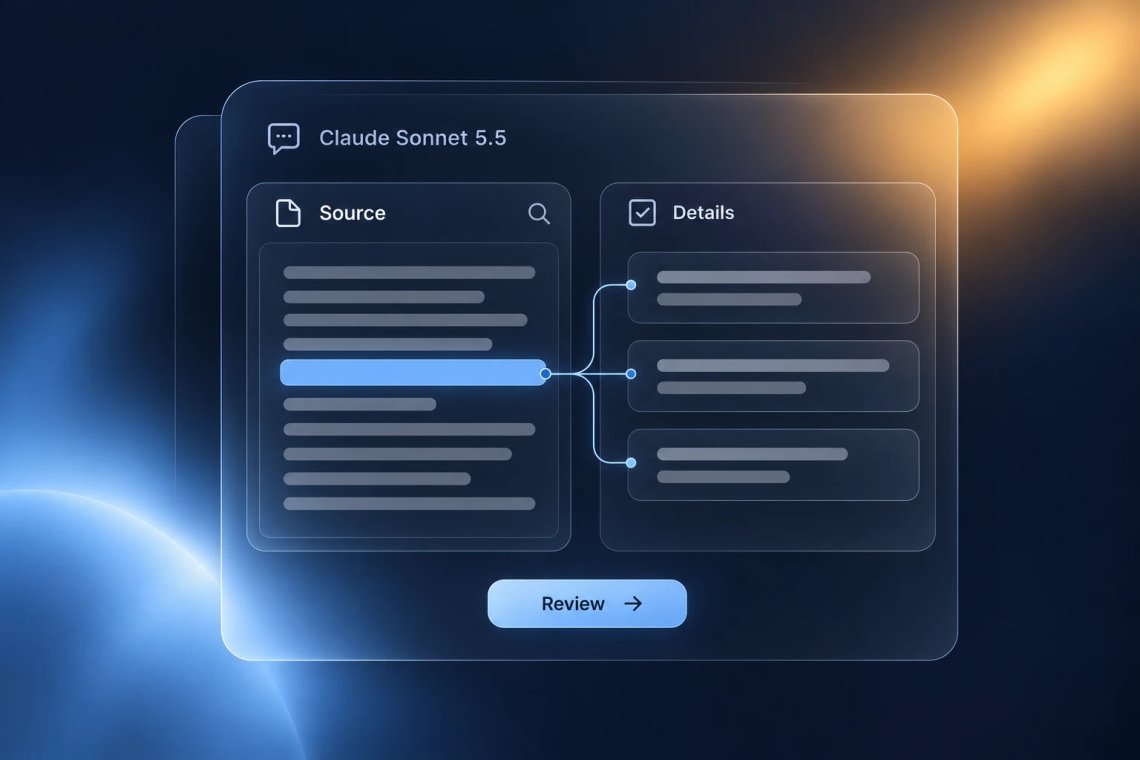
Claude Sonnet 5.5 is designed to recheck information against the documents you share, which helps it catch details that are easy to miss. Upload a contract, a bank statement, or a long research paper, and ask it to find a specific clause, verify a figure, or flag anything that doesn't add up. It can also read screenshots and photos, so a chart or a scanned page works just as well. Before sending out an application, you can check your resume for gaps, and when a whole book is on your reading list, the AI book summarizer gives you the key ideas first.

Claude Sonnet 5.5 is Anthropic's fastest Sonnet model to date, generating replies noticeably quicker than Claude Sonnet 5. That makes longer back-and-forth sessions feel smooth, whether you're brainstorming a marketing plan, outlining a presentation, or revising the same draft several times in a row. Stuck at the very beginning? The AI idea generator sparks fresh directions in seconds. And if a draft reads a little too robotic, the AI humanizer helps it sound more like you.
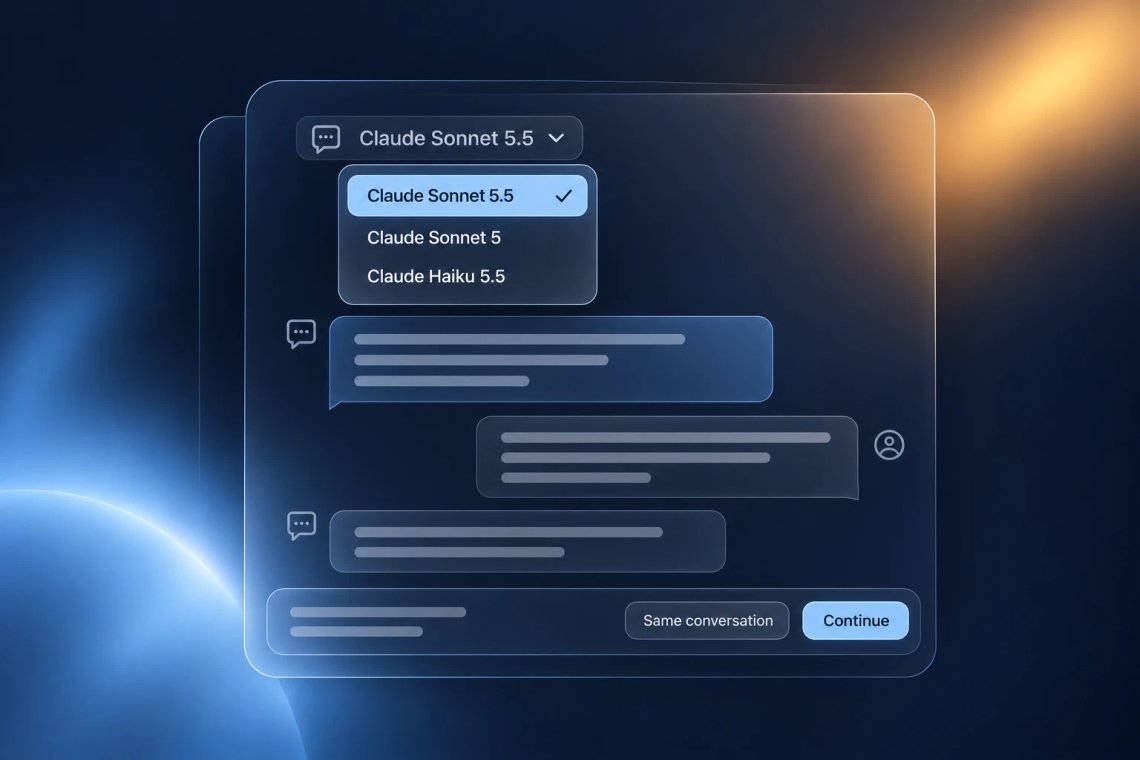
Claude Sonnet 5.5 is one of several AI models inside Chat Smith, and switching to it takes a single tap, no new app or extra login required. Compare its answers with Claude Sonnet 5 to see the upgrade for yourself, or move to Claude Haiku 5.5 when you want quick, lightweight replies, all inside the same thread with your history intact. That makes it easy to match the right model to the moment.
Access leading AI models in one place, compare responses, and choose the best answer for every task.
Access GPT, Claude, Gemini, DeepSeek, Grok, and more in one place.
Get access to premium AI models without paying for multiple subscriptions.
Compare responses across different models to find the best answer for every task.
Chat, write, research, and create with your favorite AI models in a single app.
Chat with an advanced AI assistant to get answers, solve problems, generate content, and explore ideas in seconds.
Enter a question, task, or topic you'd like help with, and provide any details or context that may be relevant.
The AI analyzes your request and generates accurate, relevant, and context-aware responses in real time.
Continue the conversation, refine your instructions, and explore new ideas through natural back-and-forth interactions.
Access a growing collection of AI tools to write, create, brainstorm, and work more efficiently.




Claude Sonnet 5.5 is the second model in Anthropic's Claude 5.5 family, designed as a faster, more efficient upgrade over Claude Sonnet 5. In Chat Smith, you can use it to write and edit clearly, review files and images, and work through longer tasks, all from one app.
Open Chat Smith, choose Claude Sonnet 5.5 from the model list, and start chatting. There's no separate Anthropic account to set up and no extra app to download, so you can ask your first question right away.
It shines on writing and review work, like turning notes into a polished draft, rewriting text in a different tone, or checking details across a long document. For very quick, simple questions, a lighter model like Claude Haiku 5.5 may feel snappier.
Claude Sonnet 5.5 improves on Claude Sonnet 5 across Anthropic's benchmarks, writes more clearly, and generates replies more than 30% faster. In Chat Smith, you can ask both the same question and compare their answers.
Yes. Share a screenshot, photo, chart, or document in the chat and ask what you need to know. Claude Sonnet 5.5 can pull out key details, explain what it sees, and recheck figures against the source.
Yes. Clearer writing is one of its biggest improvements. It can draft emails, reports, and essays, adjust the tone for different audiences, and tighten wordy passages while keeping your meaning.
Yes, anytime. Switching models in Chat Smith takes a single tap, and your conversation history carries over, so you can compare answers from different models without starting over.
Claude Sonnet 5.5 is designed to recheck information in the sources you share, which helps it catch errors that are easy to overlook. As with any AI model, it's a good idea to double-check important facts and decisions before relying on them.
Everything you need to push projects forward is right at your fingertips.