

AI Prompt
50 AI Trending Prompts You Should Try Right Now
Refine AI-written text so it reads smoothly, sounds natural, and feels like your own voice with Chat Smith's AI Humanizer.
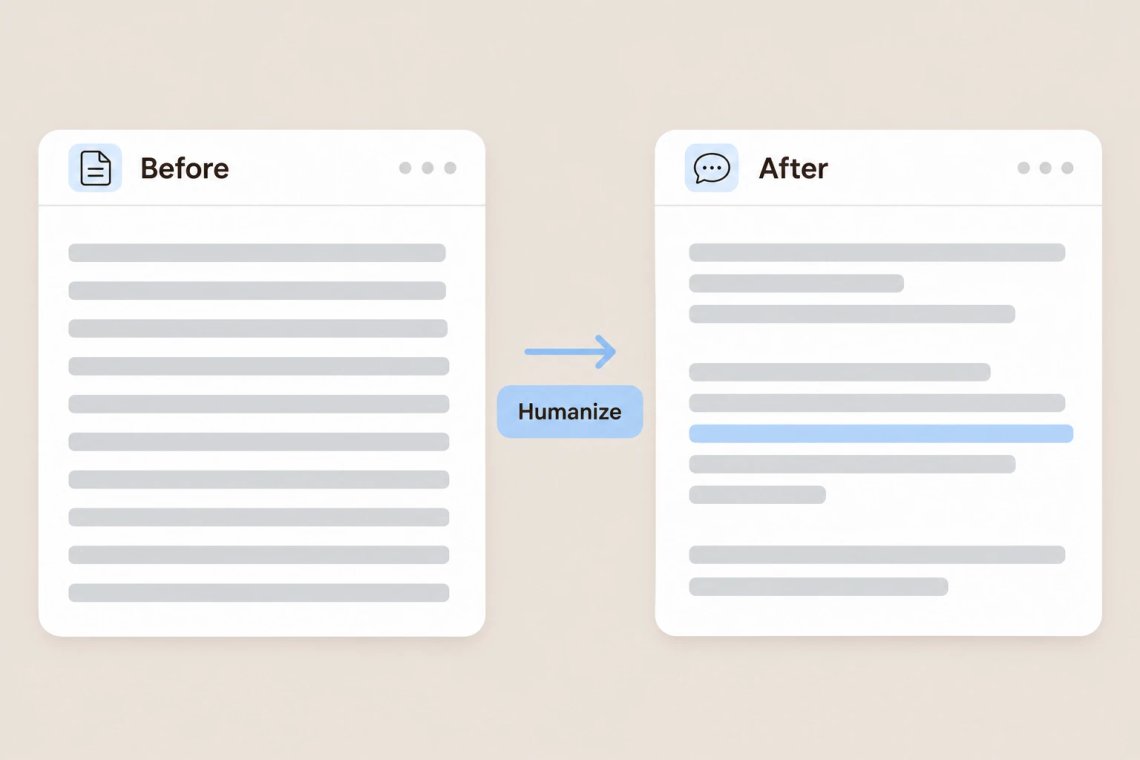
AI drafts can feel stiff, repetitive, or overly formal. Paste your text into the AI Humanizer in Chat Smith, an all-in-one AI writing assistant, and it rewrites awkward phrasing, varies sentence length, and swaps generic wording for language that sounds like a real person wrote it. Your key points and meaning stay the same, so you get a draft that's easier and more enjoyable to read. Starting from scratch instead? The AI writing tool helps you draft the first version.
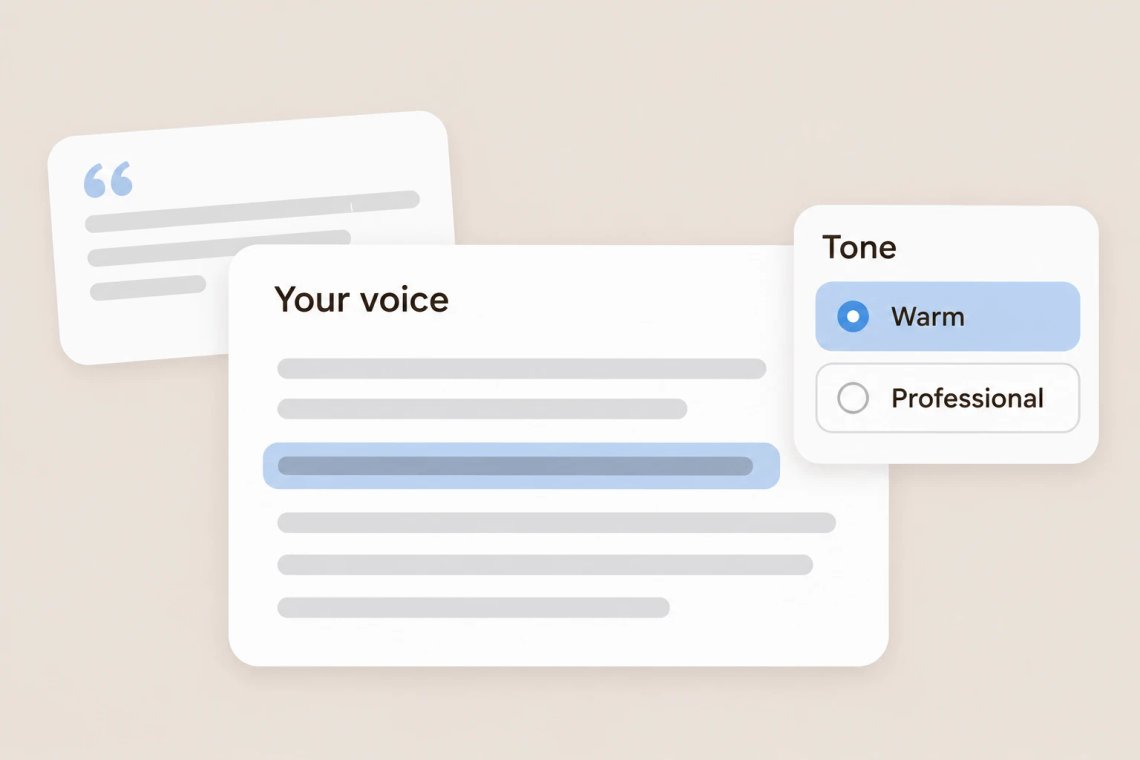
Good writing should sound like you, not like a template. Tell the AI how you usually write, share a sample of your past work, or describe the tone you want, whether that's warm, confident, casual, or professional, and it adapts the text to match. You can also switch to Claude Sonnet 4.6 when you want a warm, natural style. For a quick change of wording on a single line, the AI rewording tool offers fresh alternatives.
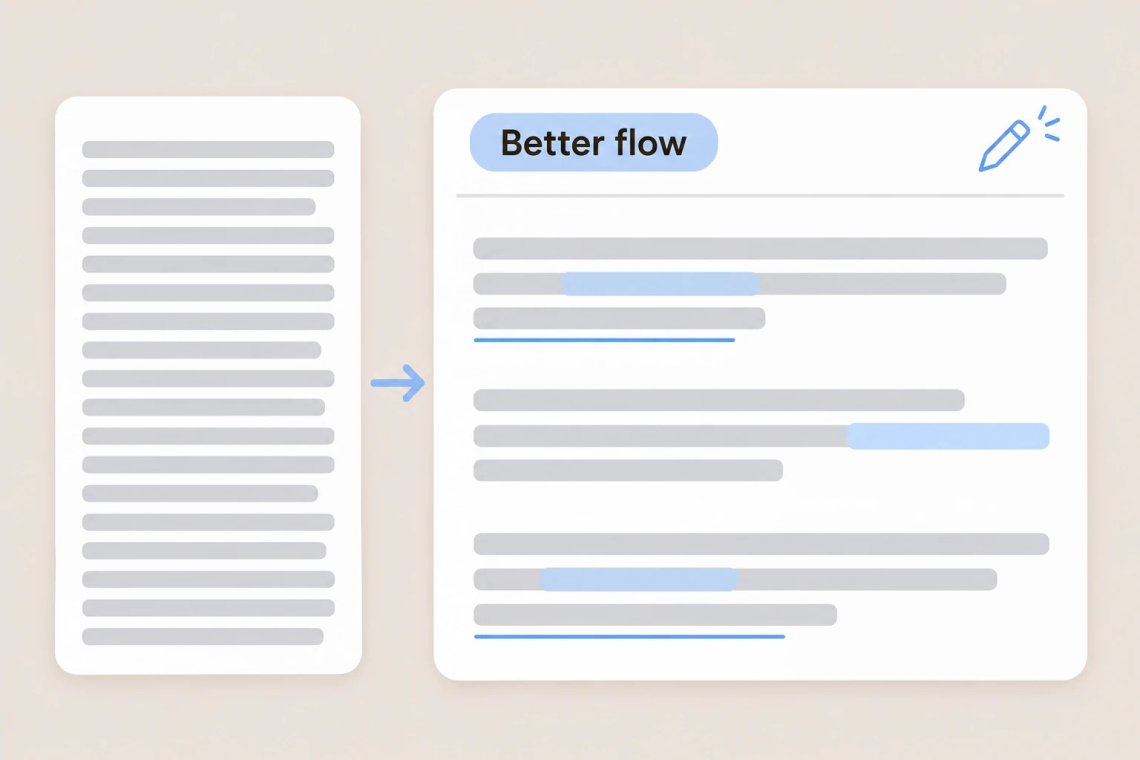
Clunky transitions and repeated phrases make readers lose interest. The AI Humanizer smooths the flow between sentences, cuts filler words, and breaks up long, dense paragraphs so your message is clear from start to finish. Ask it to simplify jargon for a general audience or tighten a draft to fit a word limit. Before you hit publish, the AI grammar checker catches any remaining typos and errors.
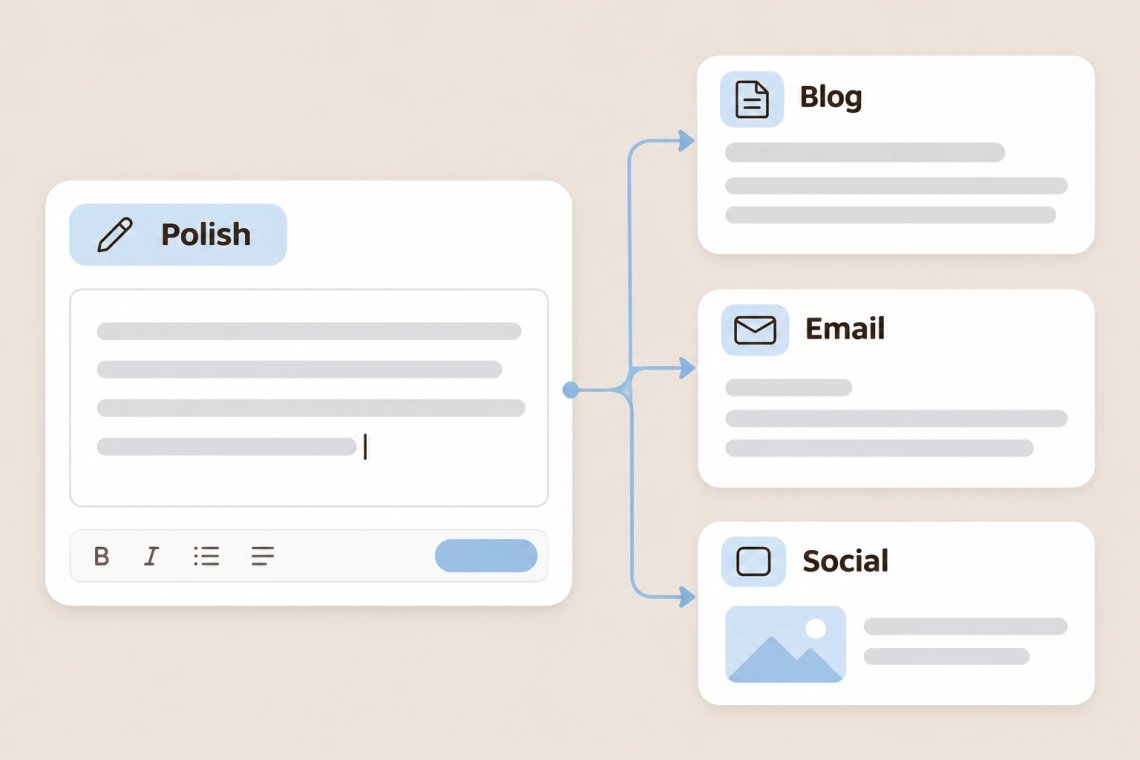
Use the AI Humanizer to refine blog posts, newsletters, product descriptions, social captions, emails, and more. It helps marketing copy sound more conversational and keeps customer messages friendly and natural. Working on a blog? The AI blog writer helps you plan and draft full posts. For social media, the Instagram caption generator writes captions that match the voice you've set.
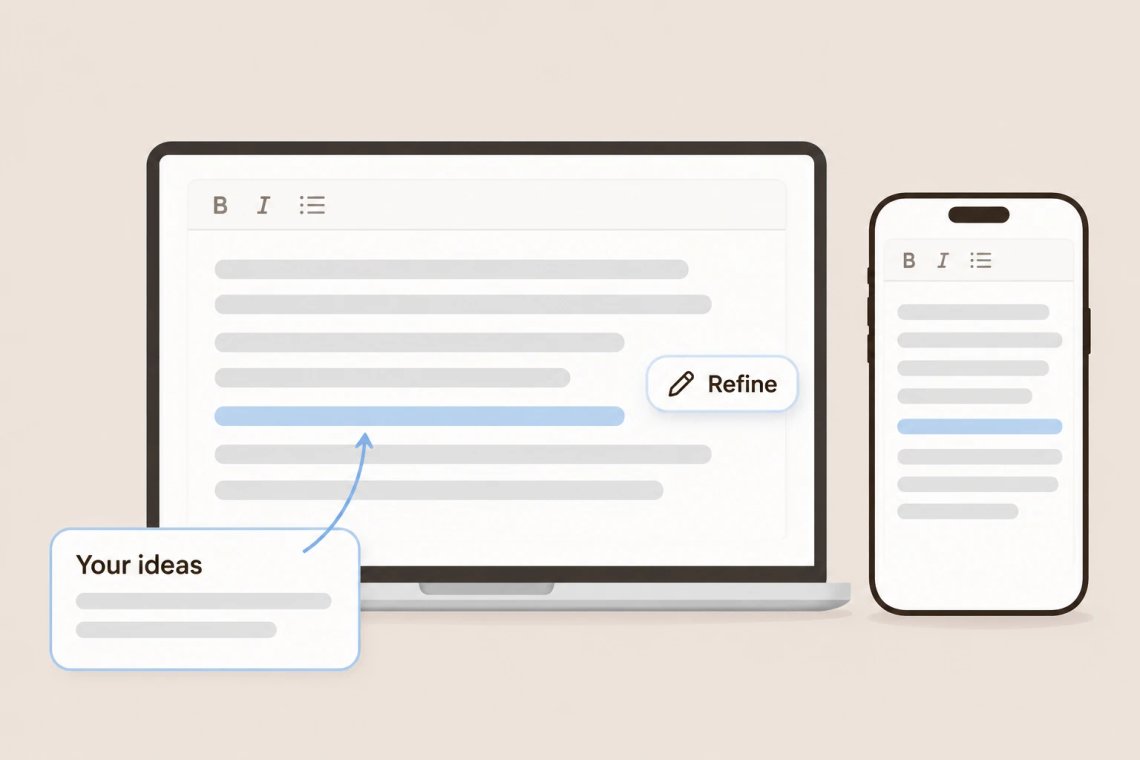
Chat Smith works on Android, iOS, and the web, so you can polish a message on your phone before sending it or rework a long article on your laptop. Keep your writing honest by adding your own ideas and examples, and follow the rules of your school, workplace, or publisher about using AI. Need to restate a whole passage while keeping the meaning? The AI paraphrasing tool gives you a fresh version in seconds.
From stiff drafts to smooth, human-sounding text, Chat Smith helps your writing read the way you'd say it.
Replace robotic, repetitive wording with language that sounds like a real person.
Match the tone and style you use every day, from casual to professional.
Keep your key points and facts intact while improving how the text reads.
Fix clunky transitions, cut filler, and make every paragraph easier to follow.
Paste your text, choose your tone, and review the result. Chat Smith turns stiff drafts into natural writing in just a few clicks.
Add the draft you want to improve, from a short email to a full blog post.
Tell the AI how you want it to sound, such as friendly, confident, or professional.
Compare the new version with your original and ask for changes to any line that doesn't feel right.
Add your personal touches, check the facts, and share writing you're proud of.
Access a growing collection of AI tools to write, create, brainstorm, and work more efficiently.


The AI Humanizer is a tool in Chat Smith that rewrites stiff or robotic text so it sounds more natural. It improves tone, flow, and word choice while keeping your original meaning.
Paste your text into Chat Smith, describe the tone you want, and the AI rewrites it. You can ask for further changes, such as making it shorter, more casual, or more formal, until it reads the way you like.
The AI Humanizer is designed to keep your key points and facts intact while improving how the text reads. Review the result and ask the AI to restore any detail you want to keep.
Yes. Share a sample of your writing or describe how you usually write, and the AI adapts its rewrite to match your tone and voice.
Emails, blog posts, articles, newsletters, social media captions, product descriptions, and customer messages all work well.
No tool can guarantee how a detector will score your text, and the AI Humanizer isn't designed to get around them. Its goal is to make your writing clearer and more natural. Always follow the rules of your school, workplace, or publisher about using AI.
They're similar but not the same. A paraphrasing tool restates text in new words, while the AI Humanizer focuses on making AI-written text sound natural, with better flow and a more personal tone.
You can use it to make your own writing clearer and easier to read, but check your school's policy on AI tools first. Many schools ask you to disclose AI assistance or limit how it can be used.
Everything you need to push projects forward is right at your fingertips.