

AI Prompt
50 AI Trending Prompts You Should Try Right Now
Spot signs of AI-generated writing in essays, articles, and drafts with Chat Smith's AI Detector.
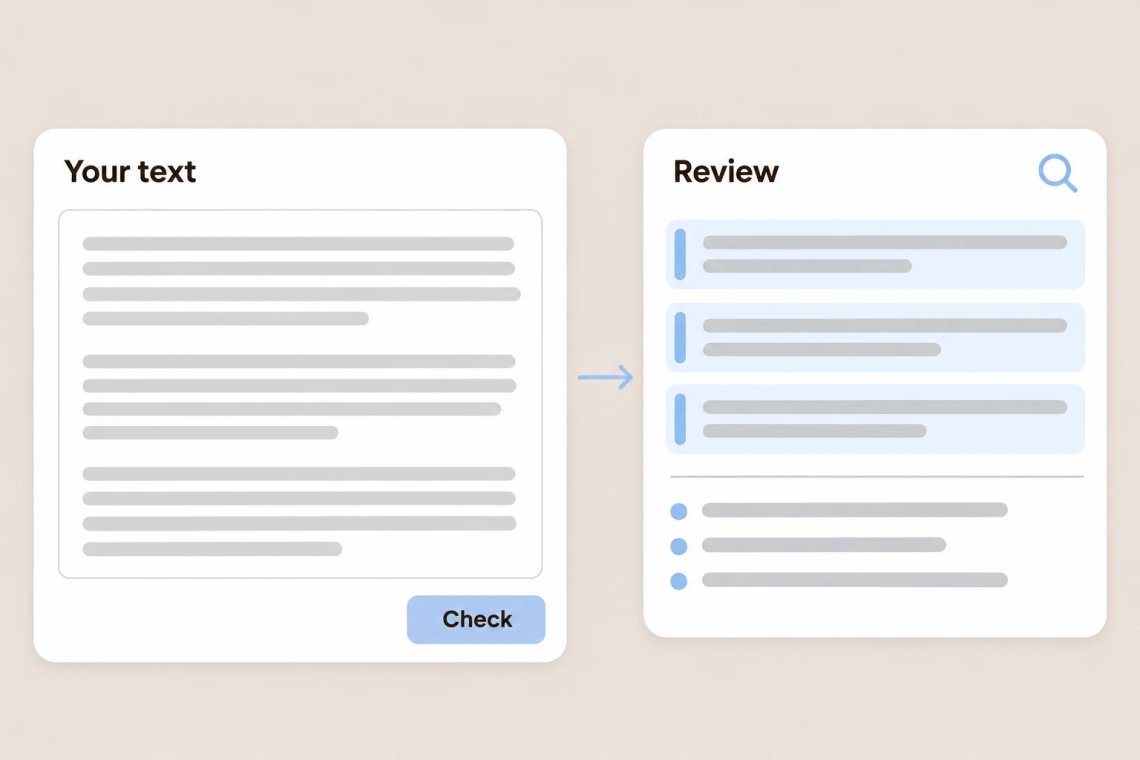
Paste an essay, article, or any piece of text into the AI Detector in Chat Smith, an all-in-one AI chat app, and it reviews the writing for patterns commonly found in AI-generated content. You get a quick read on how the text may have been written, which helps you decide where to take a closer look. It's useful for students, teachers, editors, and anyone who reviews content before it's shared.
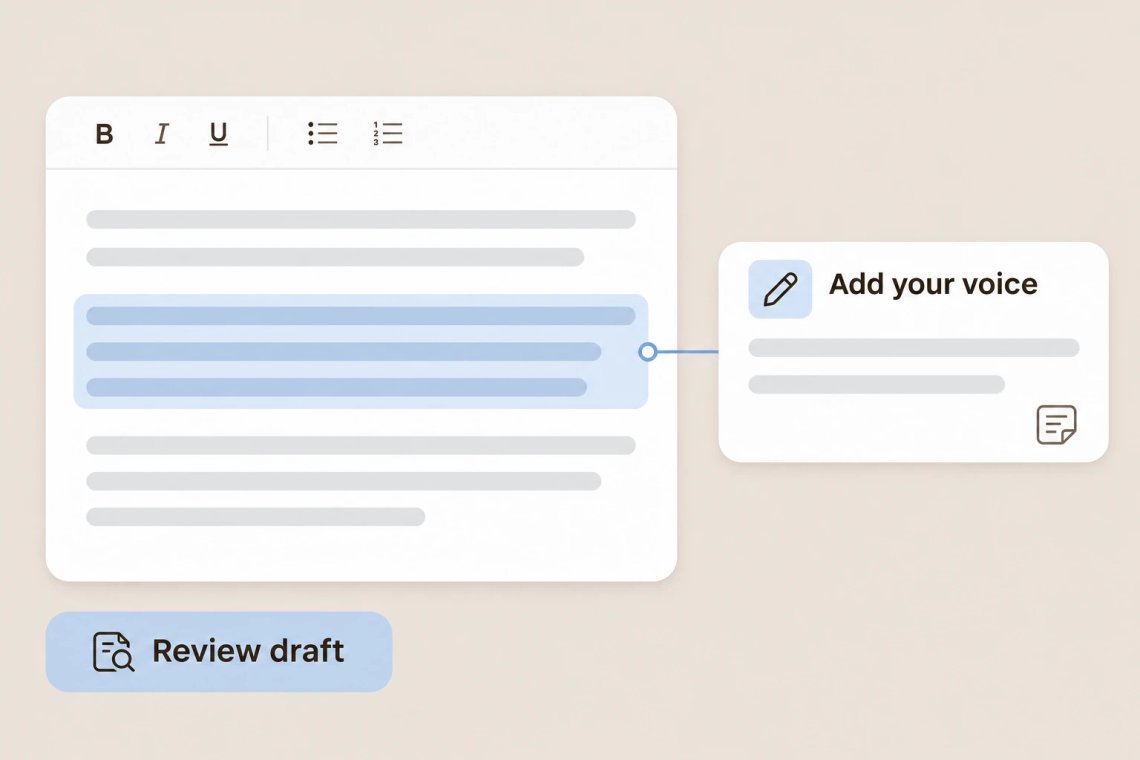
Before you hand in an essay or publish an article, the AI Detector gives you a second look at your writing. If parts of your draft come across as generic or formulaic, you'll know where to add more of your own voice, examples, and ideas. For help strengthening your points, the AI writing tool can suggest ways to expand them. When you're ready for a final check, the AI grammar checker catches spelling and grammar mistakes.
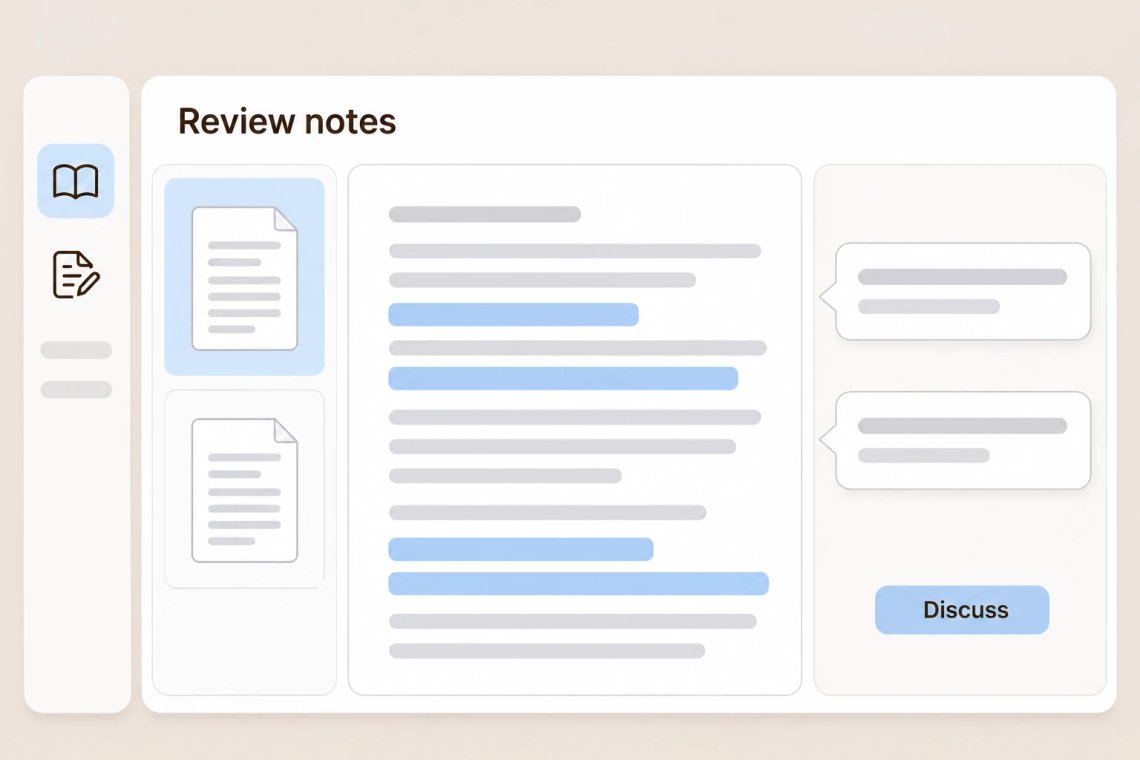
Teachers reviewing assignments and editors checking submissions can use the AI Detector as a starting point for a conversation, not a final verdict. It points to writing that may deserve a closer look, so you can ask questions, review drafts, and make fair decisions. Grading a stack of papers? The AI summarizer helps you get the gist of long submissions quickly, and the AI quiz generator turns course material into review questions.
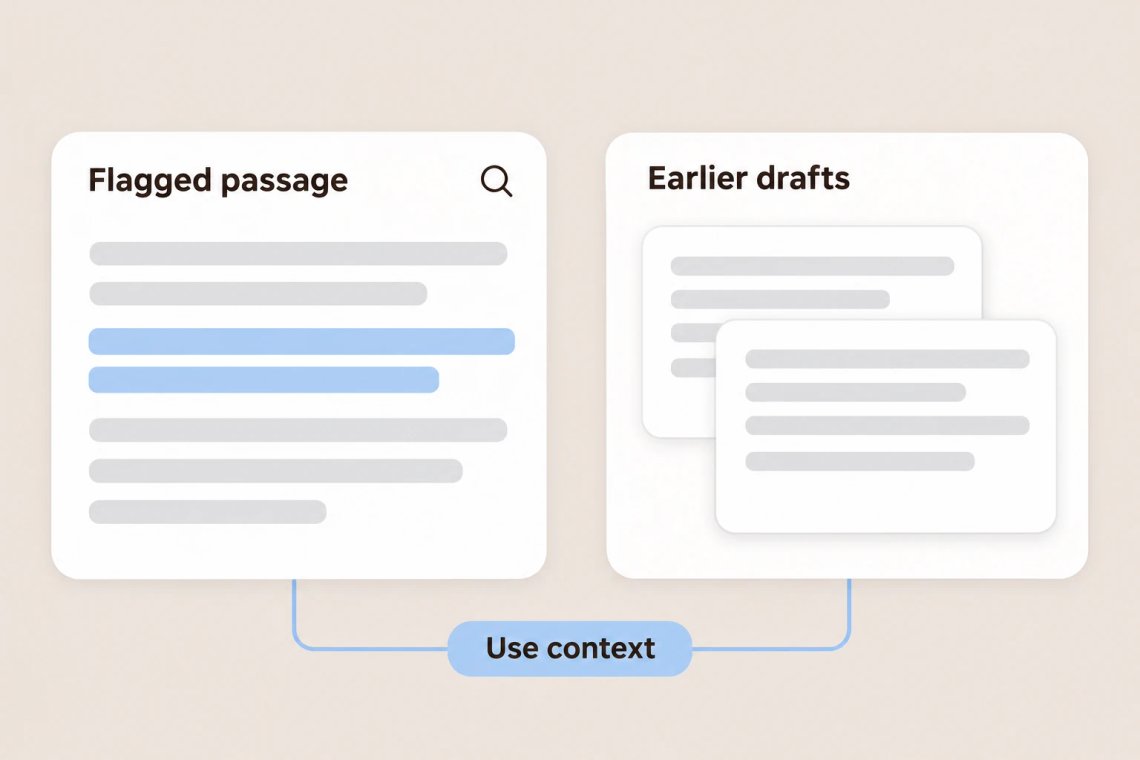
AI detection is never 100% certain, so it's best to treat the results as a guide rather than proof. Look at the flagged passages alongside your own judgment, the writer's earlier drafts, and other evidence before drawing conclusions. If you want to rework stiff passages in your own writing, the AI humanizer helps make text sound more natural while keeping your meaning.
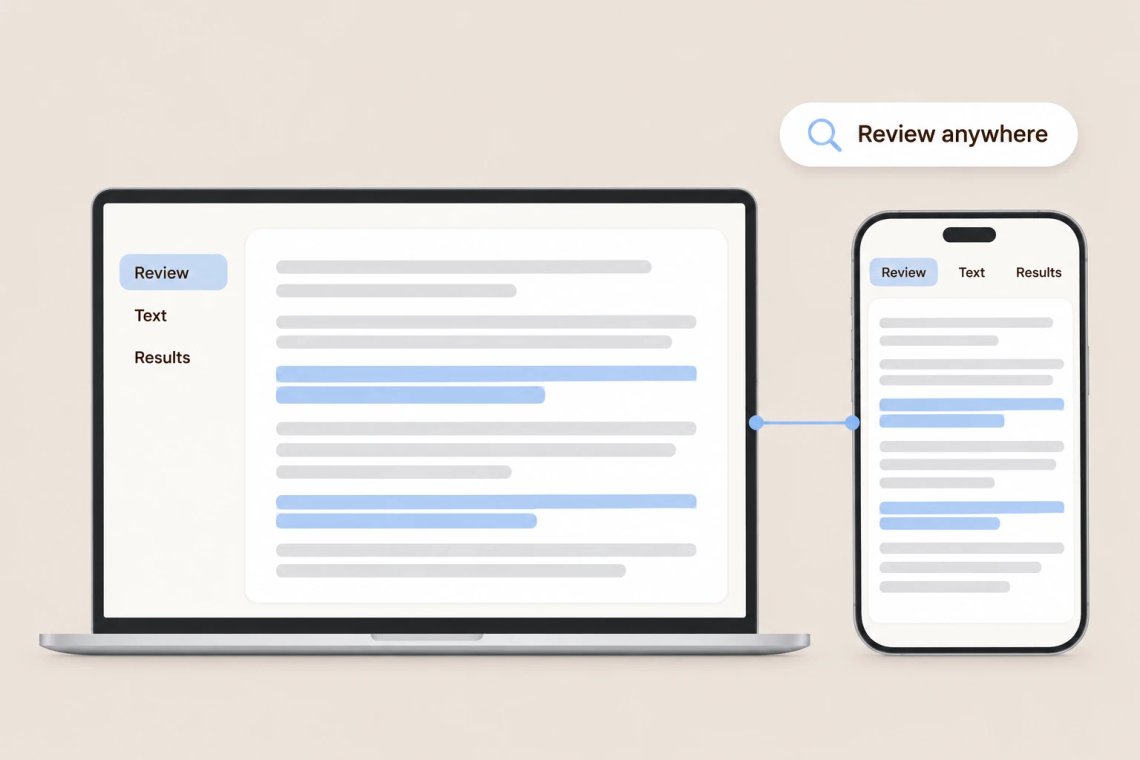
Chat Smith works on Android, iOS, and the web, so you can check a document on your laptop at your desk or review a pasted paragraph on your phone between classes. Writing something new? The AI article summarizer helps you understand your sources quickly, and the AI blog writer helps you plan original posts.
From essays to articles, Chat Smith helps you review writing for signs of AI before you share, submit, or publish.
Paste any text and get a quick read on whether it may be AI-generated.
Check essays, articles, blog posts, emails, and reports in one place.
Spot generic or formulaic passages in your own drafts before you hand them in.
Use results as a starting point for a closer look alongside your own judgment.
Paste your text, run the check, and review the results. Chat Smith helps you take a closer look at any content in just a few clicks.
Add the essay, article, or passage you want to check.
Let the AI review the writing for patterns common in AI-generated content.
See how the text may have been written and which parts deserve a closer look.
Revise your own draft, or use the results to guide a fair conversation with the writer.
Access a growing collection of AI tools to write, create, brainstorm, and work more efficiently.


The AI Detector is a tool in Chat Smith that checks text for signs of AI-generated writing. It gives you a quick read on how content may have been written, so you know where to take a closer look.
Paste the text into Chat Smith and ask the AI Detector to check it. Review the results, then decide whether the content needs a closer look or more of your own voice.
No AI detector is 100% accurate. Results can be affected by writing style, text length, and editing, so treat them as a helpful guide rather than proof. Always combine them with your own judgment and other evidence.
Essays, articles, blog posts, reports, emails, and other written content can all be checked. Longer passages generally give the detector more to work with than a single sentence.
Yes. Checking your own drafts before you submit or publish helps you spot passages that sound generic, so you can add more of your own ideas, examples, and voice.
It can be a useful starting point, but it shouldn't be the only basis for a decision. Talk with the student, review their drafts, and consider other evidence before drawing conclusions.
Yes, it can happen. Very formal, simple, or formulaic writing is sometimes mistaken for AI text. That's why results should always be reviewed with care and context.
The AI Detector checks text for signs of AI writing, while the AI Humanizer rewrites stiff text so it reads more naturally. Both are available in Chat Smith for different stages of the writing process.
Everything you need to push projects forward is right at your fingertips.