

AI Prompt
50 AI Trending Prompts You Should Try Right Now
Create clear, engaging presentations for class, work, or any audience with Chat Smith's AI Presentation Maker.
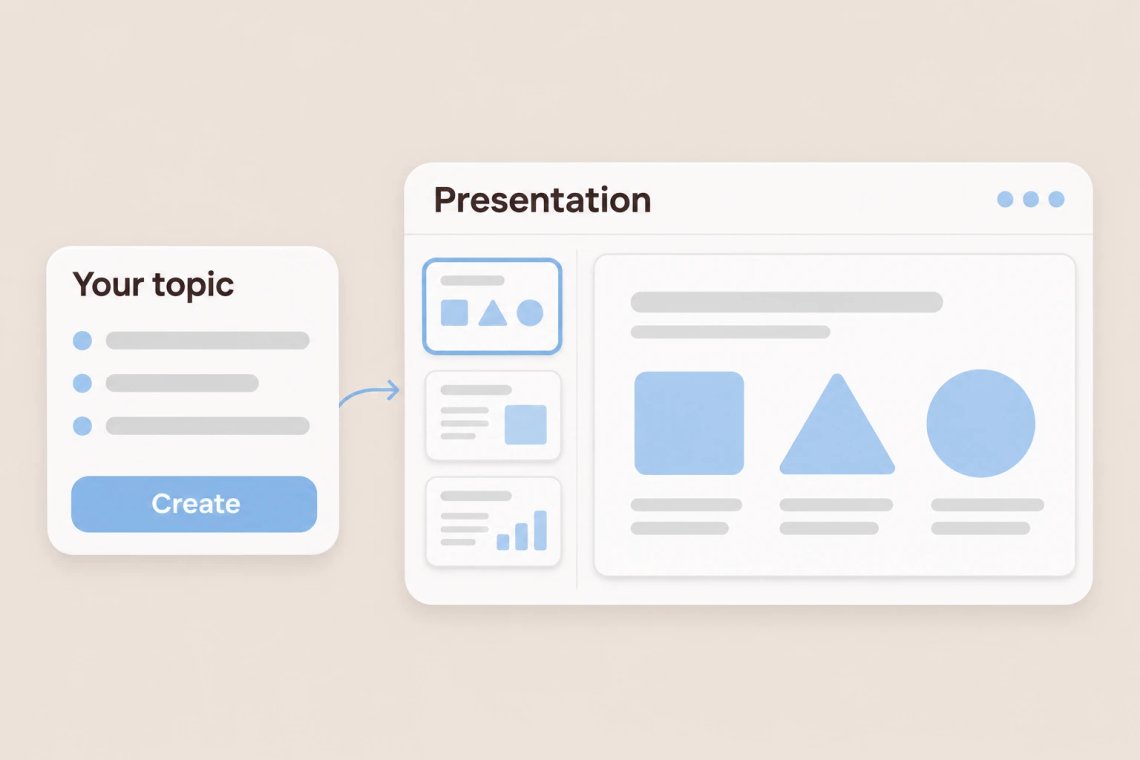
Turn a topic, a few bullet points, or a rough outline into a structured presentation without starting from a blank slide. Tell the AI Presentation Maker in Chat Smith, an all-in-one AI assistant, what your talk is about and who it's for, and it drafts a clear sequence of slides with headlines and key points. It's a fast way to get a solid first version, whether you're preparing a class project, a team update, or a workshop. Pitching investors instead? The AI pitch deck generator is built specifically for fundraising decks.
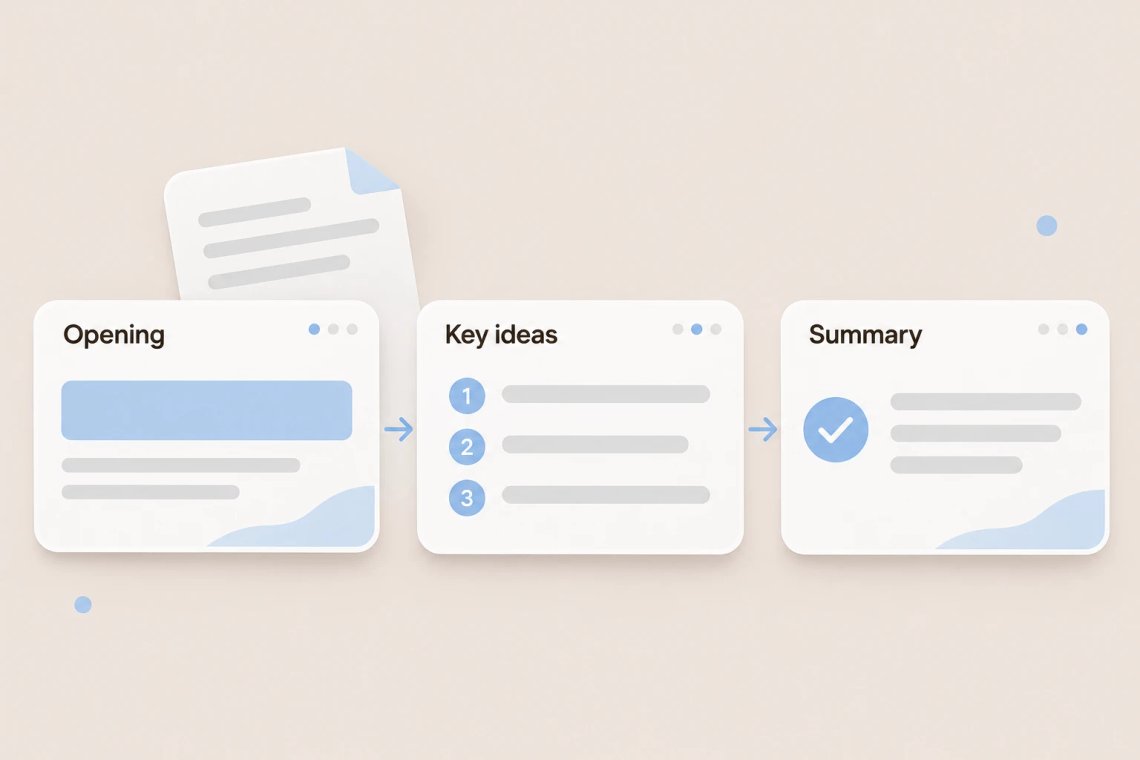
A good presentation guides your audience from one idea to the next. The AI arranges your content into a logical order, with an opening that sets the scene, a middle that builds your argument, and a closing that sticks. Ask it to split a crowded slide, merge similar points, or add a summary slide at the end. Working from a long report? The AI PDF summarizer pulls out the main points first so your slides stay focused.
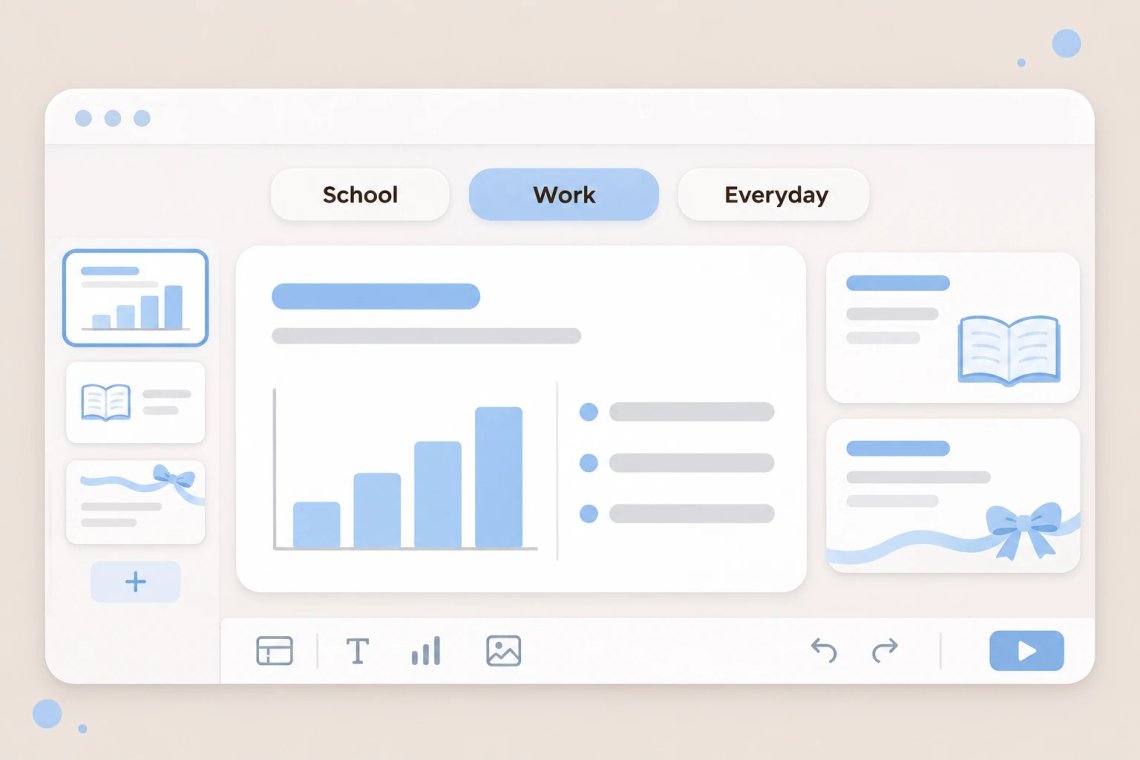
Use the AI Presentation Maker for almost any occasion: a history class report, a quarterly team review, a training session for new hires, or an outline for a wedding slideshow. Adjust the tone from formal to friendly in a single message, and tailor the depth for beginners or experts. For classroom presentations, the AI quiz generator turns your topic into a few review questions to finish with. In business settings, GPT-5.2 is a strong choice for polished, professional slides.
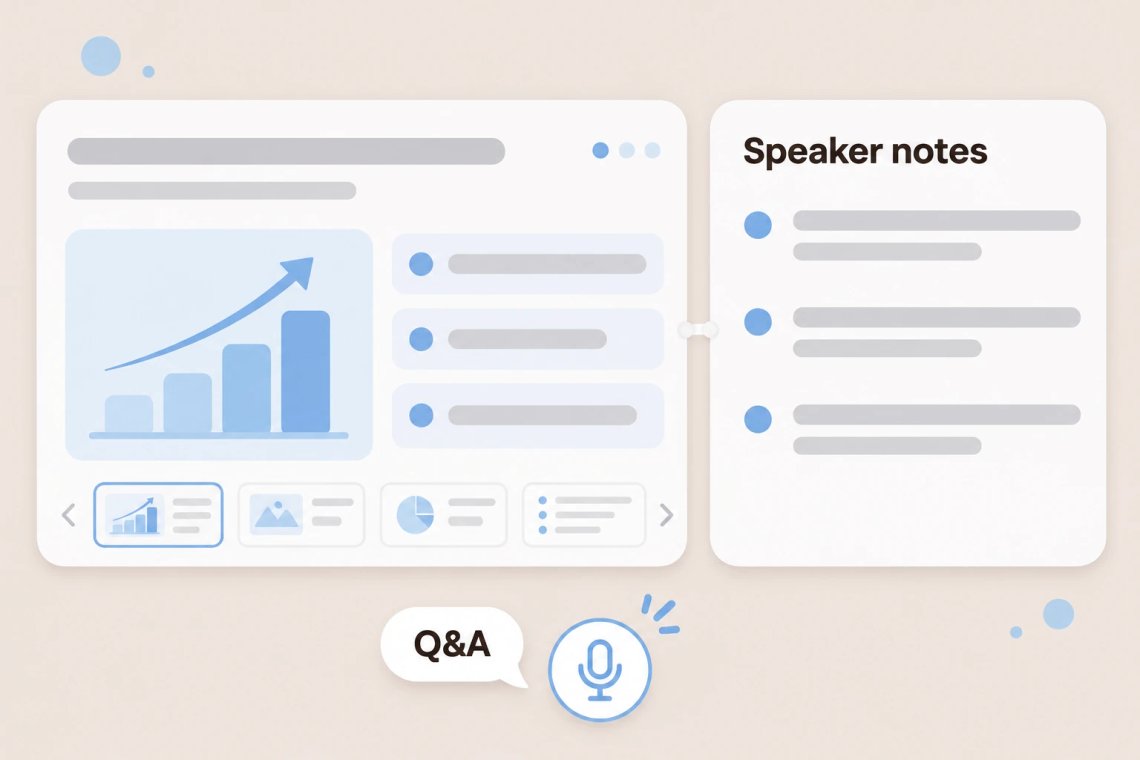
Slides are only half of a great presentation. Ask the AI to write talking points for each slide, suggest a strong opening line, or anticipate questions your audience might ask. When you want a full script to rehearse, the AI speech writer turns your deck into a talk that sounds natural out loud. To add visuals to your slides, the AI picture generator creates custom images from a short description.
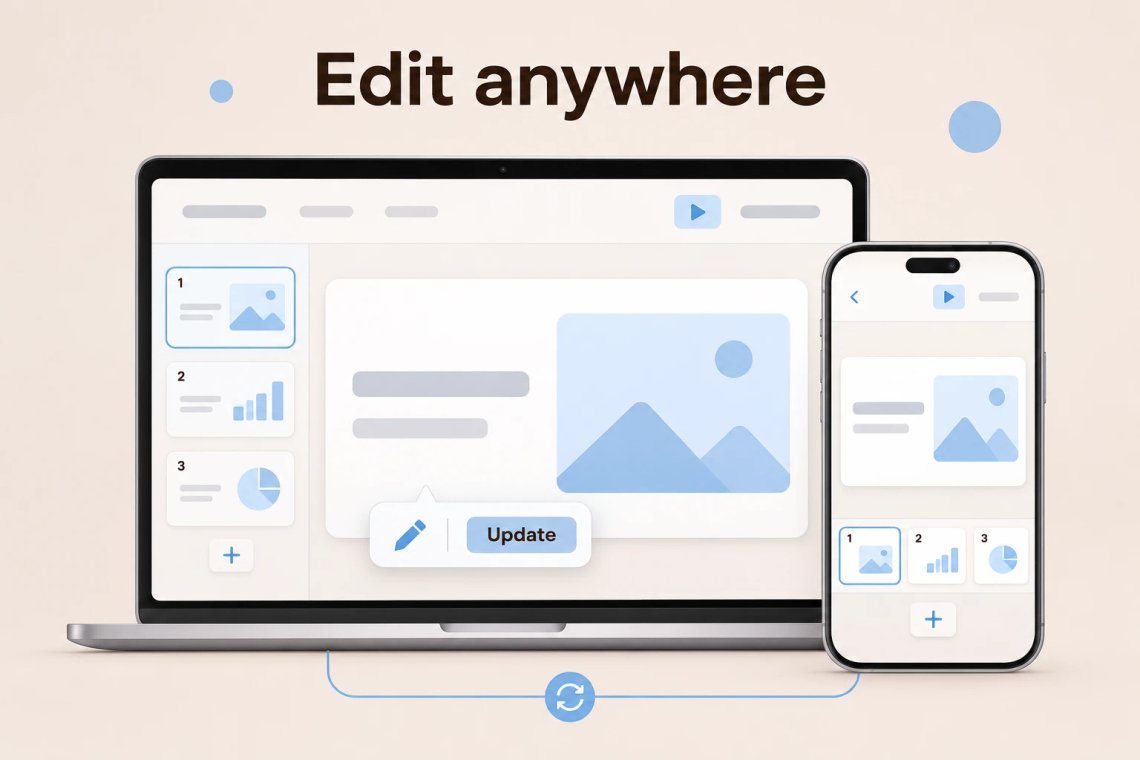
Presentations often change at the last minute. With Chat Smith on Android, iOS, and the web, you can update a slide on your phone on the way to class or rework your conclusion on your laptop before a meeting. Have notes you just want turned into slides fast? The AI slide generator converts them into a quick deck in moments.
From the first idea to the final slide, Chat Smith helps you create presentations that are clear, engaging, and ready to share.
Turn any topic into a logical flow with an opening, key points, and a strong close.
Create presentations for class, work, training sessions, events, and more.
Get speaker notes, opening lines, and answers to likely questions for every slide.
Rewrite slides, adjust the tone, or change the depth for a new audience in seconds.
Describe your topic, generate your slides, and polish every detail. Chat Smith turns your idea into a presentation in just a few clicks.
Share what your presentation is about, who your audience is, and roughly how many slides you need.
Let the AI draft a clear sequence of slides with headlines and key points for each section.
Ask for simpler wording, extra examples, or a new slide until the deck flows the way you want.
Add talking points, rehearse your talk, and get ready to deliver a presentation people remember.
Access a growing collection of AI tools to write, create, brainstorm, and work more efficiently.


The AI Presentation Maker is a tool in Chat Smith that turns a topic or outline into a structured presentation. It drafts slides with headlines and key points, so you have a clear first version to refine for class, work, or any event.
Describe your topic, your audience, and roughly how many slides you need. The AI drafts the presentation, and you can ask it to reword slides, add examples, or change the order until it's ready.
School reports, class projects, team updates, training sessions, workshops, product overviews, and event slideshows are all great fits. For investor pitches, the AI Pitch Deck Generator offers a structure designed for fundraising.
Yes. Ask for talking points for each slide, a strong opening line, or a closing summary. You can also ask the AI to predict questions your audience may ask and suggest clear answers.
It depends on your time and audience. A common rule of thumb is about one slide for every one to two minutes of speaking. Tell the AI how long you'll present, and it can suggest a slide count and trim or expand the deck to match.
Yes. Ask the AI to make your slides more formal, more casual, simpler for beginners, or more detailed for experts. You can make these changes for the whole deck or for a single slide.
The AI Presentation Maker helps you plan a full presentation from a topic, including the flow and talking points. The AI Slide Generator is best when you already have notes or text and simply want them turned into slides quickly.
The AI drafts content based on your input and general knowledge, so it's a good idea to review facts, figures, and dates before you present. Adding your own sources and data makes your slides more accurate and convincing.
Everything you need to push projects forward is right at your fingertips.