

AI Prompt
50 AI Trending Prompts You Should Try Right Now
Turn your notes, outlines, and ideas into clean, ready-to-use slides with Chat Smith's AI Slide Generator.
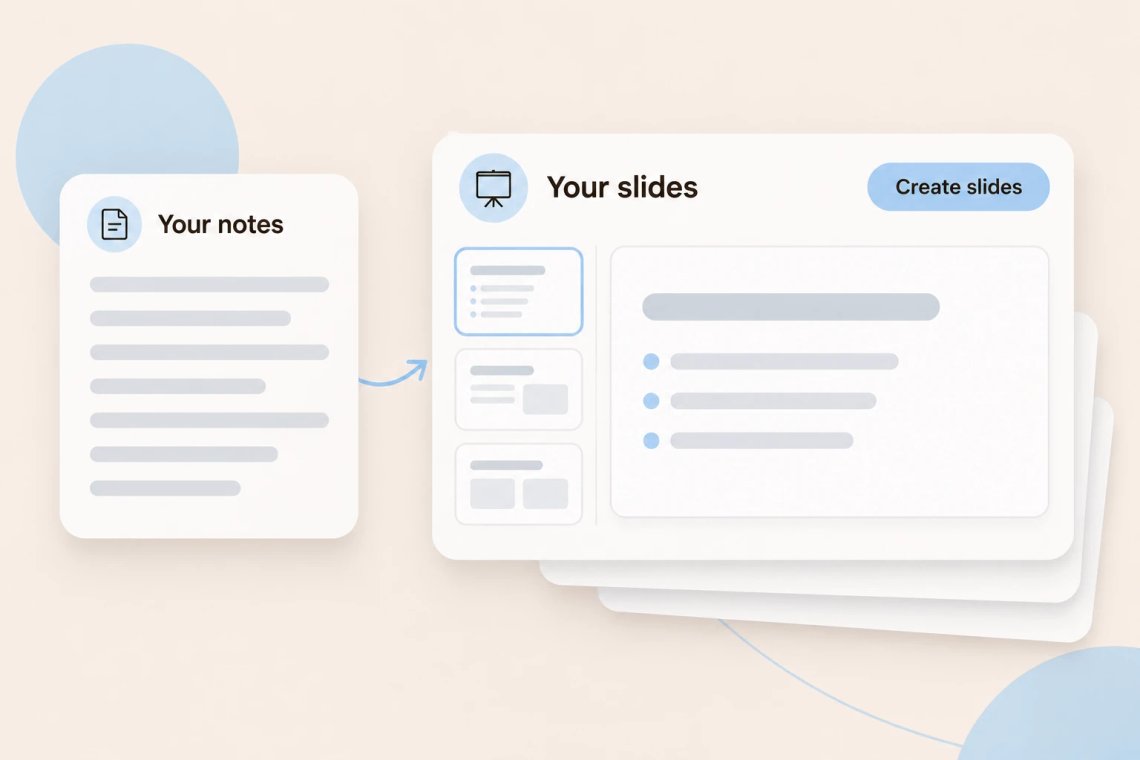
Paste your notes, an outline, or a few paragraphs, and the AI Slide Generator in Chat Smith, an all-in-one AI chatbot, turns them into clear slides with short headlines and focused bullet points. It's perfect when you already know what you want to say and just need it organized into slides fast. Planning a full talk from scratch? The AI presentation maker helps you shape the whole presentation, from structure to talking points.
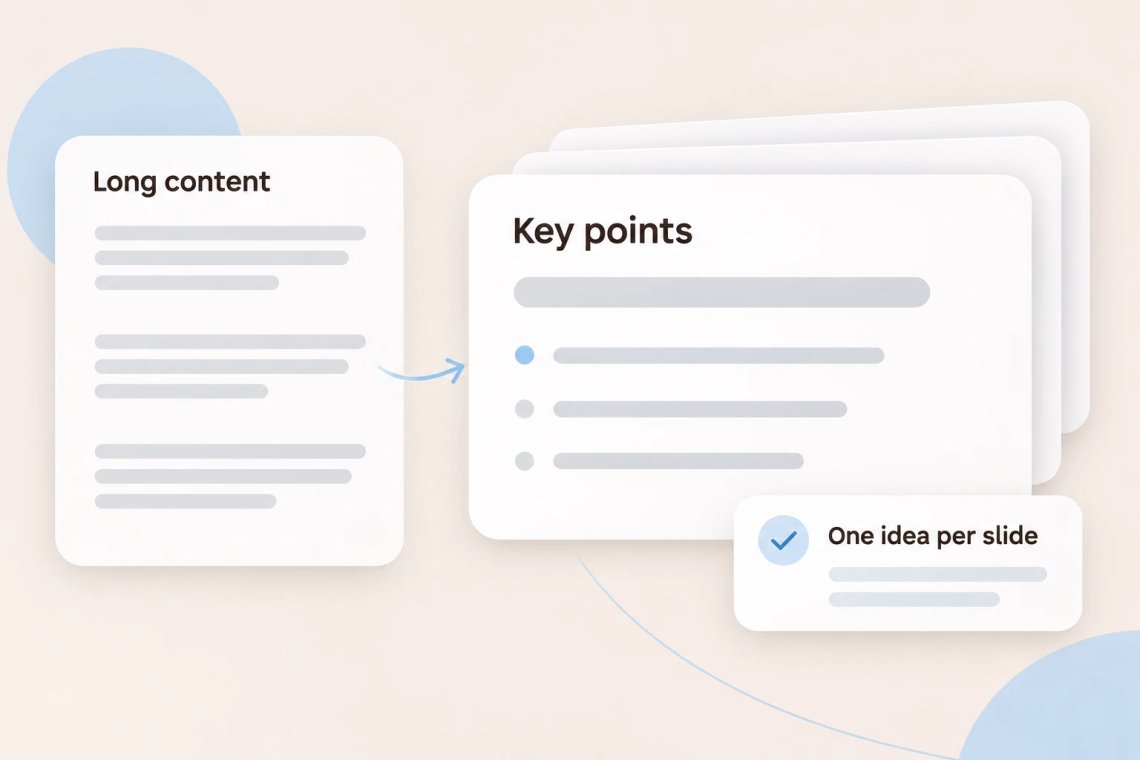
Long documents rarely fit neatly onto slides. The AI pulls out the main ideas and rewrites them as short, scannable bullets, so each slide is easy to read at a glance. Ask it to keep one idea per slide, shorten wordy lines, or highlight the most important takeaway. Working from a lecture video? The YouTube summarizer turns it into notes you can convert into slides, and the AI article summarizer does the same for blog posts and news.
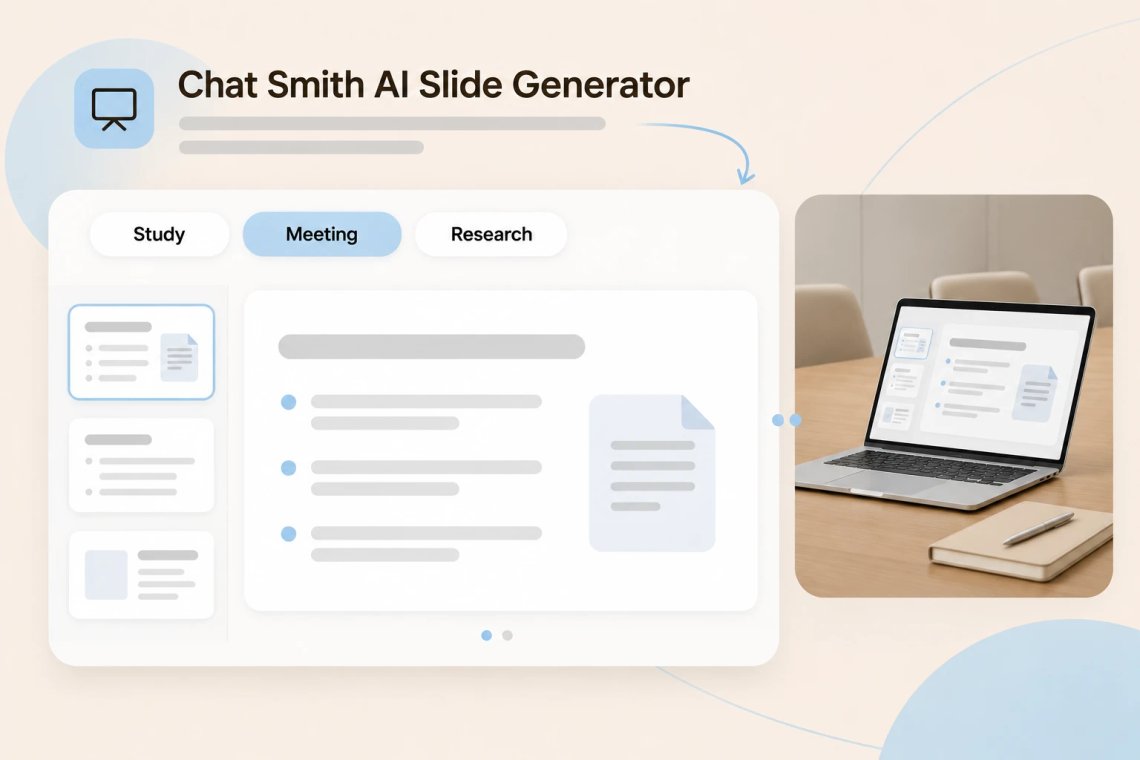
Turn class notes into study slides, meeting minutes into a quick recap deck, or a research summary into slides you can share with your team. The AI keeps your original meaning while making the wording clearer and more concise. If a point still sounds clunky, the AI paraphrasing tool offers smoother ways to say it. Before you share, the AI grammar checker catches any typos on your slides.
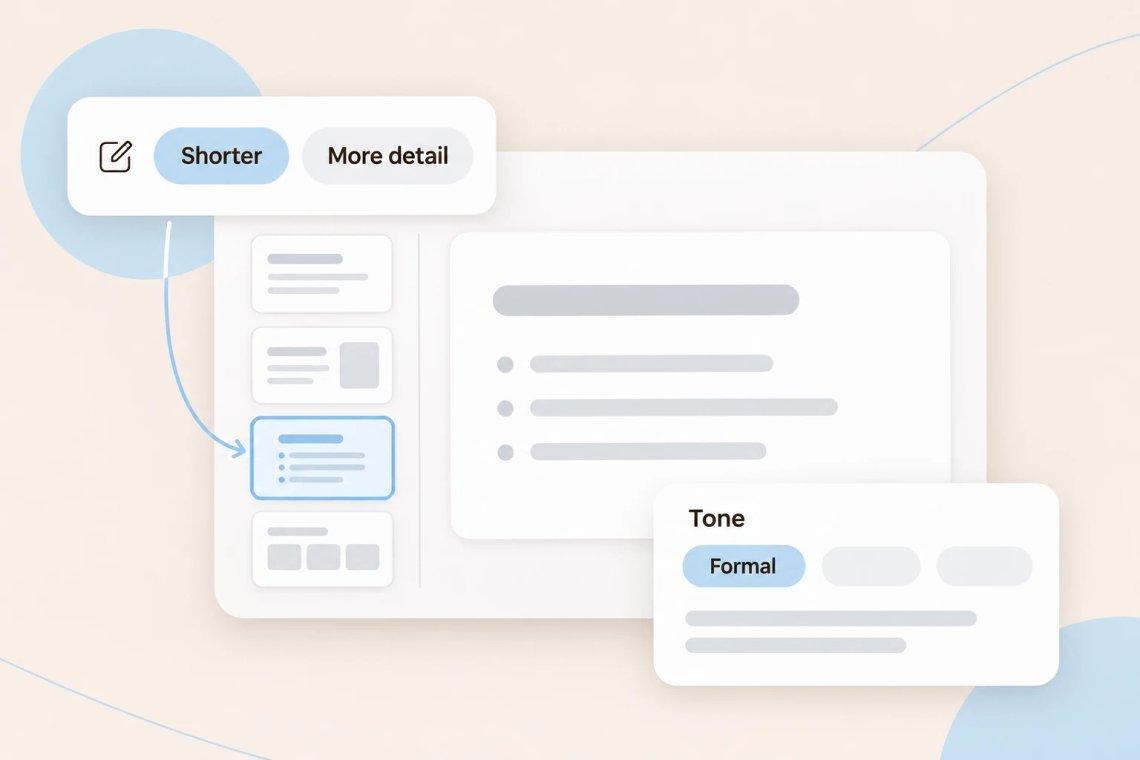
Need fewer slides, more detail, or a different tone? Just ask. The AI can expand a single bullet into a full slide, compress ten slides into five, or rewrite everything in a more formal or more playful voice. Preparing slides for investors? The AI pitch deck generator structures your content around the problem, solution, and market.
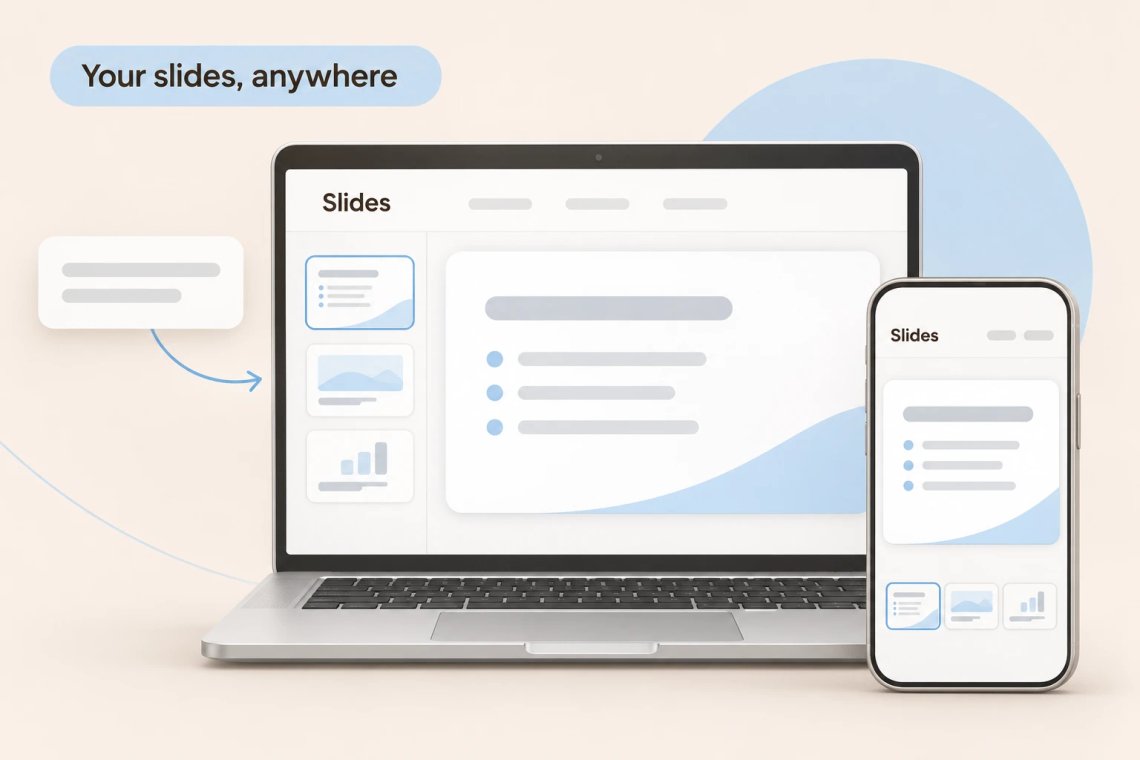
Chat Smith works on Android, iOS, and the web, so you can turn notes into slides wherever you are. Paste lecture notes on your phone after class or convert meeting notes on your laptop before the next call. For quick text summaries without slides, the AI summarizer condenses any text in seconds.
From rough notes to finished slides, Chat Smith helps you create clear, concise decks without the busywork.
Turn notes, outlines, or paragraphs into organized slides with clear headlines.
Condense long content into short, scannable points that are easy to read.
Expand, shorten, or split slides to match the time you have to present.
Rewrite clunky lines into simple, polished language without changing the meaning.
Paste your content, generate your slides, and fine-tune the details. Chat Smith turns your notes into slides in just a few clicks.
Add your notes, outline, or text, and mention how many slides you want and who they're for.
Let the AI organize your content into slides with short headlines and focused bullet points.
Ask it to shorten lines, split crowded slides, or change the tone until everything reads well.
Bring your finished slides into class, a meeting, or a team update and you're ready to go.
Access a growing collection of AI tools to write, create, brainstorm, and work more efficiently.


The AI Slide Generator is a tool in Chat Smith that turns notes, outlines, or text into organized slides. It writes short headlines and focused bullet points so your content is easy to present.
Paste your notes into Chat Smith and mention how many slides you want. The AI organizes your content into slides, and you can ask it to shorten, expand, or reorder them until they're ready.
Class notes, meeting minutes, research summaries, outlines, and blog posts all work well. The clearer your notes are, the more focused and accurate your slides will be.
Yes. The AI condenses long paragraphs into short, scannable bullet points and can keep one main idea per slide so nothing feels crowded.
Yes. Tell the AI how many slides you need, or how long you'll be presenting, and it will group your content to match. You can always ask it to split or merge slides afterward.
The AI keeps your original ideas while making the wording clearer and more concise. Review the slides before presenting, and ask it to restore any detail you want to keep.
The AI Slide Generator works best when you already have the content and want it turned into slides quickly. The AI Presentation Maker helps you plan a full presentation from just a topic, including the flow and talking points.
You can, but the AI Pitch Deck Generator is a better fit for fundraising. It organizes your slides around the problem, solution, market, business model, and funding ask that investors expect.
Everything you need to push projects forward is right at your fingertips.