AI Guide

8 Best AI Chatbots for Your Website in 2026

Editorial TeamEditorial Team・Sep 1, 2026・11 mins read
8 Best AI Chatbots for Your Website in 2026

Running a website is several jobs at once: writing the pages, researching what people search for, producing images, fixing bits of code, posting to bring in traffic and answering visitors. The best AI chatbots for your website are the ones that take real work off each of those jobs, and no single one is best at all of them.

This list sorts eight options by the website job each does best. Most are models you can use from one app, and one is a dedicated tool for putting a chatbot on your site. Features and pricing change often, so treat anything specific as something to check with the vendor.

chat smith pro

What to Look for in an AI Chatbot for Your Website

  • Does its copy sound like your brand. Website text is read by customers and judged by search engines. Generic, interchangeable prose hurts both, so voice and editability matter more than speed.
  • Can it research, not just write. Good pages start from what visitors are actually looking for. A chatbot that can look at current information and summarise it saves more time than one that only produces text.
  • Can it make visuals. Hero images, product shots, banners and social graphics are a large share of website work. Image generation in the same place as writing removes a whole tool from the workflow.
  • How reliable is its code. Snippets, schema markup, tracking fixes and small scripts come up constantly. Some models are much better at these than others, and all of them need testing before anything goes live.
  • What does it cost to use daily. Paying separately for a writing tool, an image tool and a coding assistant adds up quickly for a small team.

Here is the comparison at a glance: the website job each option handles best, the limitation you will meet first, and whether you can use it from Chat Smith.

ToolBest website jobMain limitationIn Chat Smith
ClaudePage code and long-form site copyCode still needs testingYes
ChatGPTEveryday website content and SEO copyDefault voice is easy to recogniseYes
GeminiSEO research and current informationProse can read flatYes
Chat SmithResearch, copy, images and design in one appNot a website builder or hostIt is the platform
GPT Image 2.0 / Nano Banana ProWebsite images and bannersCheck commercial terms per useYes
DeepSeekTechnical fixes and structured dataPlainer writing styleYes
GrokTimely social posts that drive trafficInformal, needs fact-checkingYes
ChatbasePutting a chatbot on your siteOnly as good as the content you feed itNo

Top 8 Best AI Chatbots for Your Website

The order reflects how often each one is the right answer for ordinary website work, not a quality ranking. Seven of the eight are available from one app; the last is the specialist for the chat box on your site.

1. Claude - Best for Page Code and Long-Form Site Copy

Anthropic's Claude is the strongest option here for the hands-on side of a website. It writes and explains HTML, CSS and JavaScript snippets well, structures landing pages sensibly, and produces long-form copy - service pages, about pages, guides - that needs less rewriting than most.

Strongest at: code and structure. Paste in a section of your page and ask why the layout breaks on mobile, or hand it a rough outline and ask for a page structure with headings and calls to action, and the answers tend to be specific and usable. For quick marketing copy, an AI content generator covers the shorter jobs.

Worth knowing: every piece of AI-written code needs testing before it goes live, ideally on a staging copy of the site. It writes code; it does not host, deploy or manage your website.

Best for: site owners who edit their own pages, developers who want a second pair of eyes, and long-form website copy. Available in Chat Smith as Claude Sonnet 5.

2. ChatGPT - Best All-Rounder for Website Content and SEO Copy

OpenAI's ChatGPT handles the widest range of everyday website writing: meta titles and descriptions, product copy, FAQ sections, blog drafts, email sign-up text and button labels. It is quick to iterate with when you want ten versions of a headline to choose from.

Strongest at: range and volume. It follows structural instructions well - a character limit for a meta description, a fixed FAQ format, a target keyword in the first paragraph - which is most of what SEO copy needs. An AI blog writer turns the same approach into a full first draft.

Worth knowing: its default voice is widely recognised, and pages that read like every other AI page do not help you rank or convert. Give it a sample of your brand voice and check every factual claim before publishing.

Best for: day-to-day website copy, SEO metadata and blog drafts. Available in Chat Smith as GPT-5.6 Sol.

3. Gemini - Best for SEO Research and Current Information

Google's Gemini is closely tied to Google Search, which makes it useful for the research that should come before any website page: what people are looking for, which questions keep coming up, what competing pages cover and what has changed recently in your market.

Strongest at: research and synthesis. Turning a topic into a list of search intents, related questions and content gaps is quick work, and the faster Flash tiers keep the back-and-forth moving. If your drafts live in Google Docs, it also works alongside them.

Worth knowing: it is a research assistant, not a keyword tool with search volumes, and its summaries of the web need checking against the sources. Its own prose is often flatter than Claude's or ChatGPT's.

Best for: planning pages and blog topics, competitor research and keeping content current. Available in Chat Smith as Gemini 3.5 Flash.

4. Chat Smith - Best All-in-One for Research, Copy, Images and Design

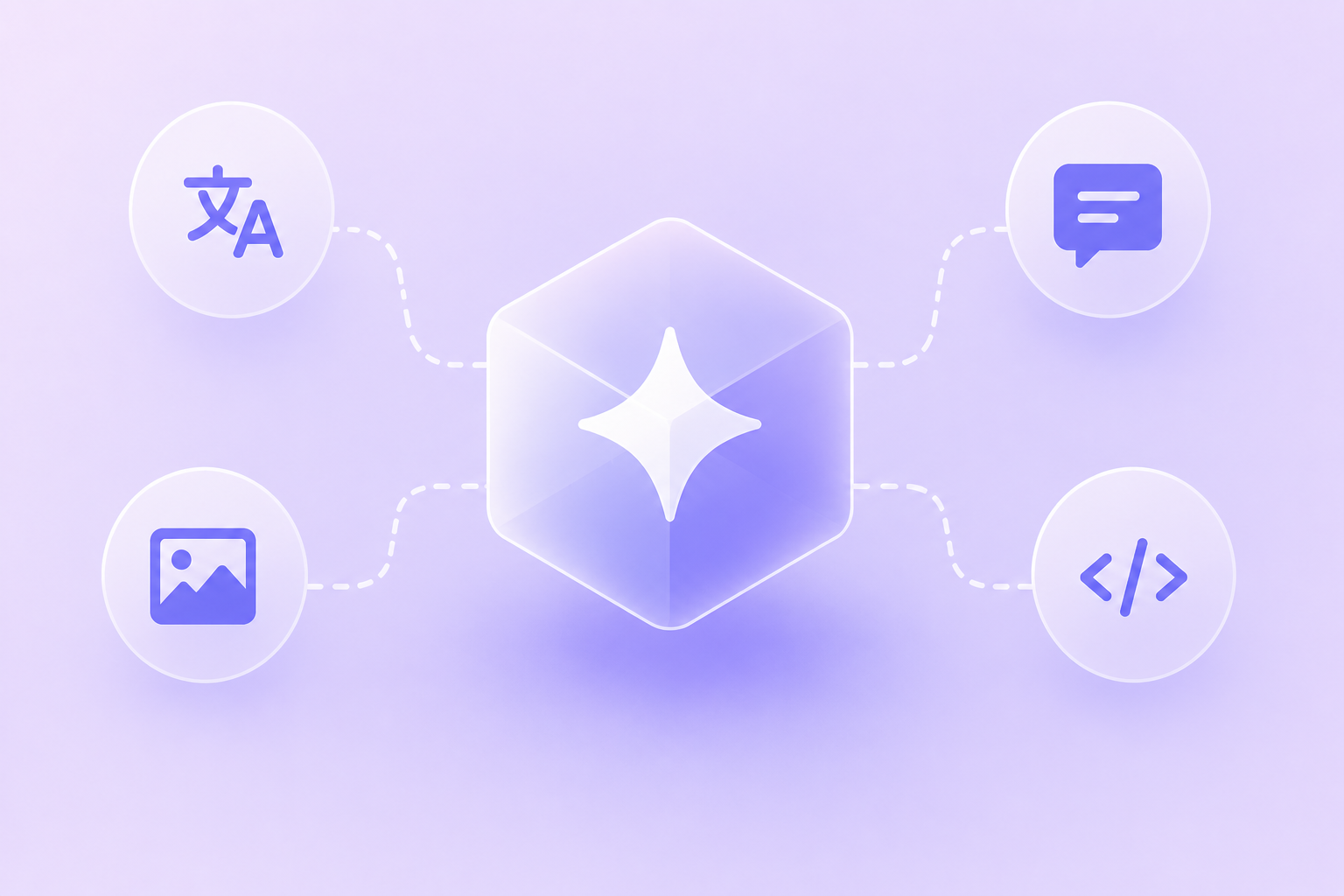
Chat Smith puts the latest GPT, Claude, Gemini, Grok and DeepSeek models in one app on web, iOS and Android, alongside image models and ready-made writing and design tools. For website work that matters, because a single page usually needs research, copy and visuals, and those normally live in three different subscriptions.

Strongest at: covering the whole page in one place. Research the topic with one model, draft the copy with another, then generate the hero image with the AI image generator or a mark for a new section with the AI logo generator. Running the same brief through two models and keeping the better version is also the fastest way to find which one suits your site.

Design without a designer: banners, promotional graphics and social visuals for launches and campaigns are where Chat Smith Design Studio comes in. Describe what you need and edit the result on a canvas, so a new homepage banner or a sale graphic takes minutes rather than a design request and a week's wait.

Worth knowing: it is not a website builder or host, and it will not put a chat widget on your site. For substantial coding work, a dedicated coding tool is the better fit. The full model list shows everything included.

Best for: small teams, freelancers and site owners who handle content, visuals and research themselves and would rather not pay for several subscriptions.

5. GPT Image 2.0 and Nano Banana Pro - Best for Website Visuals

Stock photos make a website look like every other website. The current image models from OpenAI and Google are good enough to produce hero images, product scenes and banners that fit your page instead, and both are available in Chat Smith.

Strongest at: different parts of the job. GPT Image 2.0 follows detailed briefs closely and handles text inside images, which suits banners and promotional graphics. Nano Banana Pro keeps a product or character consistent across several images, which suits product pages and campaigns.

Worth knowing: check the commercial terms for your use, avoid real people and other brands' logos, and compress images before upload so they do not slow the page down. For existing product photos, an AI background remover gives you clean cut-outs without a reshoot.

Best for: hero images, product imagery, blog headers and banners with text on them.

6. DeepSeek - Best for Technical Fixes and Structured Data

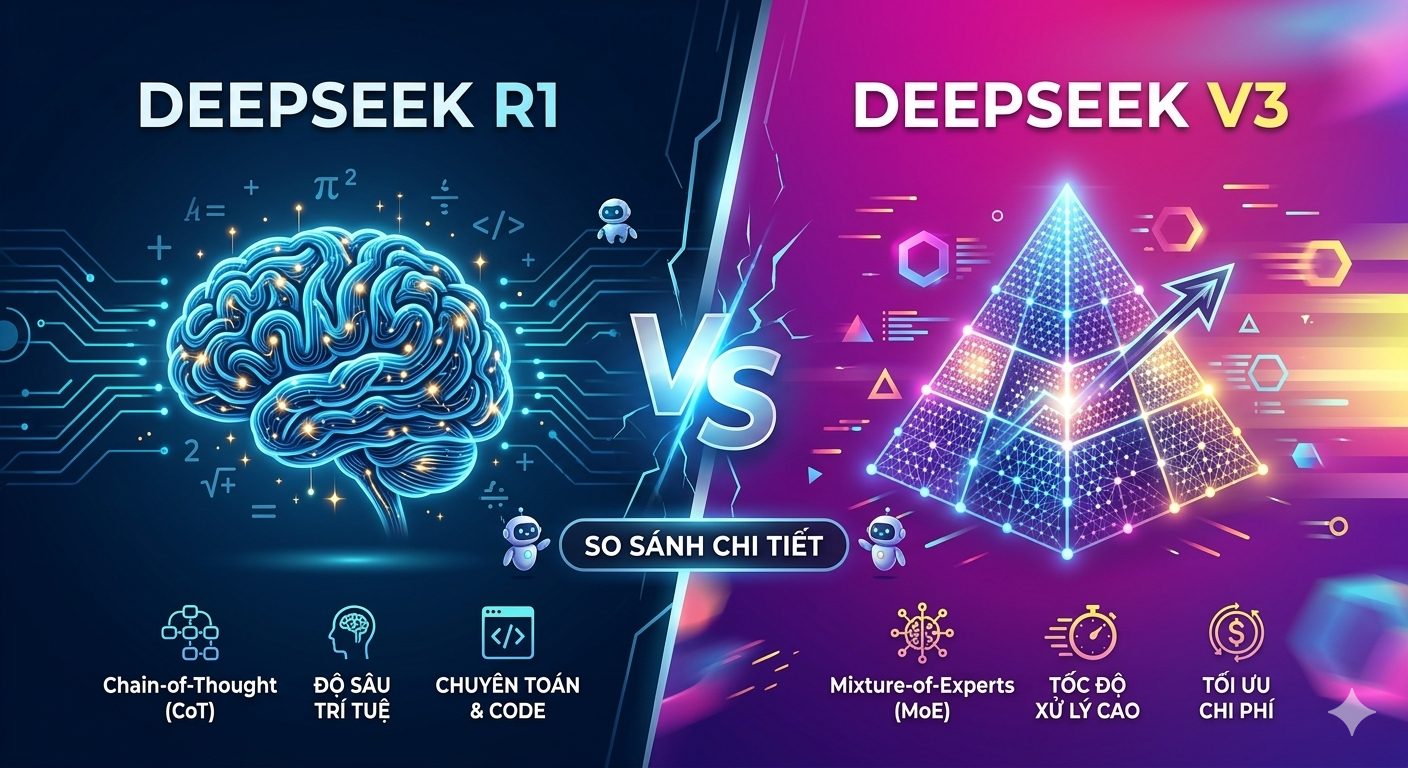
DeepSeek is known for strong step-by-step reasoning at a low cost, with several models released as open weights. On a website, that suits the technical chores: writing schema markup, building a redirect list, explaining a console error or drafting a small script for a form.

Strongest at: logic-heavy tasks where the structure has to be exactly right, such as JSON-LD for FAQ or product pages, regular expressions and spreadsheet-to-HTML conversions. Its low API cost also makes it worth considering if you later build AI features into the site itself.

Worth knowing: its prose is plainer than Claude's or ChatGPT's, so use it for the technical layer rather than the copy. Validate any structured data before publishing, and check your data policy before pasting in anything sensitive.

Best for: technical SEO, small scripts and troubleshooting. Available in Chat Smith as DeepSeek V4 Pro.

7. Grok - Best for Social Posts That Bring Visitors In

A website needs traffic, and a lot of it starts on social media. xAI's Grok is designed to draw on recent public conversation on X, so it is good at spotting what people in your niche are talking about and turning a new page or post into a timely hook.

Strongest at: tone and topicality. Punchy, informal posts and headlines come naturally to it, and the social media post generator turns one link into platform-ready posts.

Worth knowing: its takes on current events need fact-checking before they carry your brand's name, and its register is too casual for most website pages themselves.

Best for: promoting new pages, trend-led content and social hooks. Available in Chat Smith as Grok 4.5.

8. Chatbase - Best for Adding a Chatbot to Your Site

If what you want is a chat box on your own website that answers visitors, you need a tool built for that. Chatbase builds a chatbot from your pages and documents and gives you a widget to embed, with the underlying model and tone under your control.

Strongest at: speed from content to chatbot. Point it at your site and it can answer common visitor questions the same day, without code.

Worth knowing: its answers are only as good as the content behind them, and larger support teams usually need the ticketing and hand-off features of a full help desk instead.

Best for: small businesses, documentation and content sites that want an on-site assistant without a development project.

Which AI Chatbot to Use for Each Website Job

If you would rather not read eight entries, start from the task:

  • Editing page code or writing long pages: Claude.
  • Everyday copy, metadata and blog drafts: ChatGPT.
  • Researching what to write: Gemini.
  • Research, copy, images and banners without juggling subscriptions: Chat Smith.
  • Hero images and product visuals: GPT Image 2.0 or Nano Banana Pro.
  • Schema, redirects and small scripts: DeepSeek.
  • Social posts to promote a page: Grok.
  • A chat box that answers visitors: Chatbase.

Seven of those eight answers are reachable from one app. That is usually the deciding factor for a small team.

How to Use AI on Your Website Without Hurting It

AI makes website work faster. Four habits stop it from making the website worse:

  • Edit every page before it goes live. Add your own examples, check every fact and cut the filler. Search engines reward pages that are genuinely useful, not pages that were fast to produce.
  • Test code somewhere safe. Try any AI-written snippet on a staging copy or a test page first. A broken script on a live checkout costs more than it saved.
  • Treat images like any other asset. Compress them, give them descriptive alt text and file names, and keep a record of how each was made in case you need it later.
  • Keep a human route for visitors. If you add an on-site chatbot, make it easy to reach a person. An AI that cannot say "let me get someone" frustrates exactly the visitors you most want to keep.

One Last Thing Before You Choose

Models and features change every few months, and pricing moves with them. What each option is good at - code, copy, research, visuals, trends, on-site chat - is the part that stays stable, so check current plans before you commit.

The simplest way to find what suits your website is to try several on one real page: research it, write it, make the image and draft the social post. An AI chat app with the latest models in one place makes that an afternoon's work.

Frequently Asked Questions

AI chatbots for website use are chat widgets embedded on a site that answer visitor questions, guide them through simple tasks, or collect basic information automatically. Chat Smith isn't a website chatbot builder, but its AI models can help you draft the scripts, FAQs, and canned responses those chatbots use.

logo chat smith

Editorial Team

Managing Editor

The Chat Smith Editorial Team brings together AI enthusiasts, researchers, and creators to make AI accessible and practical. We share trends, tool reviews, and actionable guides that help individuals and businesses stay informed, boost productivity, and get more from AI.

Share this article

Related Articles